Background Remover Benchmark: GoStudio Free against four other engines
.jpeg)
Last verified: August 25, 2026
In a 2026 test of fifty hard photos across ten product categories, GoStudio.ai’s free background remover was compared against Erase.bg, Remove.bg, Photoroom and iLoveIMG on edge quality — hair, fur, thin chains, glass and reflections — with every unedited result published side by side at full size.
Every background remover looks identical on a product shot against a white wall. The differences only appear on the hard frames — a strand of hair, the inside of a glass, a chain thinner than the cut-out itself. So we put the same photos through GoStudio’s free tool and four other engines, kept every result exactly as it came back, and put them side by side at the same size. Judge the edges yourself.
Contents
How we tested
The method matters more than the results, because it is the part you cannot check by looking at the pictures. Here is exactly what was done to every image.
- Same input — every tool receives the identical source file, at full resolution, with no pre-cropping and no retouching.
- Default settings — each tool runs on whatever it does out of the box. No manual refinement, no brush corrections, no second pass.
- One attempt — the first result each tool returns is the one shown. Re-rolling until a tool looks good is how benchmarks become advertising.
- Unedited output — results are shown as returned, as transparent PNGs on a checkerboard so a white fringe or a blown edge is visible instead of hidden against a white card.
- Failures kept — when a tool returns nothing usable the cell says so, rather than the frame quietly disappearing. On this run every engine returned something for every image, so the differences below are all differences of quality, not of availability.
The run: August 25, 2026. Ten categories, five photos each — fifty in all, through five engines. Forty-five of those photos went through in one pass of 225 calls. The last five were already on hand from an earlier pass and were added to complete the categories, so they count toward the pictures but were not part of that run. Every call returned a result, so nothing here is a blank. Where an engine did badly, it did badly visibly.
What to look at
At a glance every cut-out on this page looks fine. The failures are small and they are always in the same four places, so it is worth knowing where to look before you scroll.
- The halo — a thin light rim left over from the old background. Obvious the moment the cut-out lands on a dark surface, invisible on white.
- Lost detail — hair, fur and thin chains get simplified into a smooth outline. Compare against the source, not against the other results.
- Filled holes — the gap in a ring, the space under a handle, the mesh in a lace panel. These should be transparent and frequently are not.
- Color bleed — a green background tinting the edge of the subject green, which then follows the cut-out everywhere it goes.
GoStudio’s own row is labeled in purple throughout. That is a "this is us" marker so you know which result to be skeptical of — every row renders at the same size, ours included, and the original photo sits at the top of each set so you can check any cut-out against what actually went in.
Results by category
Ten categories, five test images each, every one chosen because it breaks background removal in a different way. Use the tabs to step through the test images within a category — the original photo sits at the top of every set, so any cut-out can be checked against what actually went in.
People and hair
Loose hair is the hardest edge in background removal. Every tool handles a clean shoulder line; the difference shows in the strands.

No fringe, no colour shift, gaps intact.

Fine strands simplified into a smooth outline.

No fringe, no colour shift, gaps intact.

Fine strands simplified into a smooth outline.

A light rim of the old background left at the edge.


No fringe, no colour shift, gaps intact.

Fine strands simplified into a smooth outline.
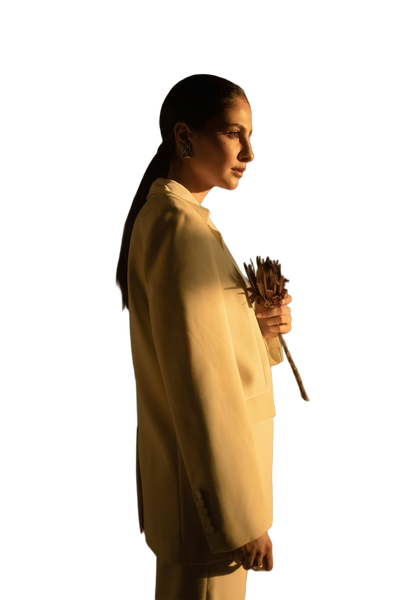
No fringe, no colour shift, gaps intact.

Fine strands simplified into a smooth outline.
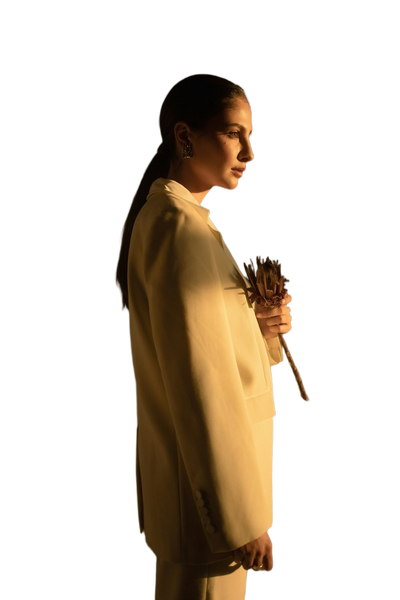
A light rim of the old background left at the edge.

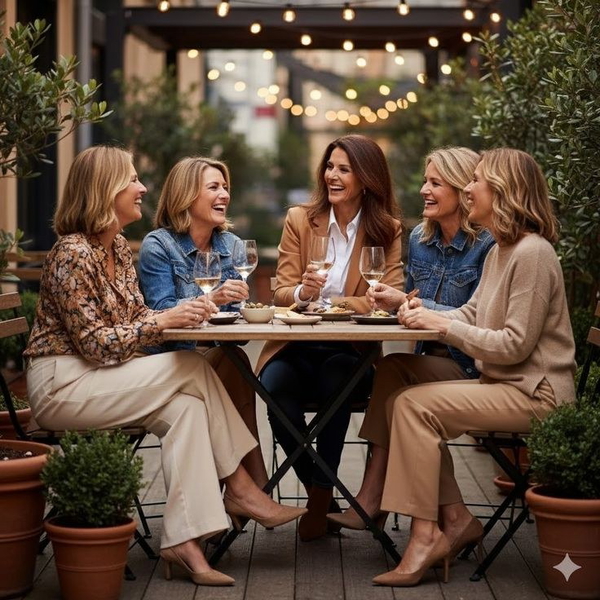
No fringe, no colour shift, gaps intact.
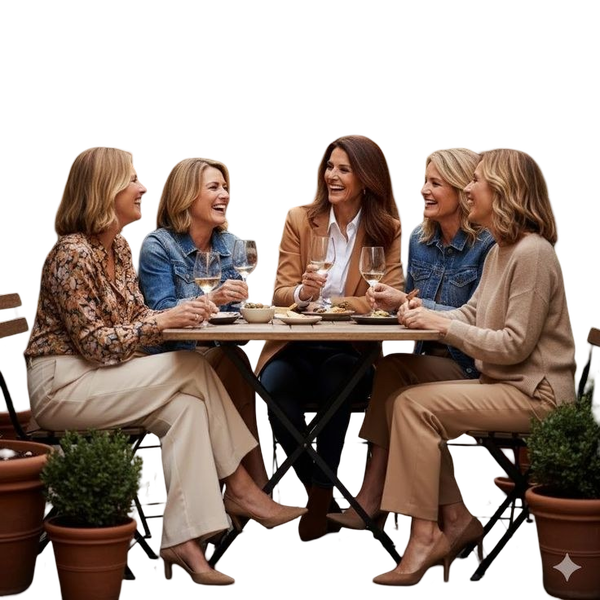
Fine strands simplified into a smooth outline.
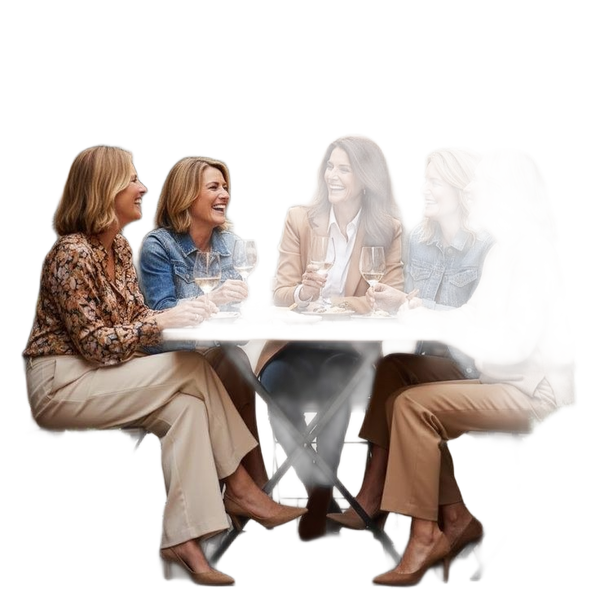
No fringe, no colour shift, gaps intact.
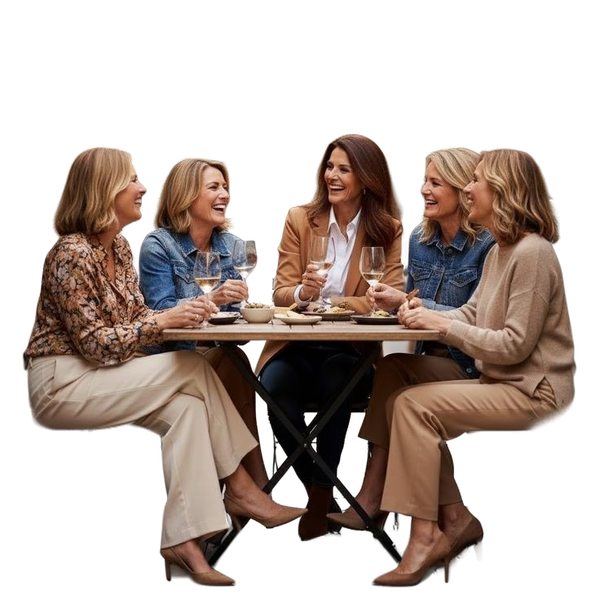
Fine strands simplified into a smooth outline.
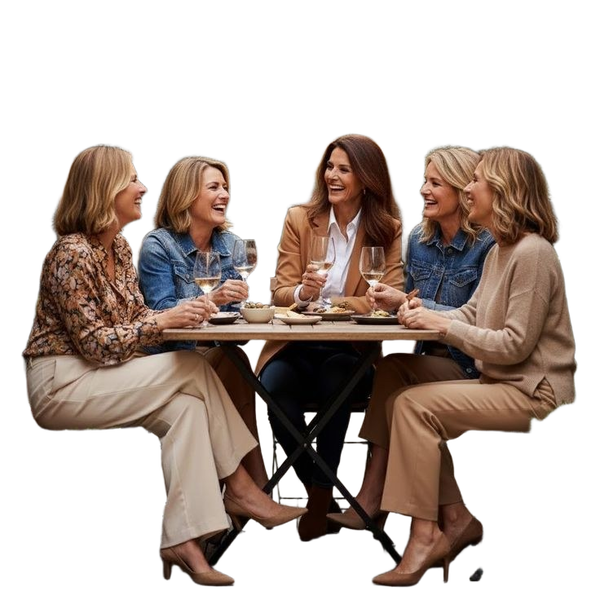
A light rim of the old background left at the edge.
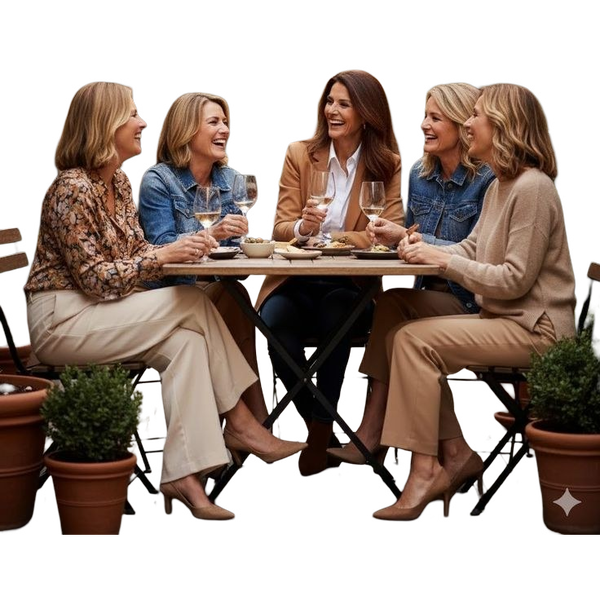

No fringe, no colour shift, gaps intact.
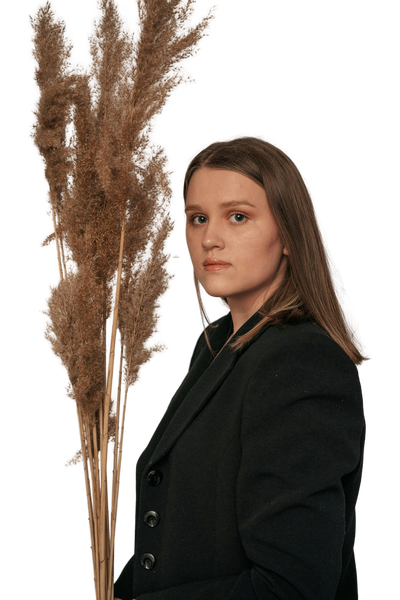
Fine strands simplified into a smooth outline.

No fringe, no colour shift, gaps intact.

Fine strands simplified into a smooth outline.

A light rim of the old background left at the edge.
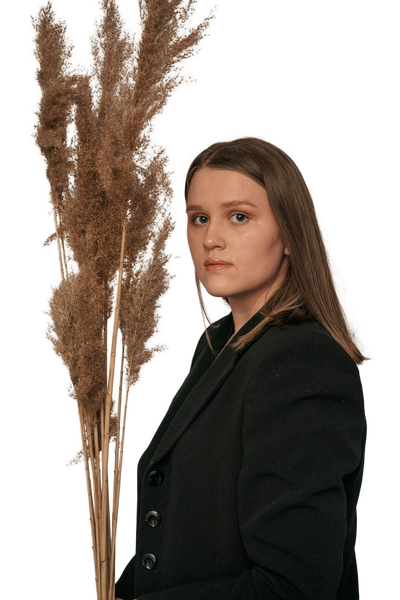
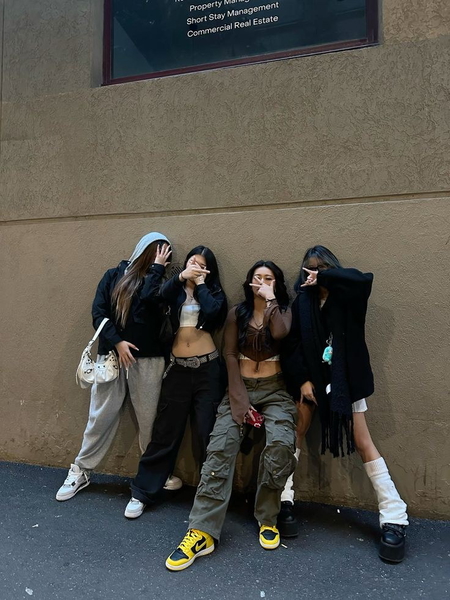
No fringe, no colour shift, gaps intact.
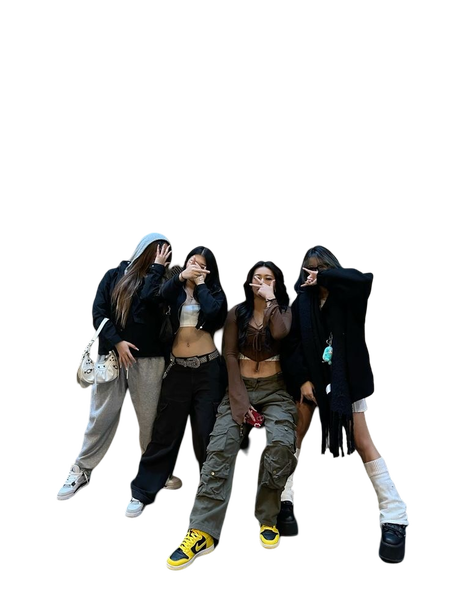
Fine strands simplified into a smooth outline.
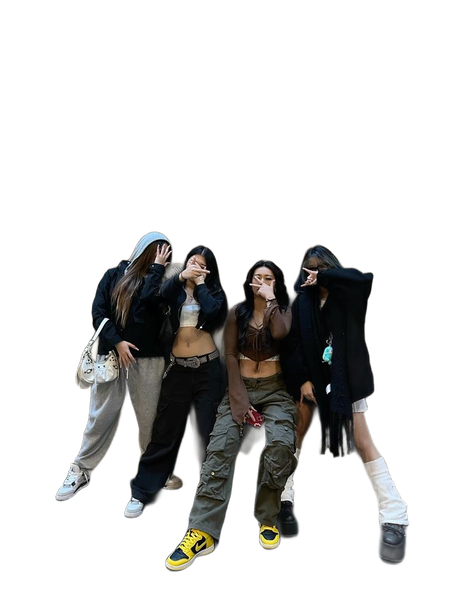
No fringe, no colour shift, gaps intact.
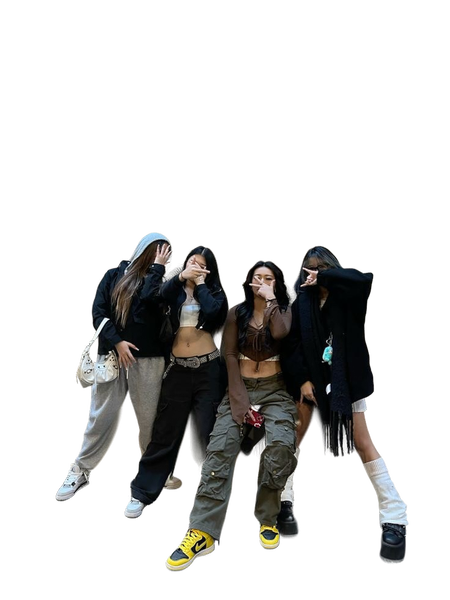
Fine strands simplified into a smooth outline.
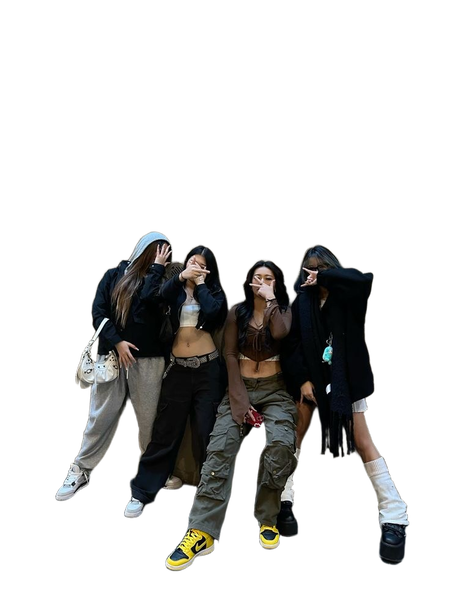
A light rim of the old background left at the edge.
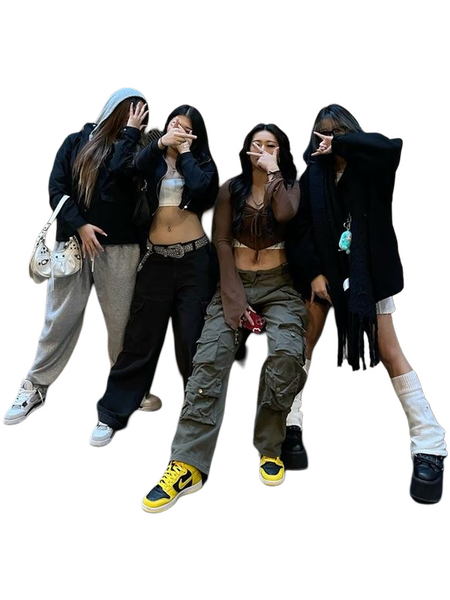
What this one tests: Flyaway hair against a busy, high-contrast background
Pets and fur
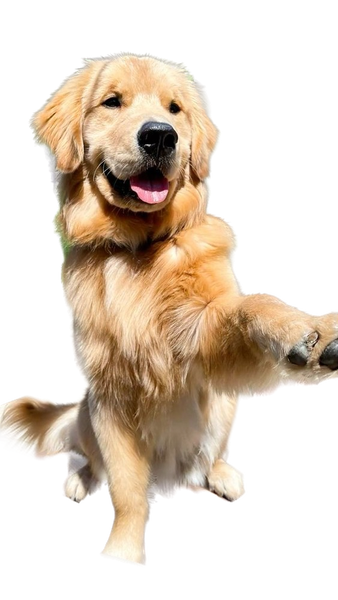
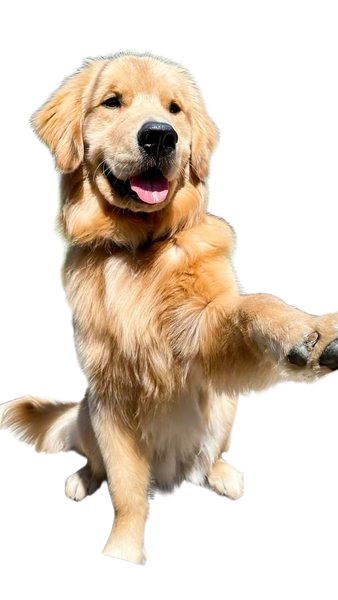
Fur is hair without a hairline. It is the category where a tool trained mostly on people tends to give itself away.
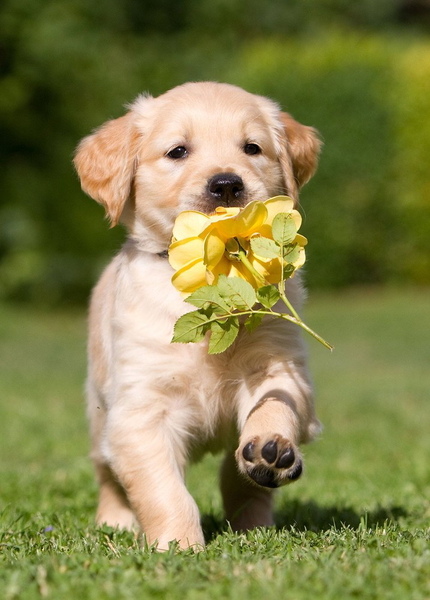
A light rim of the old background left at the edge.

No fringe, no colour shift, gaps intact.
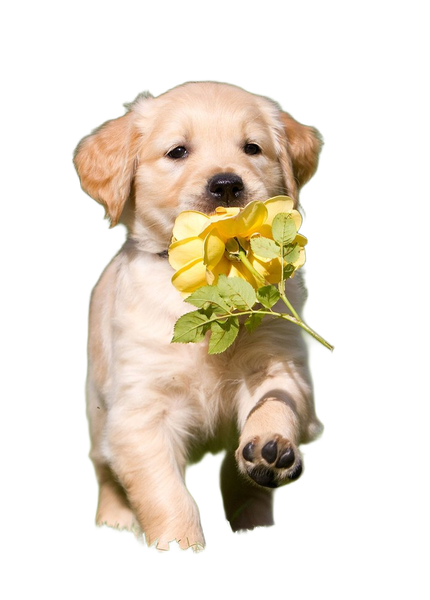
No fringe, no colour shift, gaps intact.
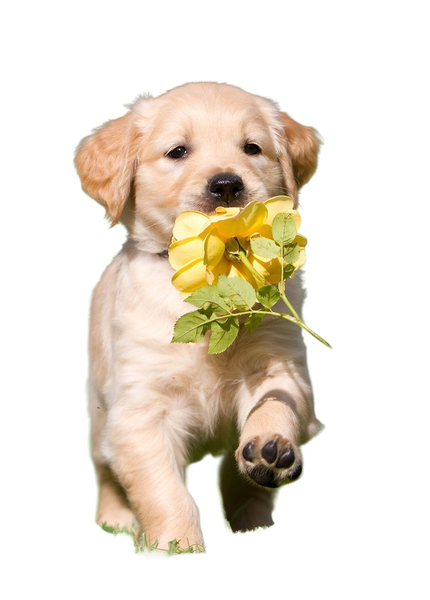
No fringe, no colour shift, gaps intact.

No fringe, no colour shift, gaps intact.
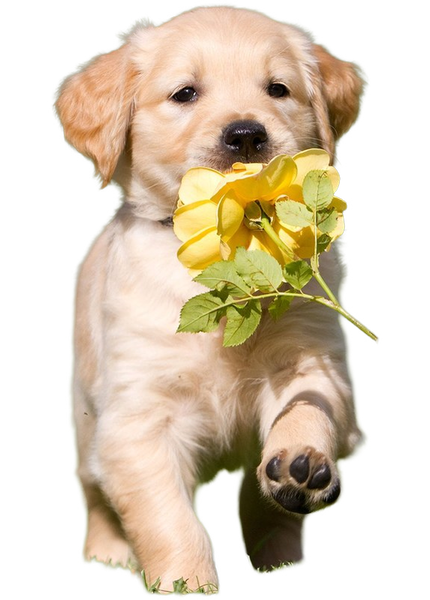
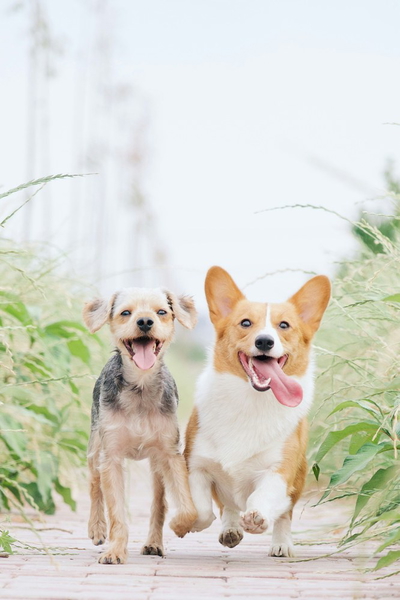
A light rim of the old background left at the edge.
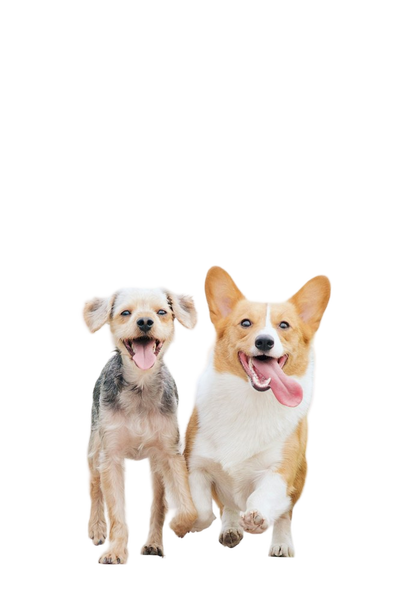
No fringe, no colour shift, gaps intact.
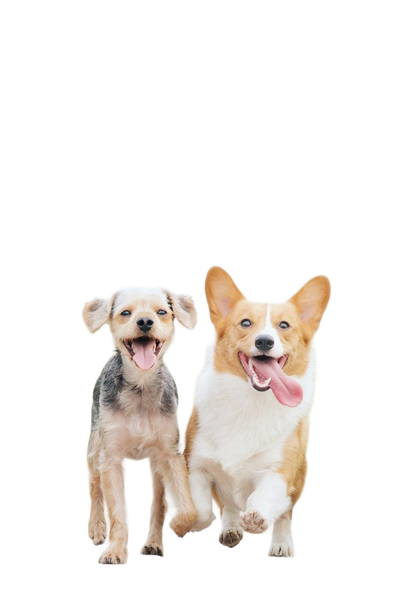
No fringe, no colour shift, gaps intact.
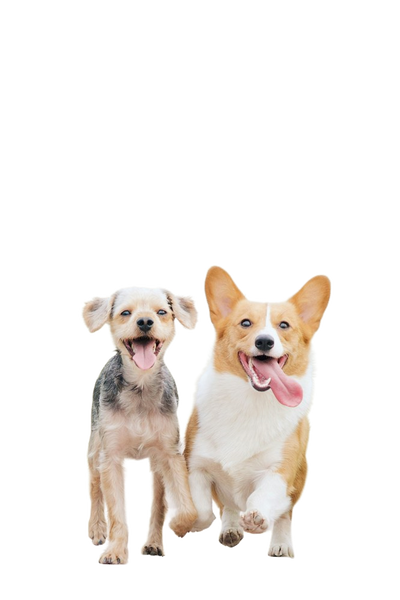
No fringe, no colour shift, gaps intact.
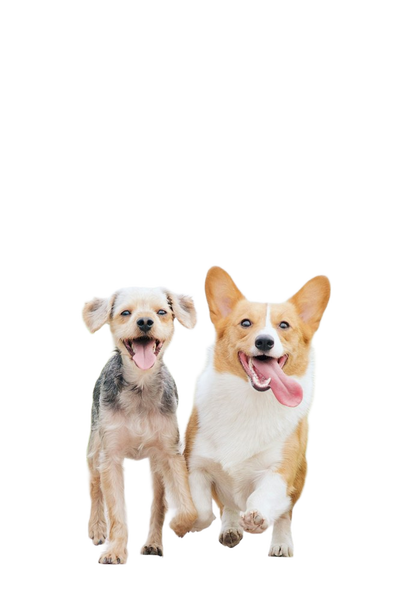
No fringe, no colour shift, gaps intact.
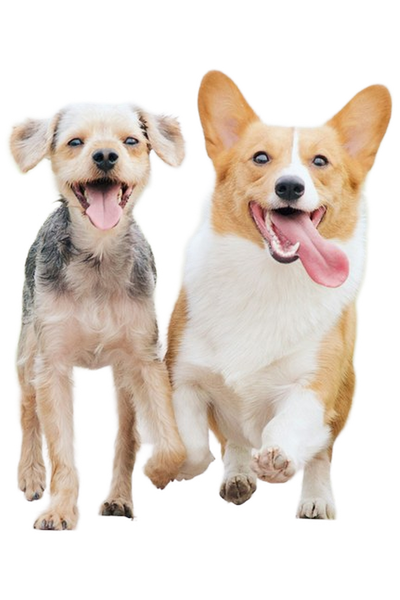

A light rim of the old background left at the edge.
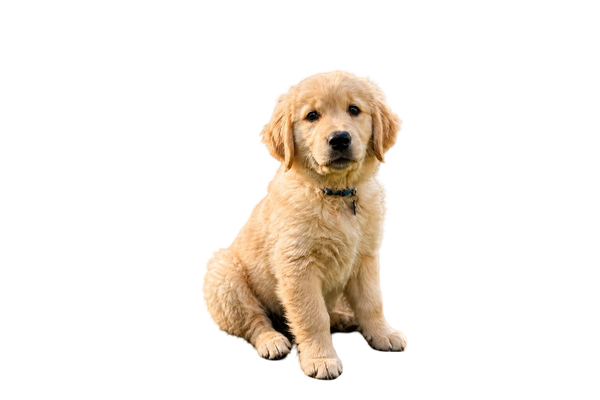
No fringe, no colour shift, gaps intact.
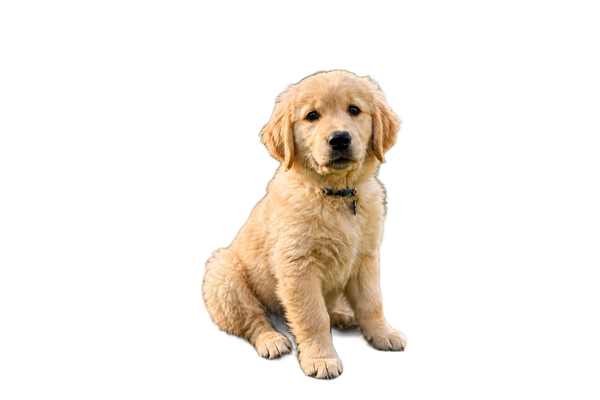
No fringe, no colour shift, gaps intact.
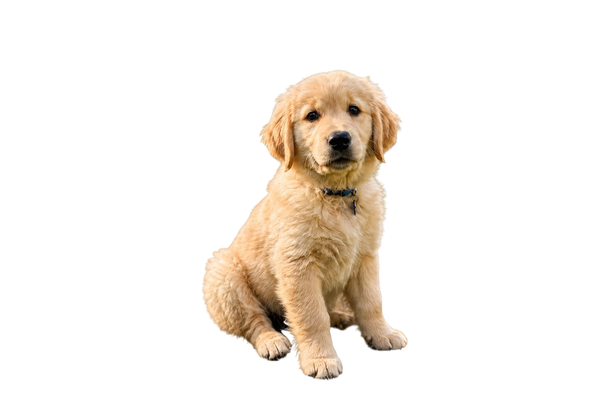
No fringe, no colour shift, gaps intact.
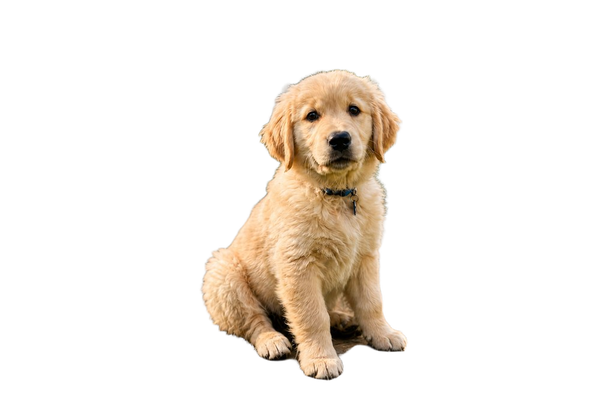
No fringe, no colour shift, gaps intact.
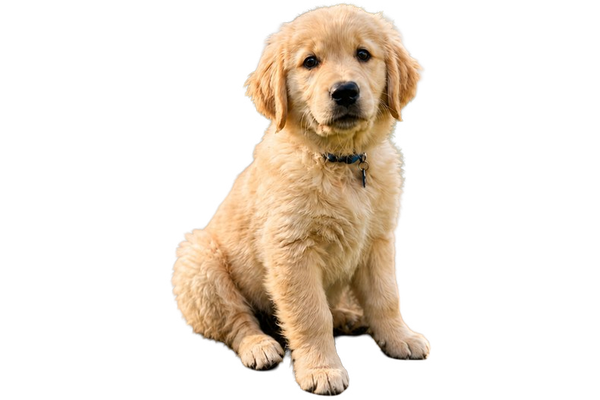
A light rim of the old background left at the edge.
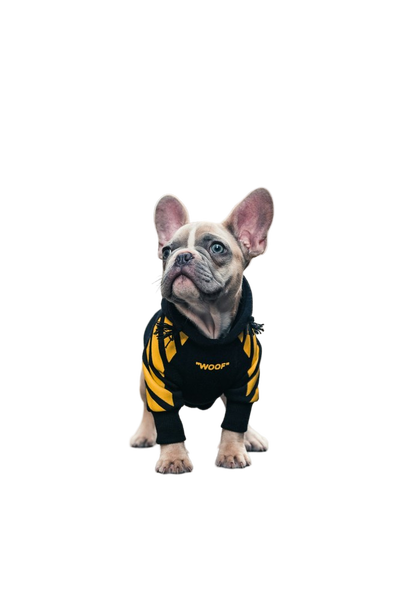
No fringe, no colour shift, gaps intact.
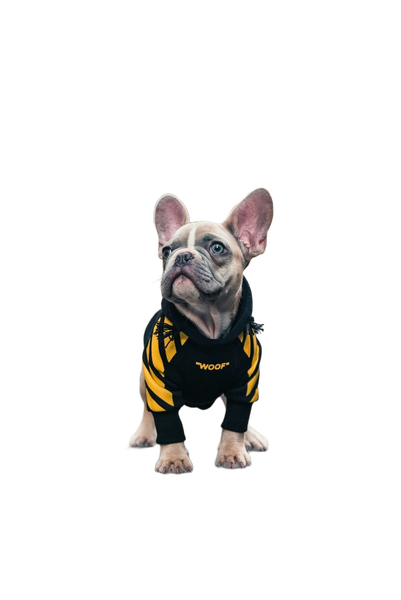
No fringe, no colour shift, gaps intact.
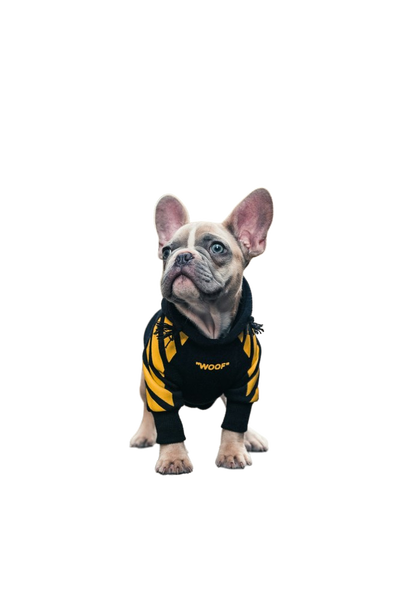
No fringe, no colour shift, gaps intact.
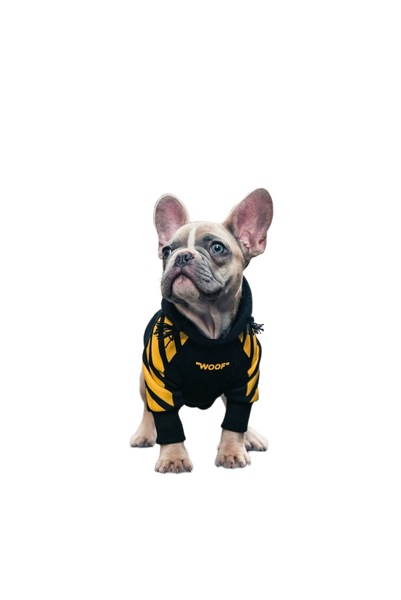
No fringe, no colour shift, gaps intact.
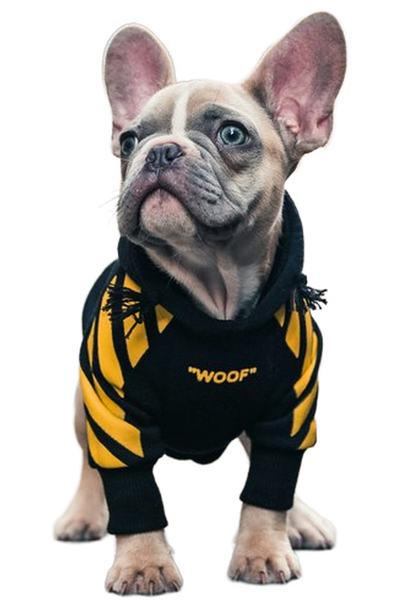
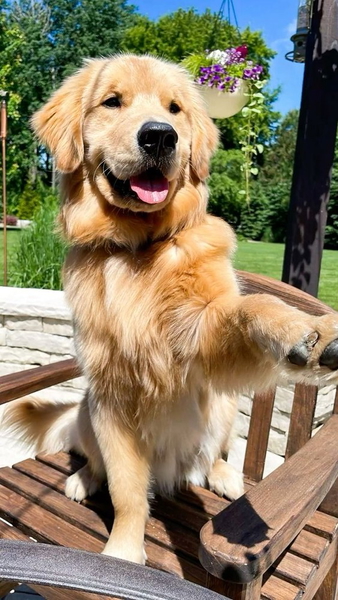
A light rim of the old background left at the edge.
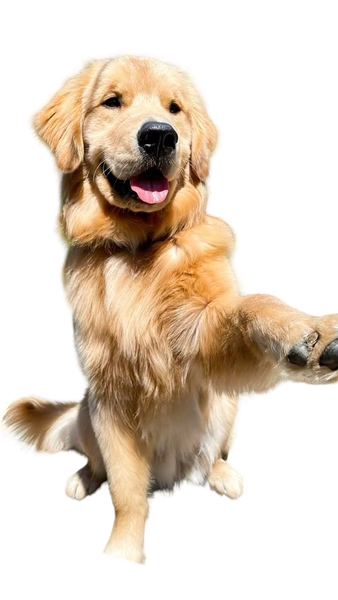
No fringe, no colour shift, gaps intact.
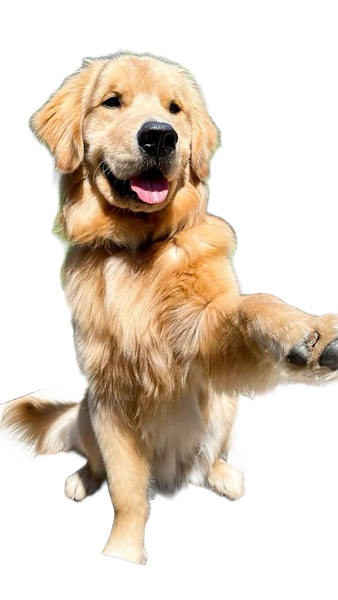
No fringe, no colour shift, gaps intact.
No fringe, no colour shift, gaps intact.
No fringe, no colour shift, gaps intact.
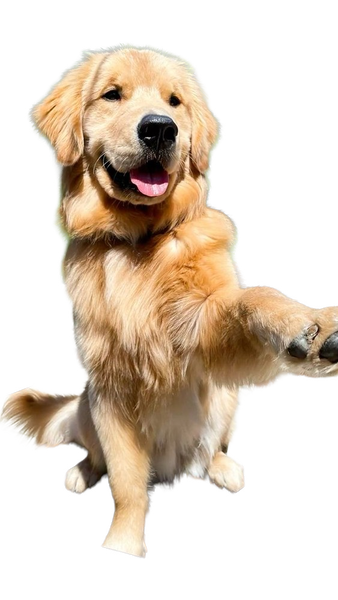
What this one tests: Soft fur plus loose petals at the edge
Apparel and fabric
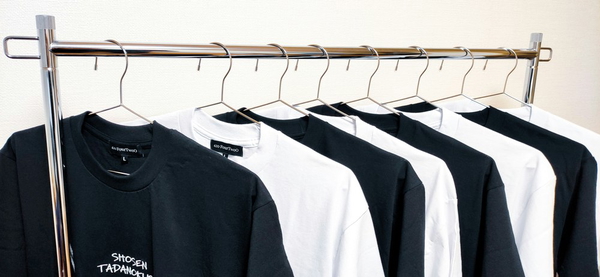
Knitwear, lace and fur all have edges that are not really edges. How a tool handles them decides whether a listing looks cut out.
No fringe, no colour shift, gaps intact.
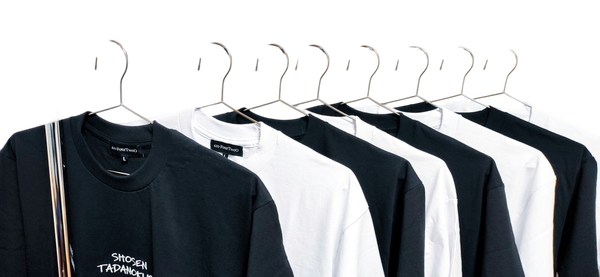
No fringe, no colour shift, gaps intact.
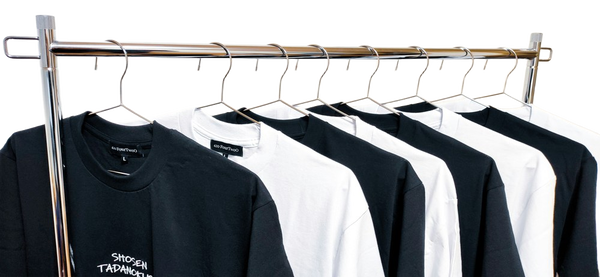
No fringe, no colour shift, gaps intact.
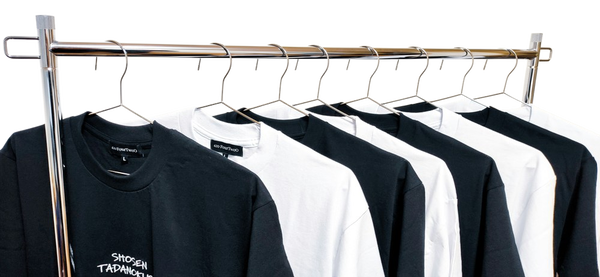
No fringe, no colour shift, gaps intact.
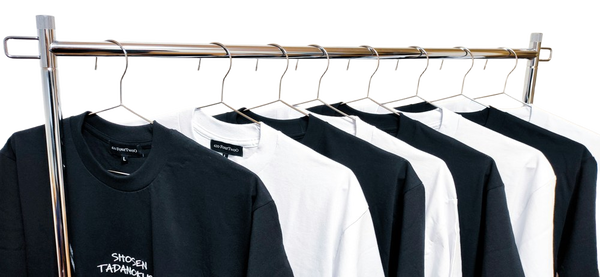
No fringe, no colour shift, gaps intact.
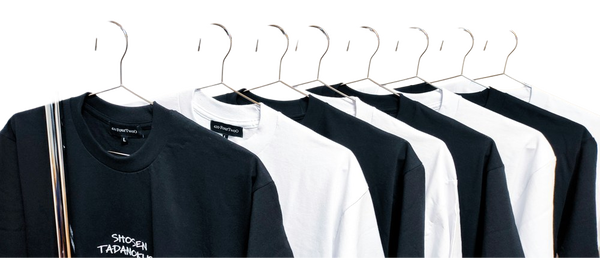

No fringe, no colour shift, gaps intact.
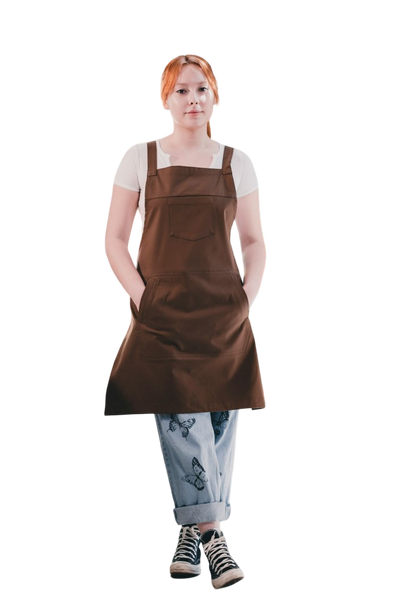
No fringe, no colour shift, gaps intact.
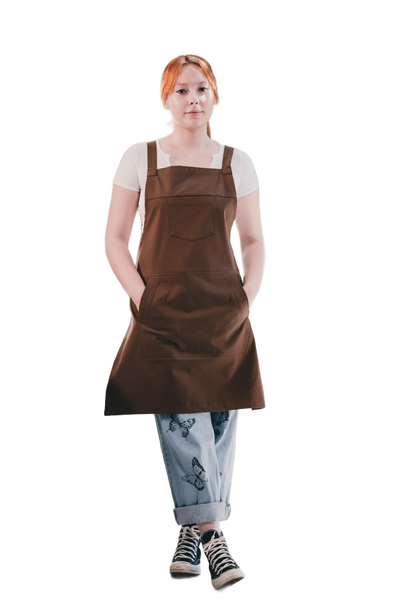
No fringe, no colour shift, gaps intact.
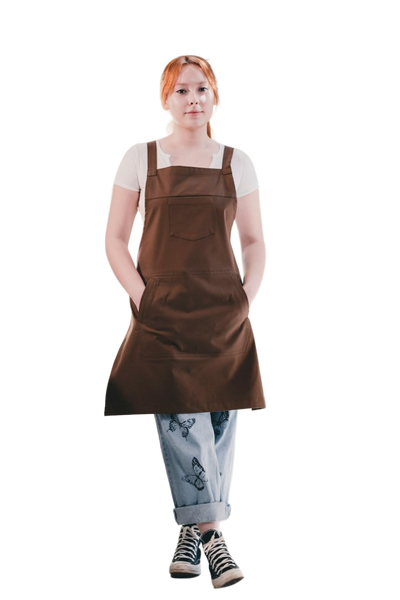
No fringe, no colour shift, gaps intact.
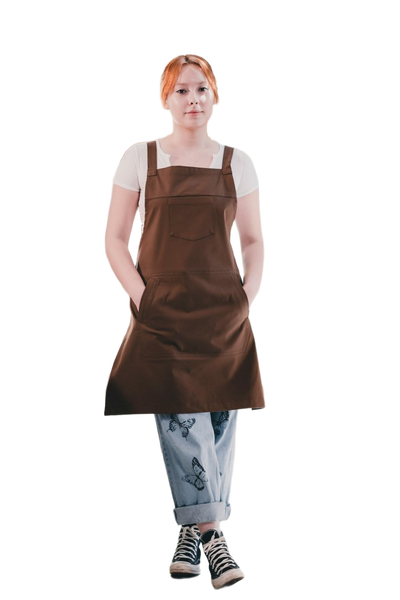
No fringe, no colour shift, gaps intact.
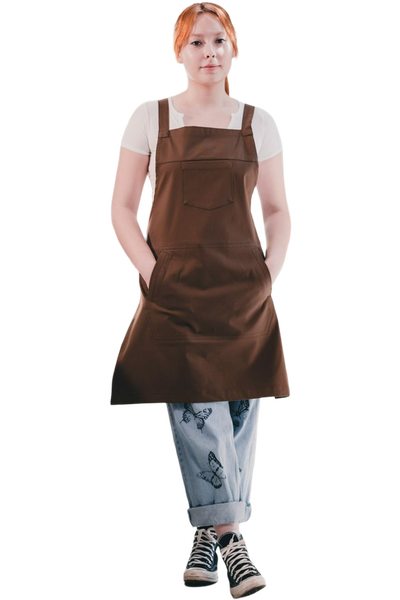
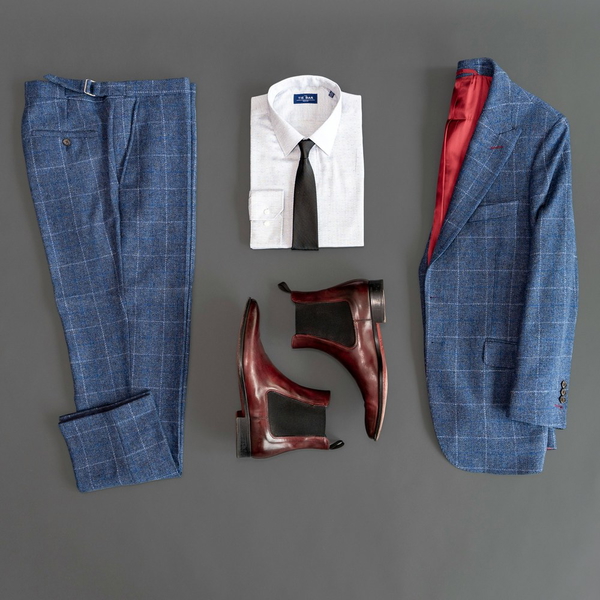
No fringe, no colour shift, gaps intact.
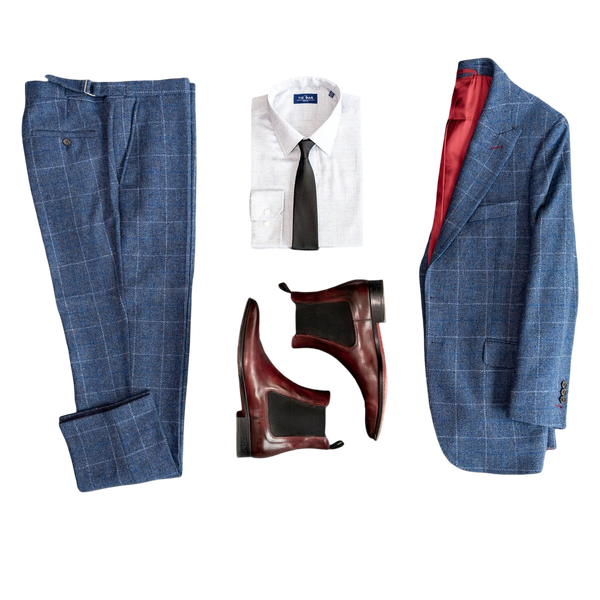
No fringe, no colour shift, gaps intact.
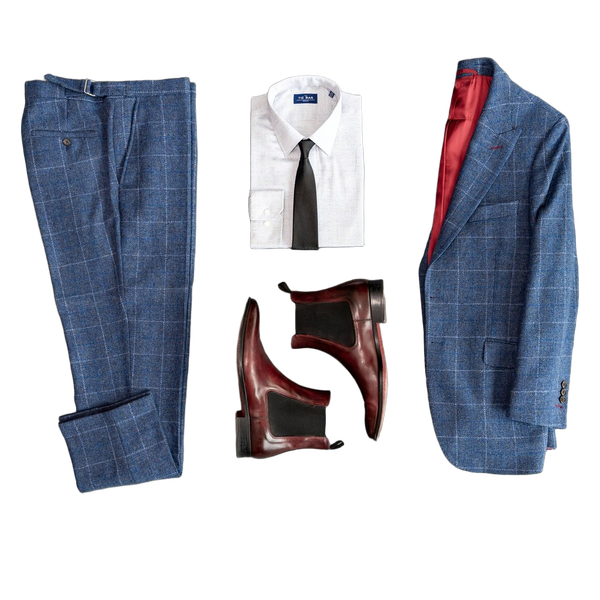
No fringe, no colour shift, gaps intact.
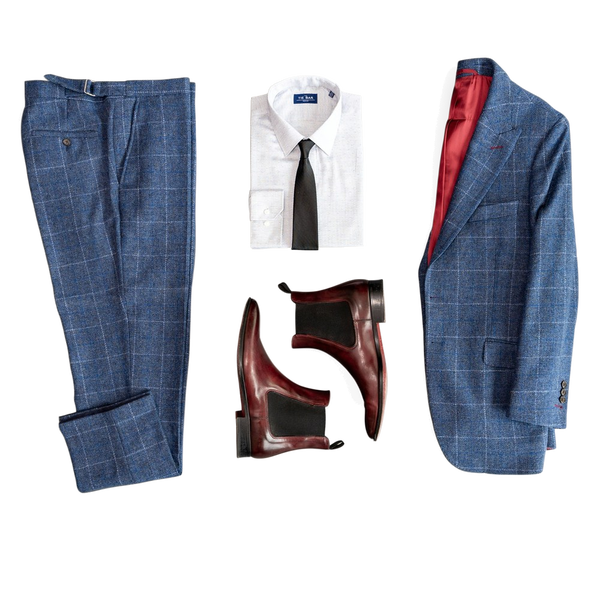
No fringe, no colour shift, gaps intact.
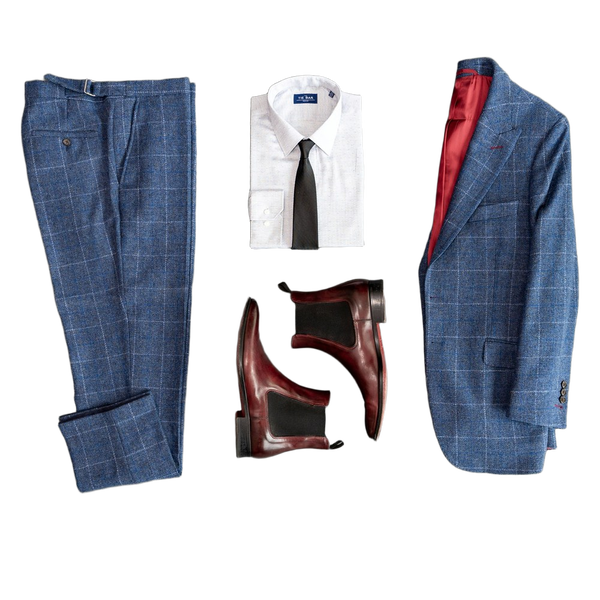
No fringe, no colour shift, gaps intact.
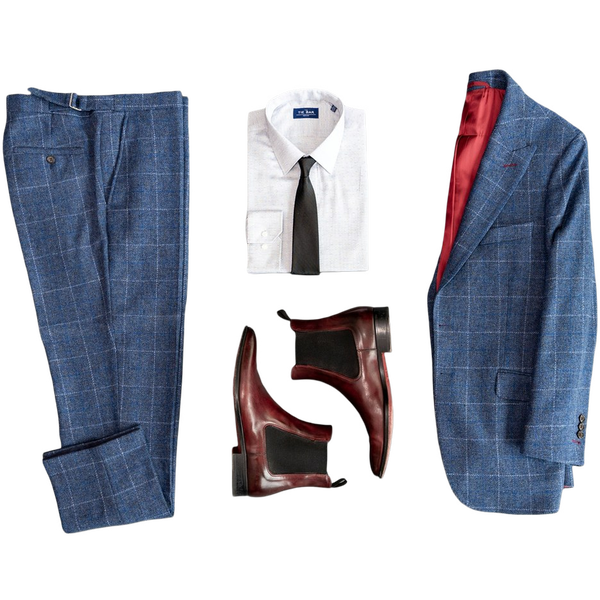
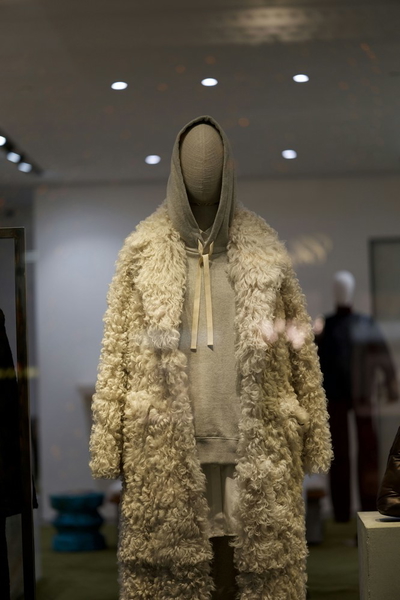
No fringe, no colour shift, gaps intact.
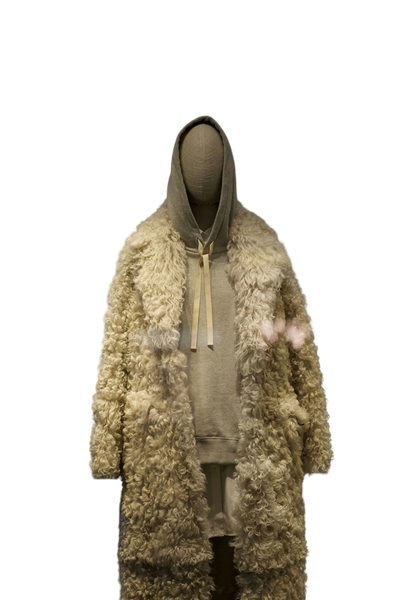
No fringe, no colour shift, gaps intact.
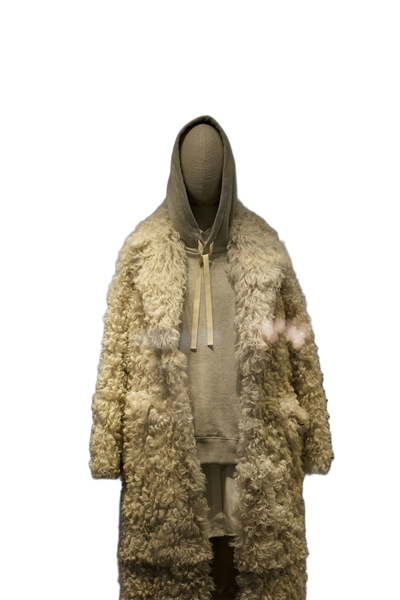
No fringe, no colour shift, gaps intact.
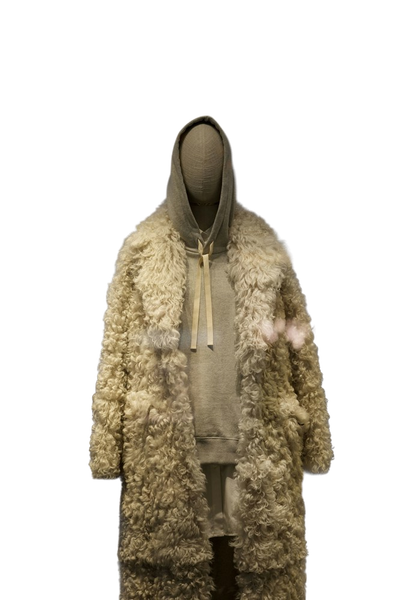
No fringe, no colour shift, gaps intact.
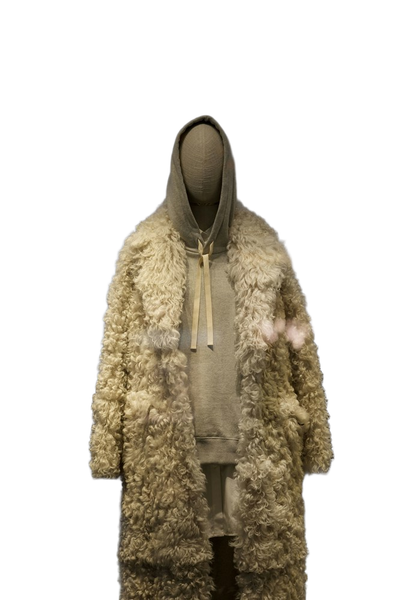
No fringe, no colour shift, gaps intact.
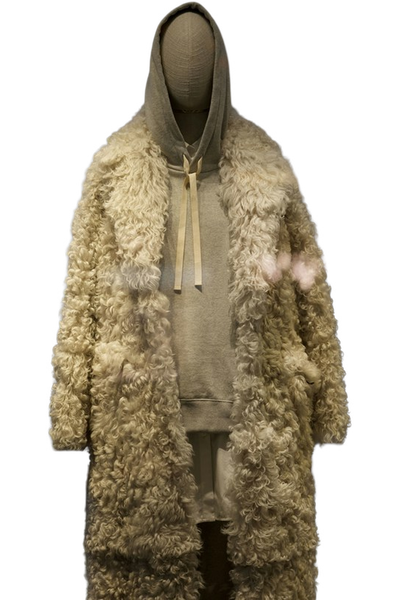
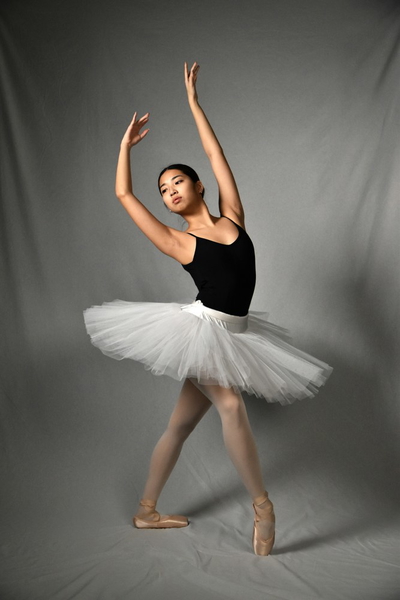
No fringe, no colour shift, gaps intact.
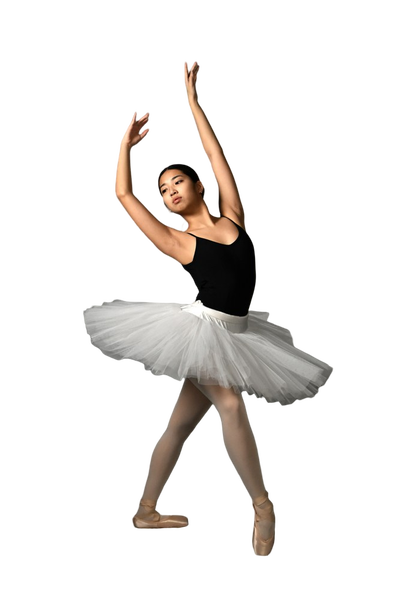
No fringe, no colour shift, gaps intact.
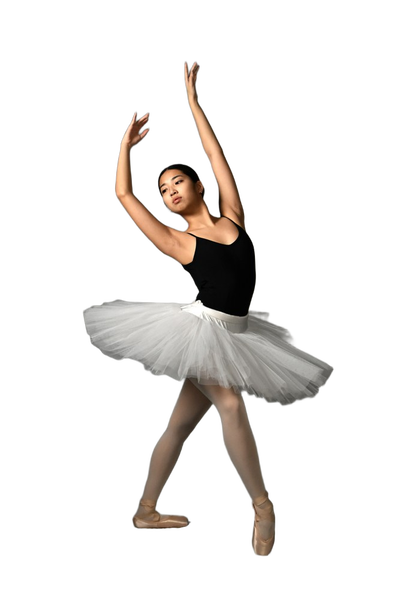
No fringe, no colour shift, gaps intact.
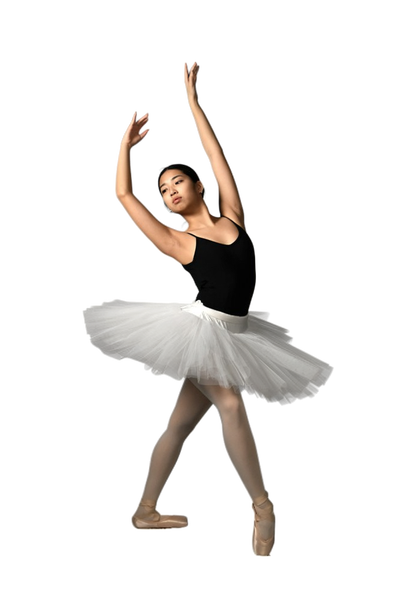
No fringe, no colour shift, gaps intact.
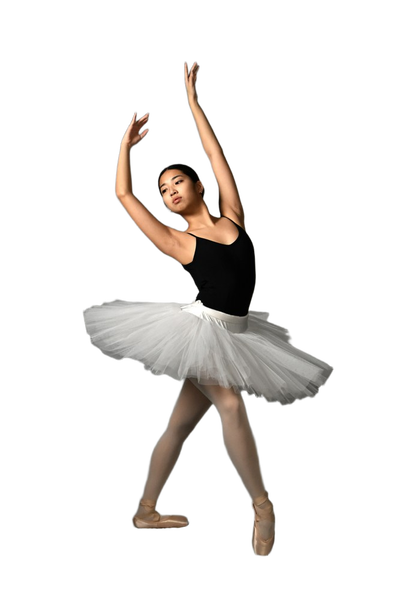
No fringe, no colour shift, gaps intact.
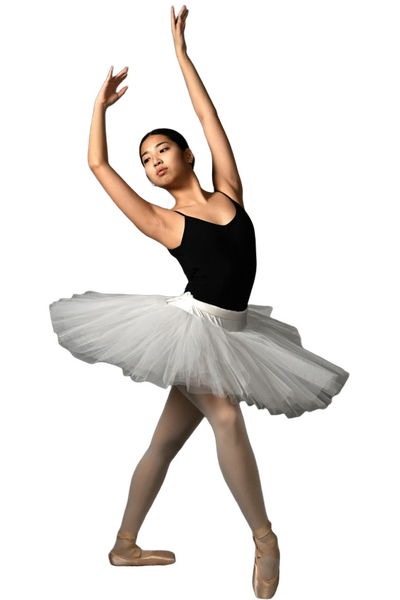
What this one tests: Thin hangers and the gaps between garments
Jewelry
Small, reflective, and full of holes. Thin chains are usually the first thing to disappear from a cut-out.
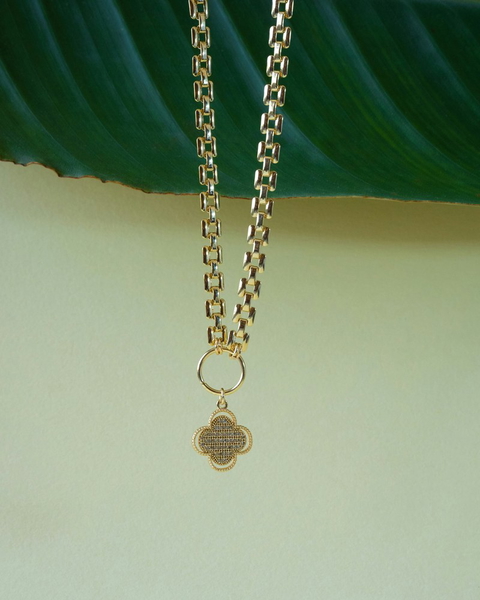
No fringe, no colour shift, gaps intact.
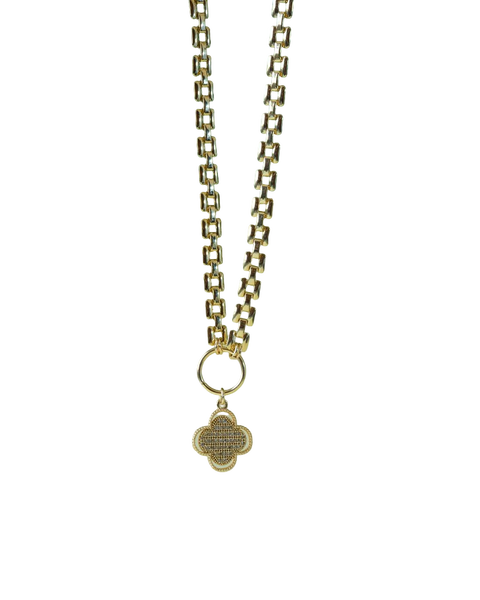
No fringe, no colour shift, gaps intact.
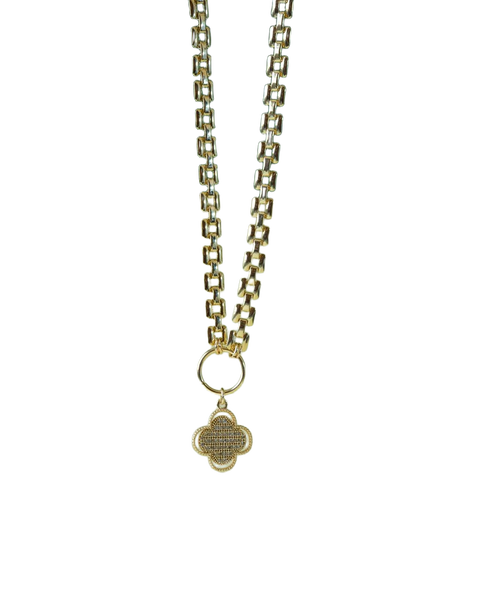
No fringe, no colour shift, gaps intact.
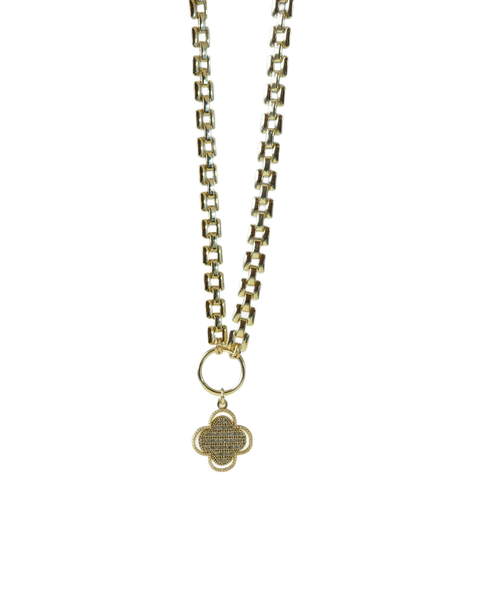
Gaps that should be transparent came back solid.
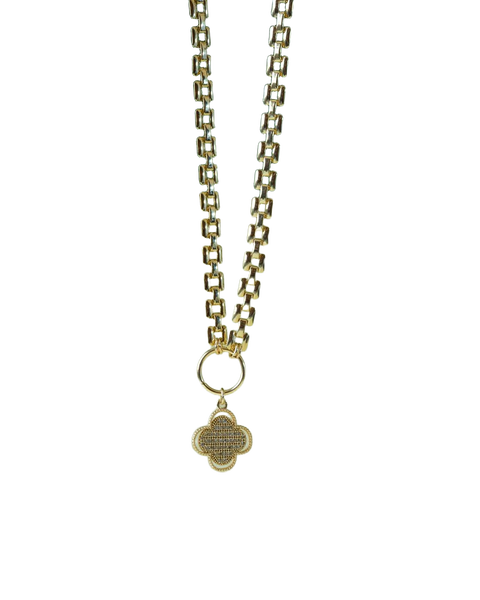
No fringe, no colour shift, gaps intact.
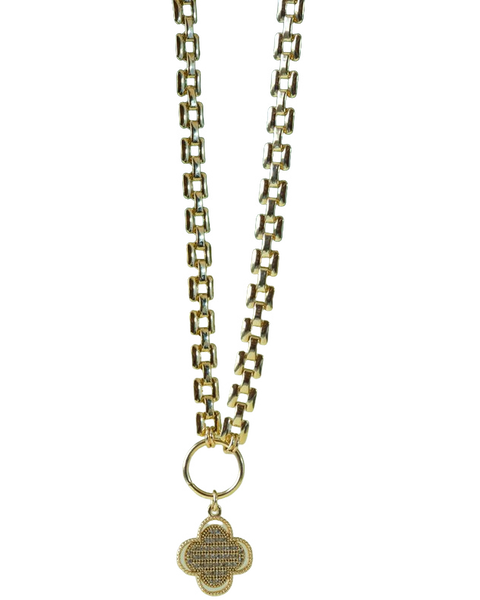
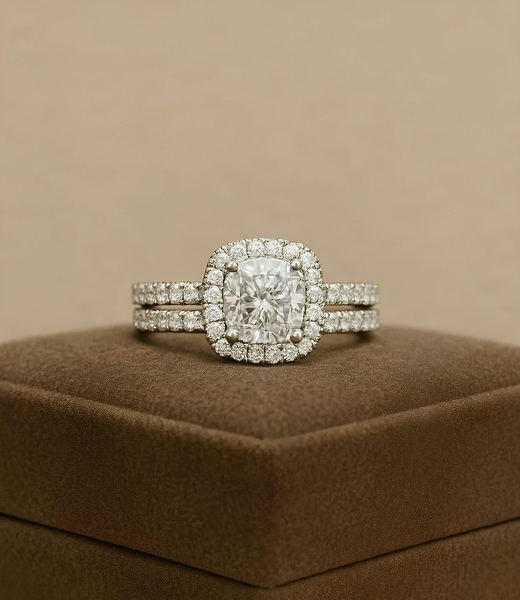
No fringe, no colour shift, gaps intact.
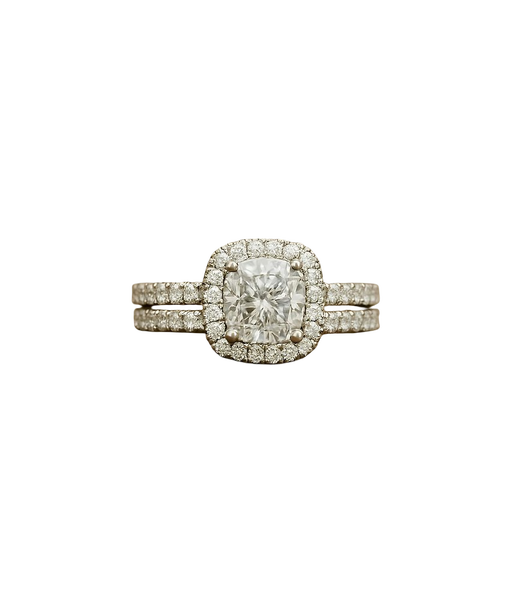
No fringe, no colour shift, gaps intact.
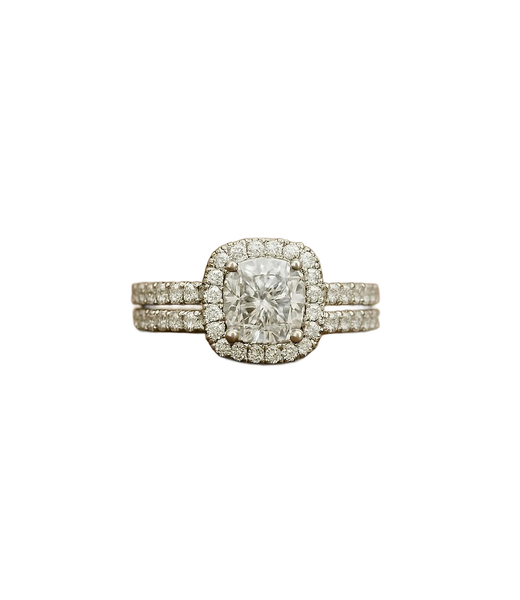
No fringe, no colour shift, gaps intact.
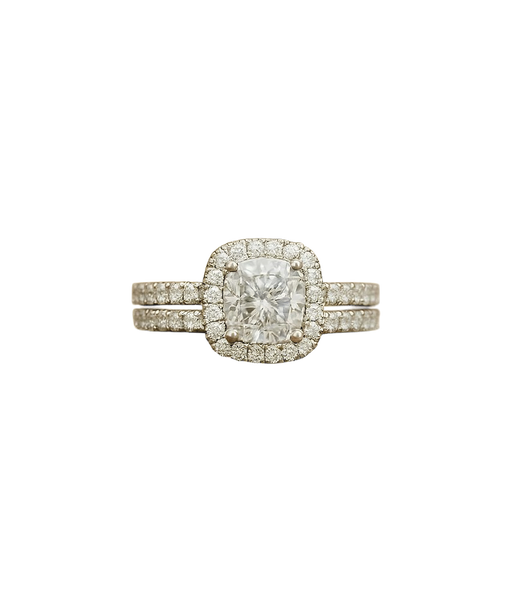
Gaps that should be transparent came back solid.
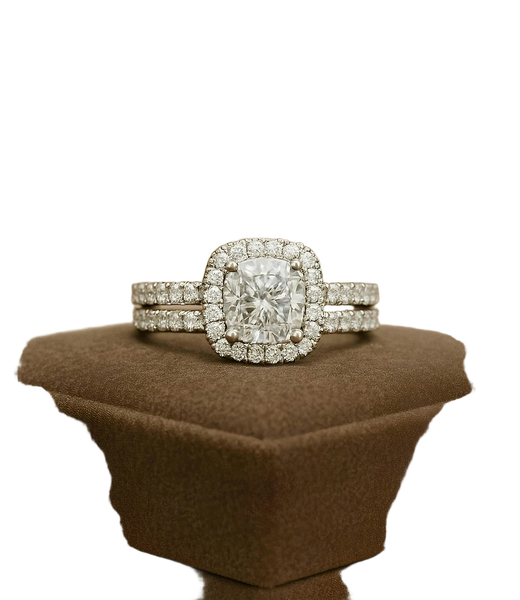
No fringe, no colour shift, gaps intact.
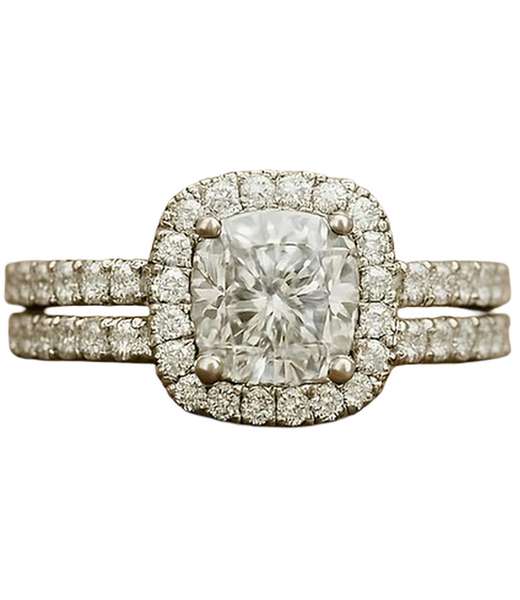
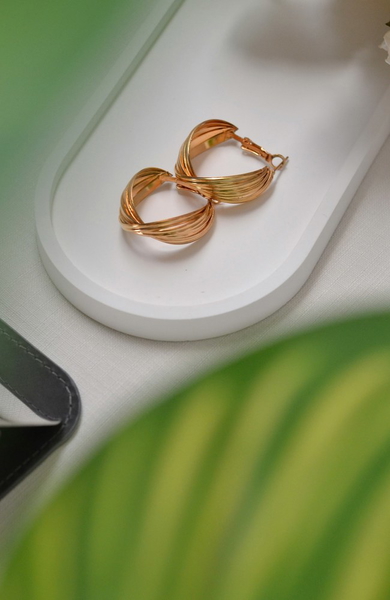
No fringe, no colour shift, gaps intact.
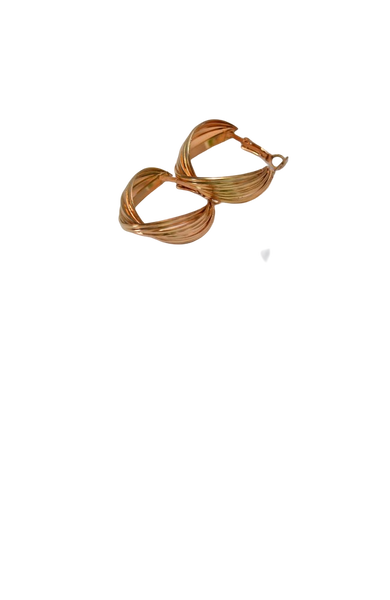
No fringe, no colour shift, gaps intact.
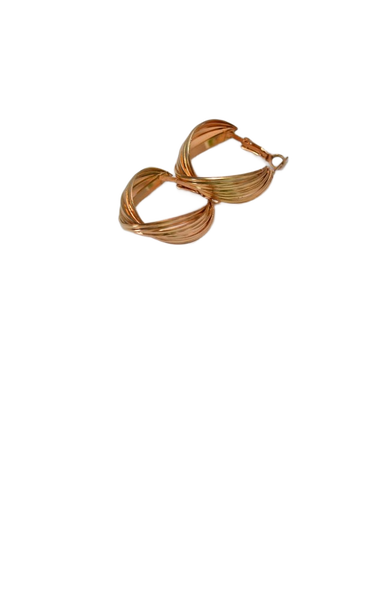
No fringe, no colour shift, gaps intact.
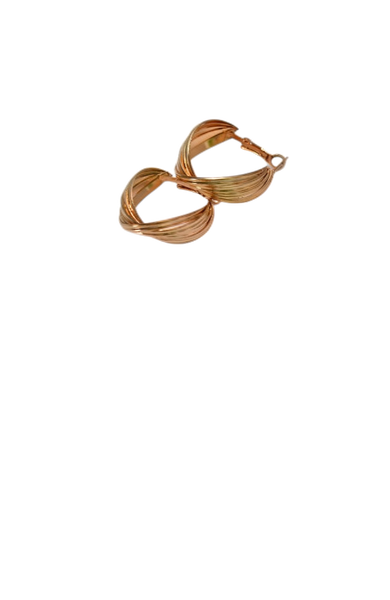
Gaps that should be transparent came back solid.
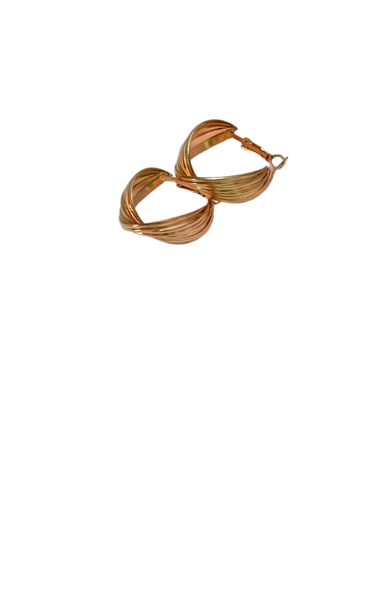
No fringe, no colour shift, gaps intact.
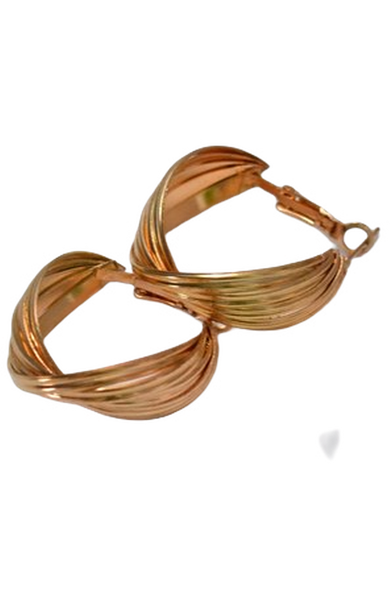

No fringe, no colour shift, gaps intact.
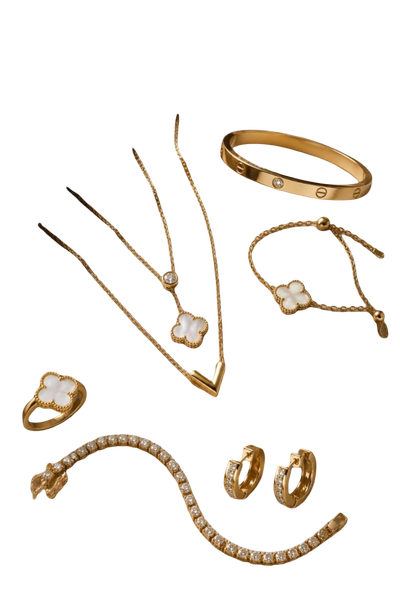
No fringe, no colour shift, gaps intact.
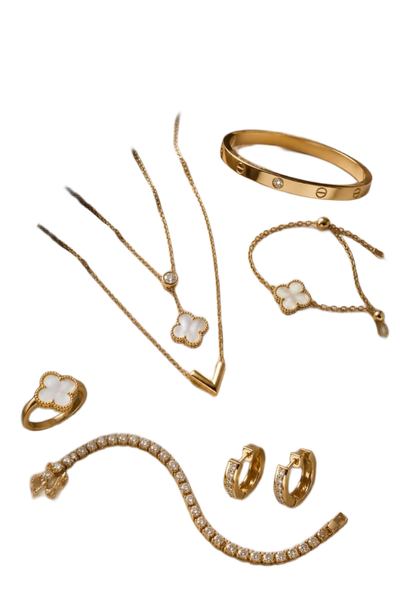
No fringe, no colour shift, gaps intact.
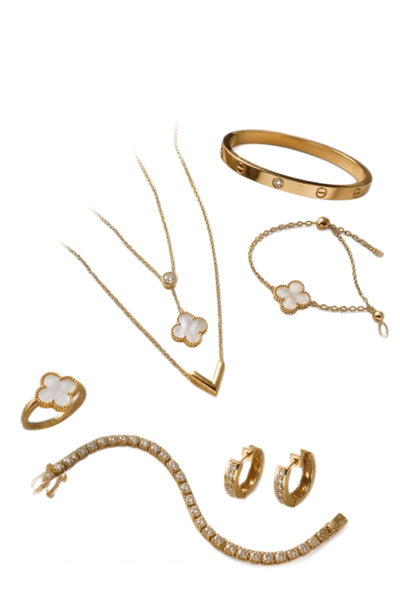
Gaps that should be transparent came back solid.
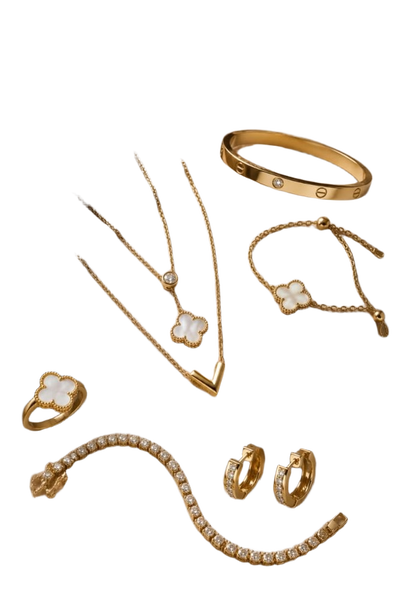
No fringe, no colour shift, gaps intact.
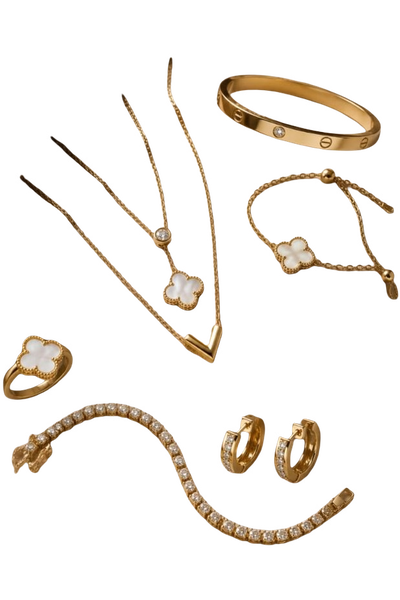
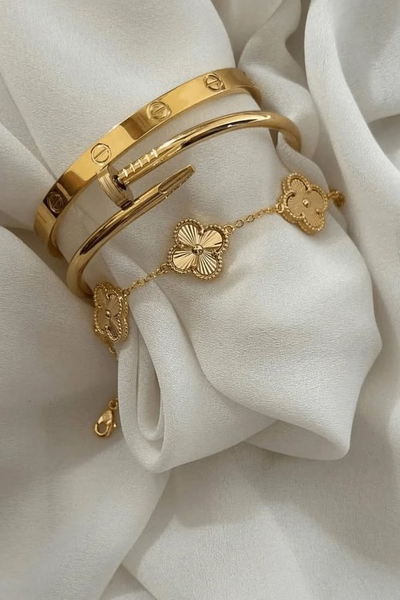
No fringe, no colour shift, gaps intact.
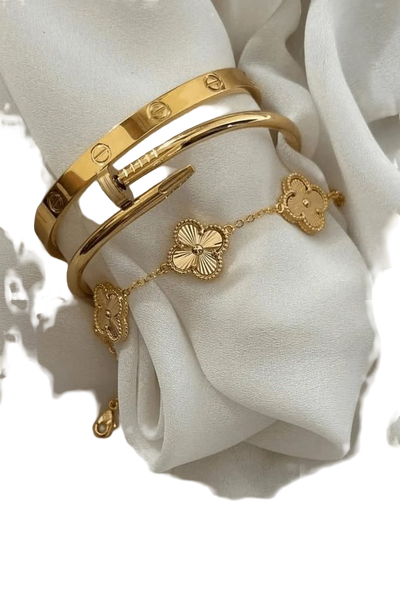
No fringe, no colour shift, gaps intact.
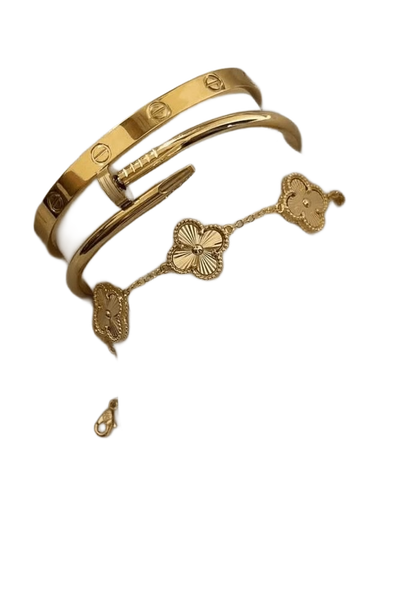
No fringe, no colour shift, gaps intact.
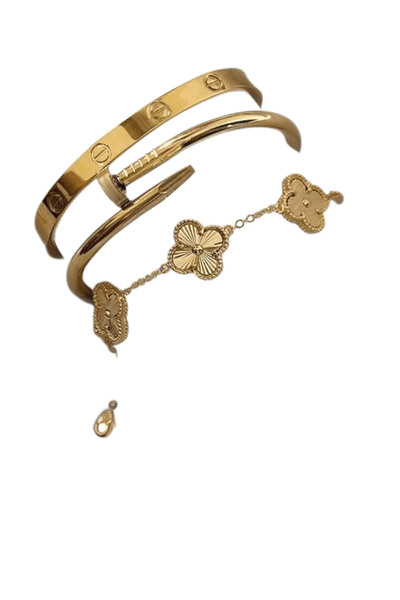
Gaps that should be transparent came back solid.
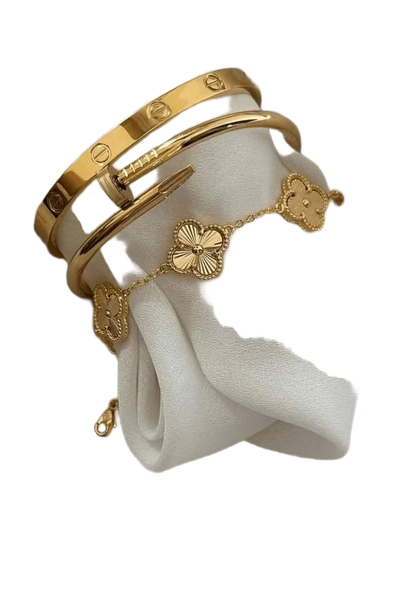
No fringe, no colour shift, gaps intact.
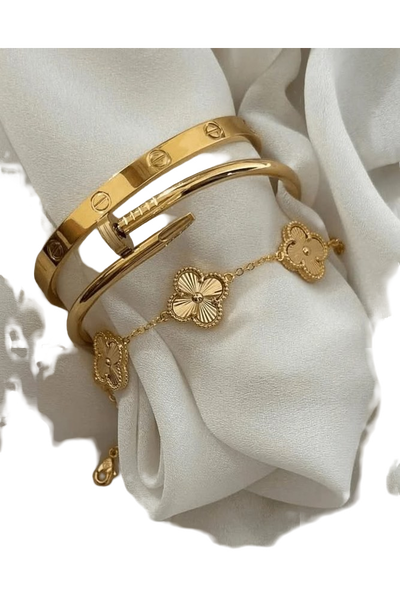
What this one tests: Metal against foliage of similar brightness
Cosmetics
Glass, gloss and reflection in a single frame. The background belongs inside some of these subjects, and most tools erase it.
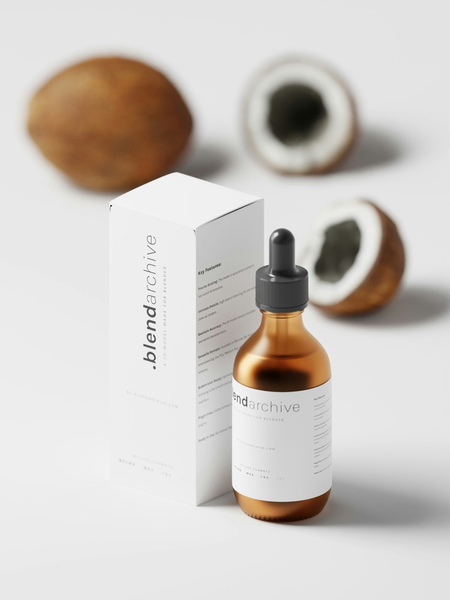
No fringe, no colour shift, gaps intact.
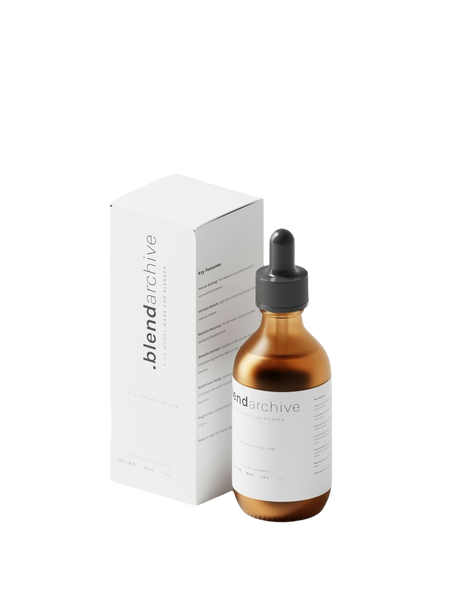
Background tint carried into the subject.
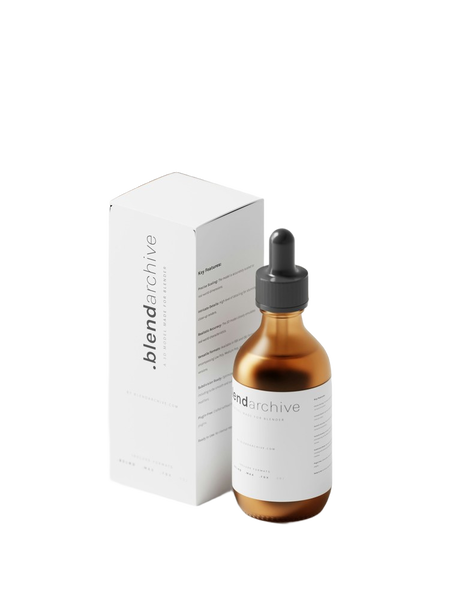
A light rim of the old background left at the edge.
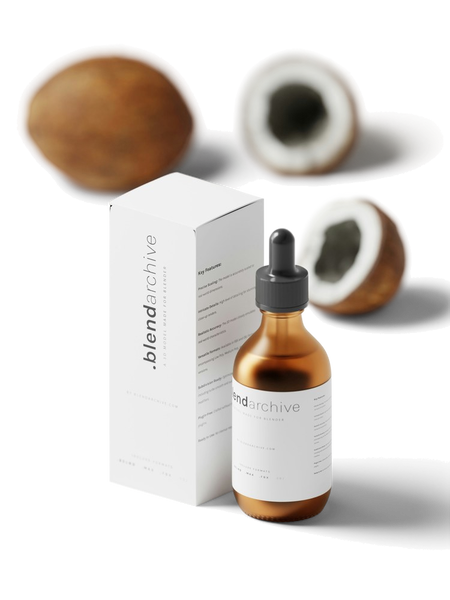
No fringe, no colour shift, gaps intact.
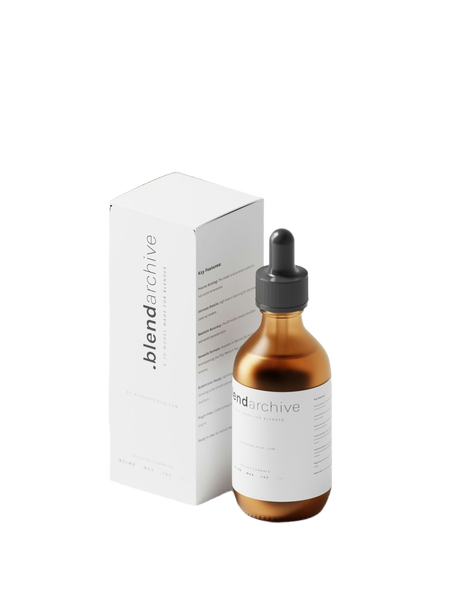
No fringe, no colour shift, gaps intact.
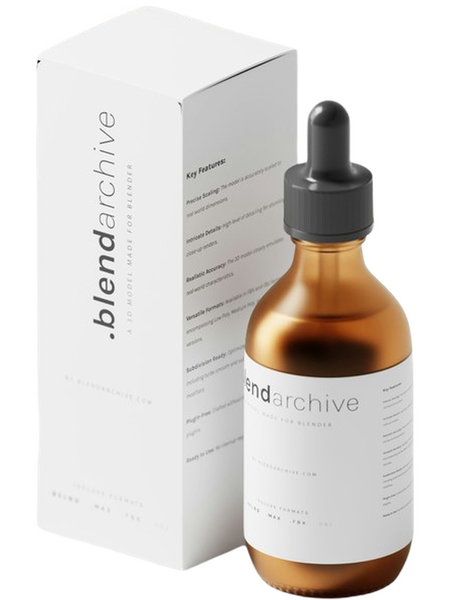
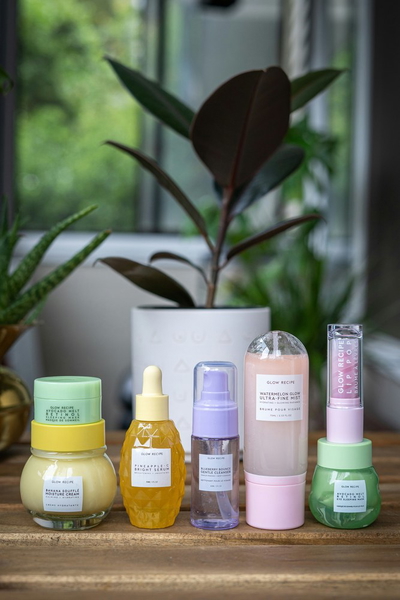
No fringe, no colour shift, gaps intact.
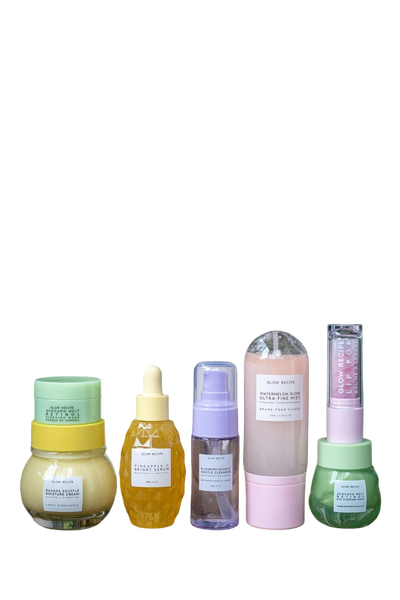
Background tint carried into the subject.
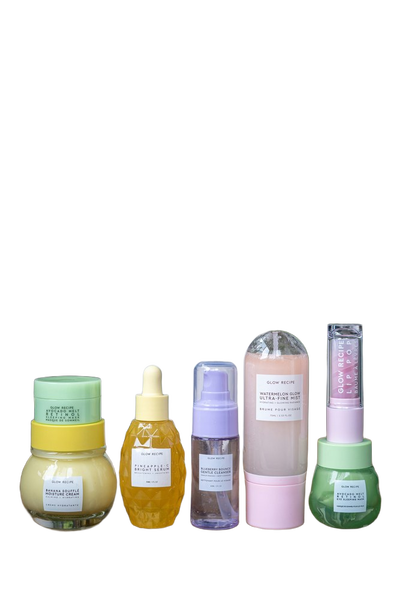
A light rim of the old background left at the edge.
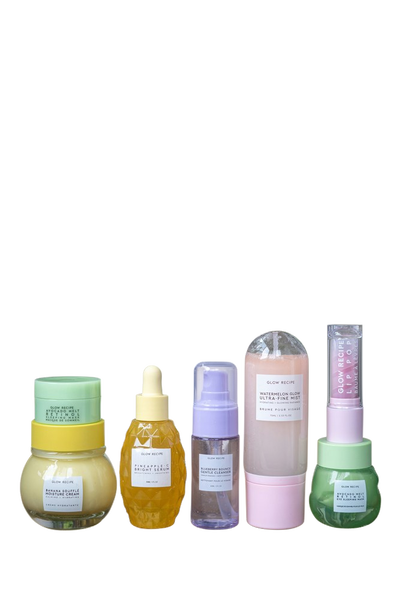
No fringe, no colour shift, gaps intact.
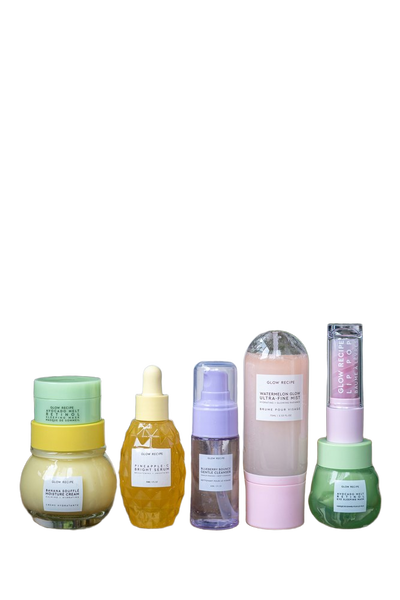
No fringe, no colour shift, gaps intact.
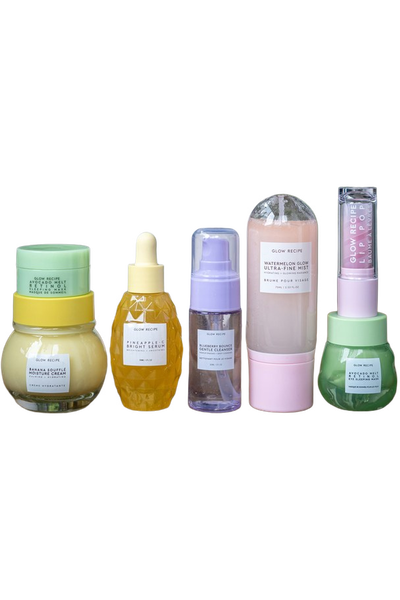
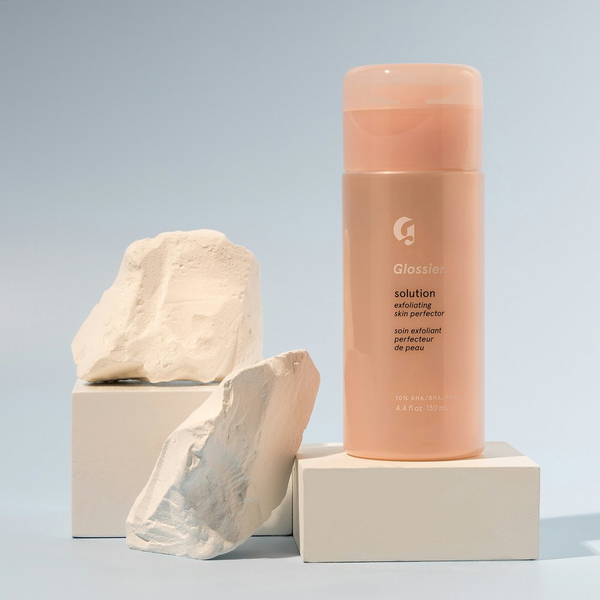
No fringe, no colour shift, gaps intact.
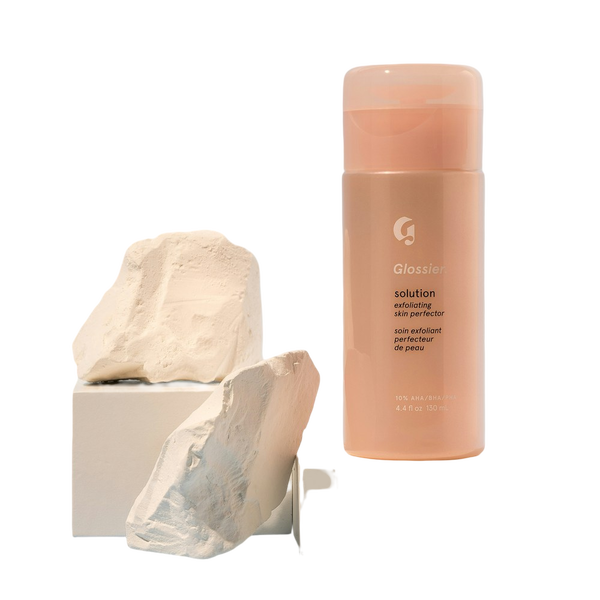
Background tint carried into the subject.
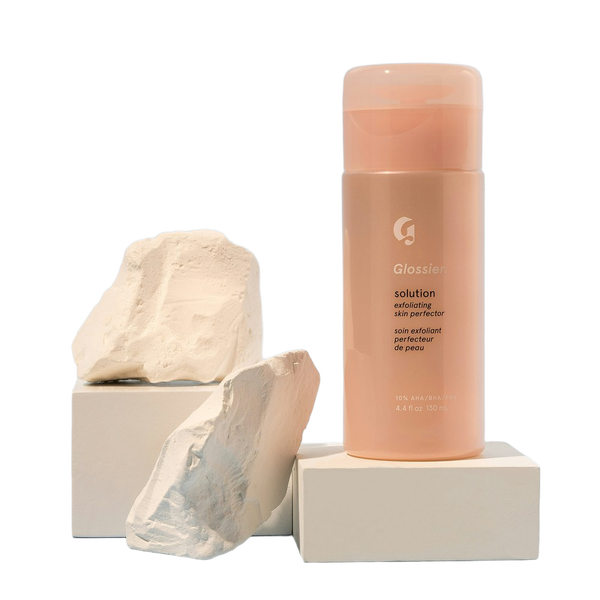
A light rim of the old background left at the edge.
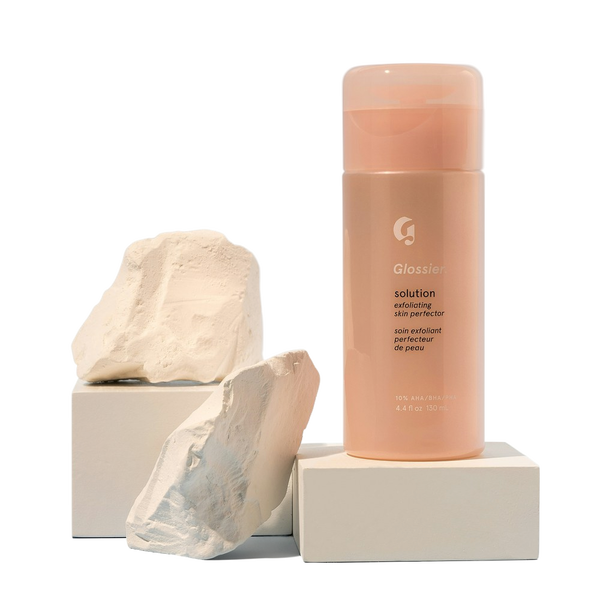
No fringe, no colour shift, gaps intact.
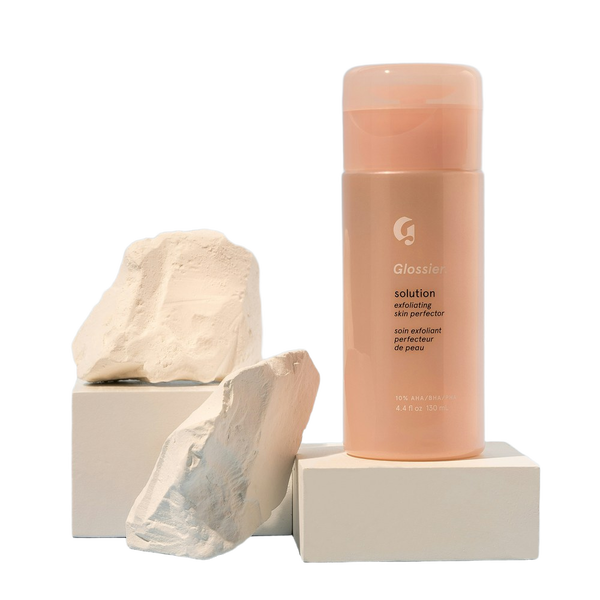
No fringe, no colour shift, gaps intact.
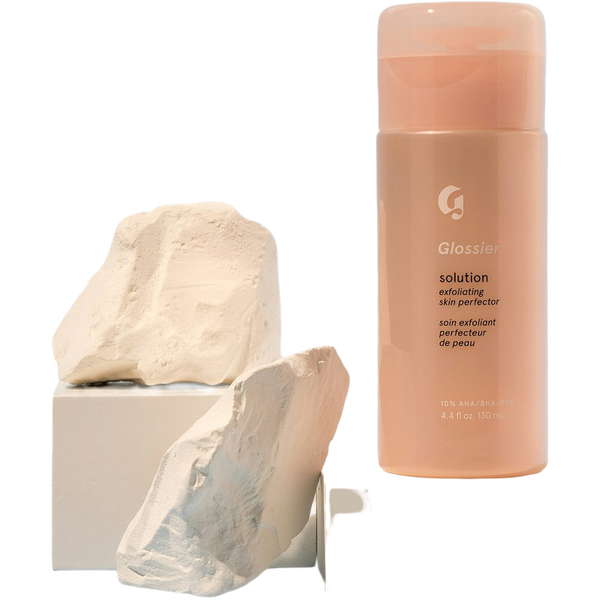
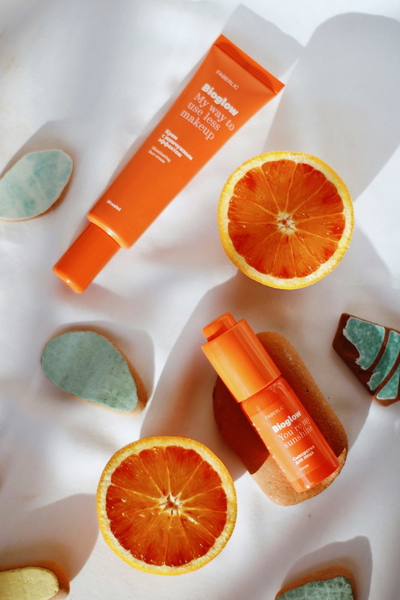
No fringe, no colour shift, gaps intact.
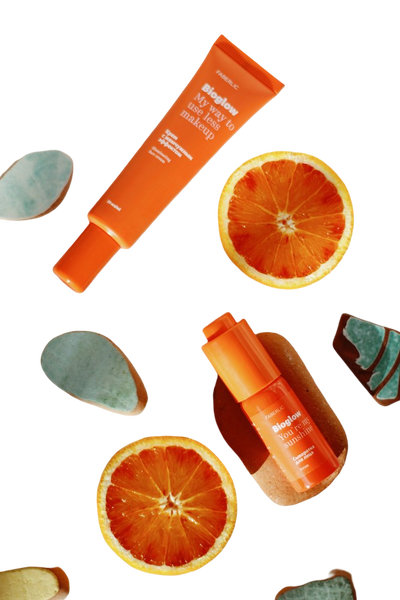
Background tint carried into the subject.
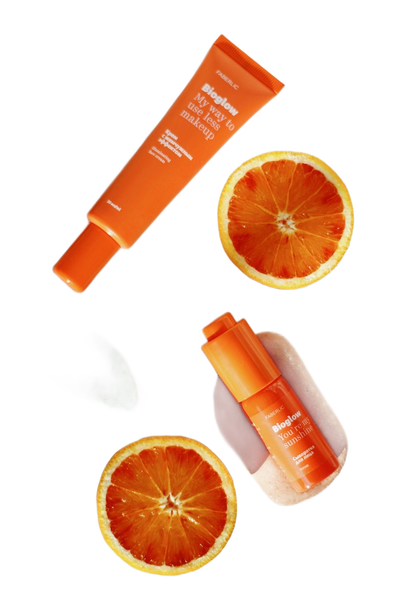
A light rim of the old background left at the edge.
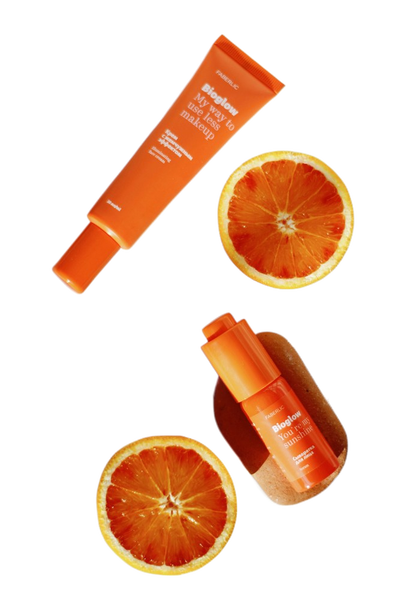
No fringe, no colour shift, gaps intact.
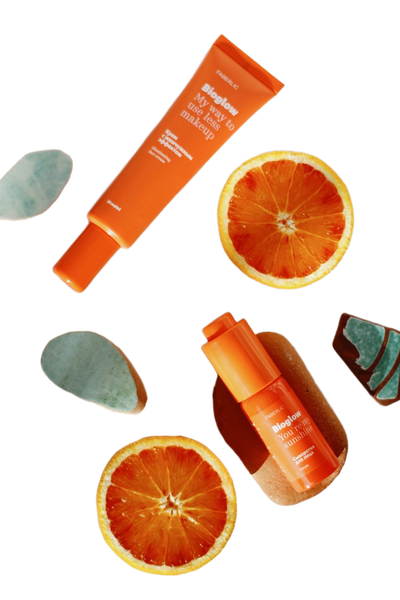
No fringe, no colour shift, gaps intact.
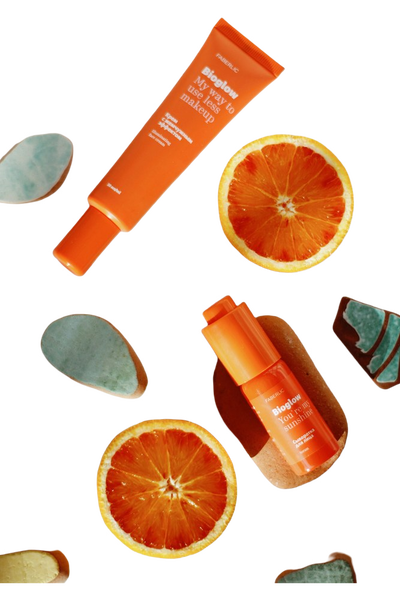

No fringe, no colour shift, gaps intact.
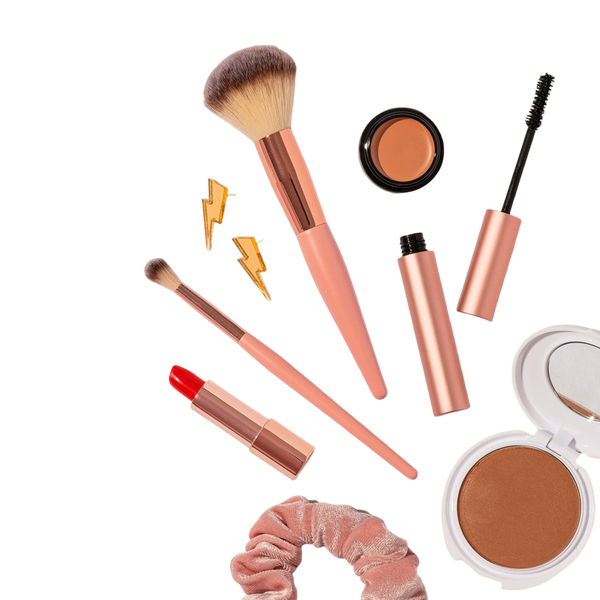
Background tint carried into the subject.
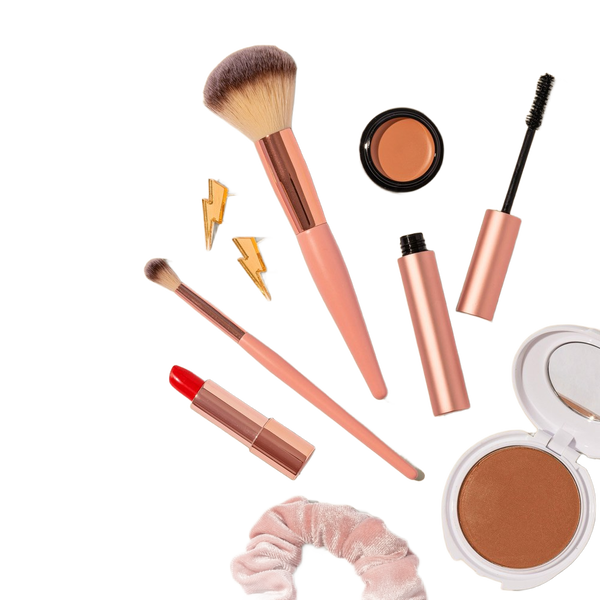
A light rim of the old background left at the edge.
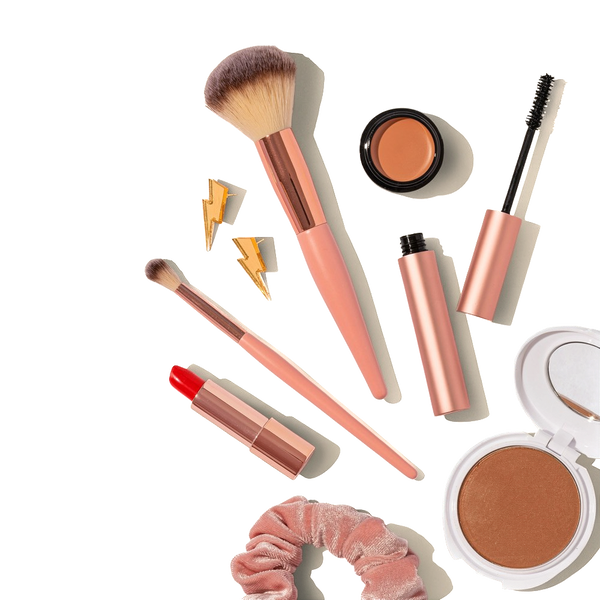
No fringe, no colour shift, gaps intact.
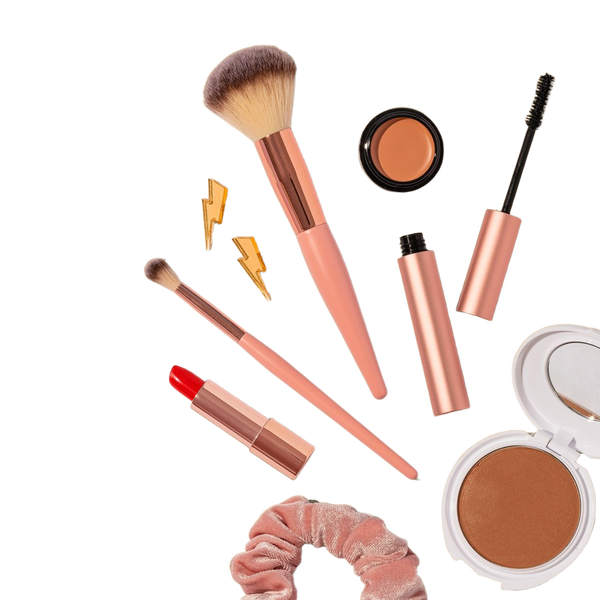
No fringe, no colour shift, gaps intact.
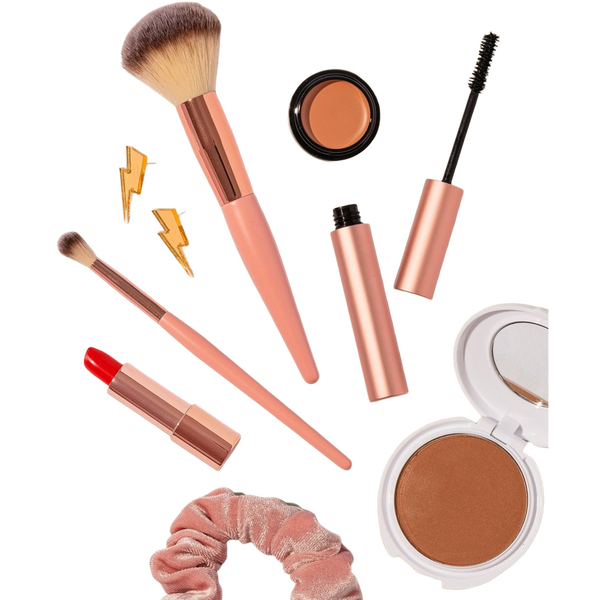
What this one tests: A specular highlight along a glass edge
Food
Steam, sauce and crumbs. Food has no clean silhouette, and the edge is different in every frame.
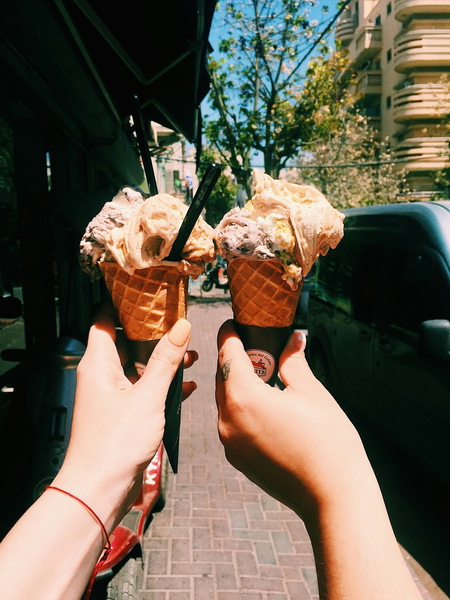
No fringe, no colour shift, gaps intact.
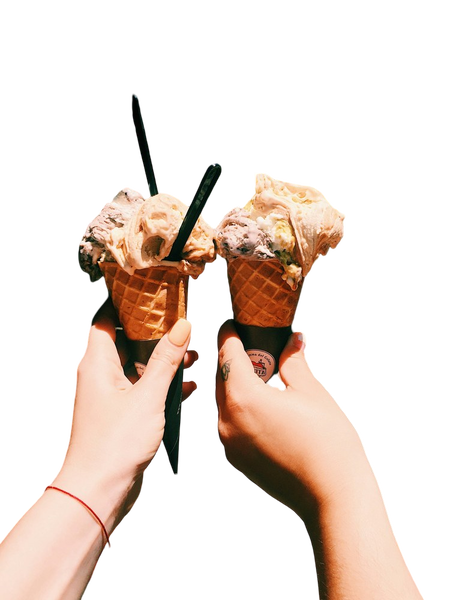
Fine strands simplified into a smooth outline.
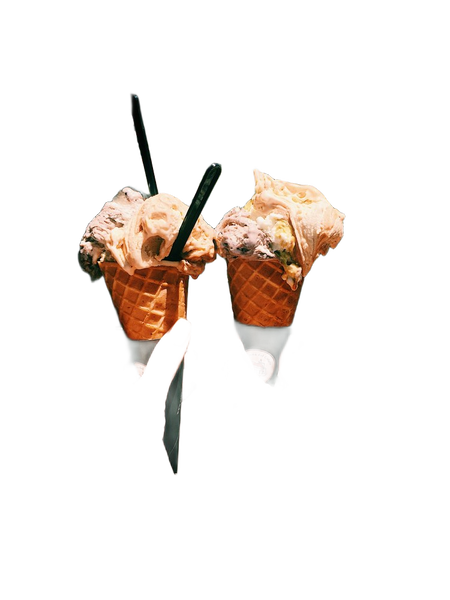
No fringe, no colour shift, gaps intact.
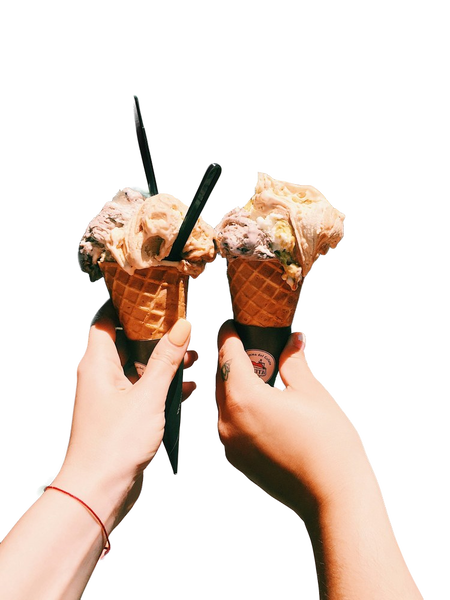
Fine strands simplified into a smooth outline.
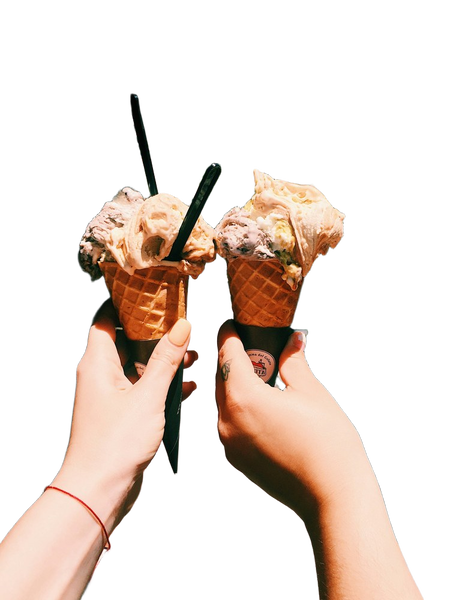
No fringe, no colour shift, gaps intact.
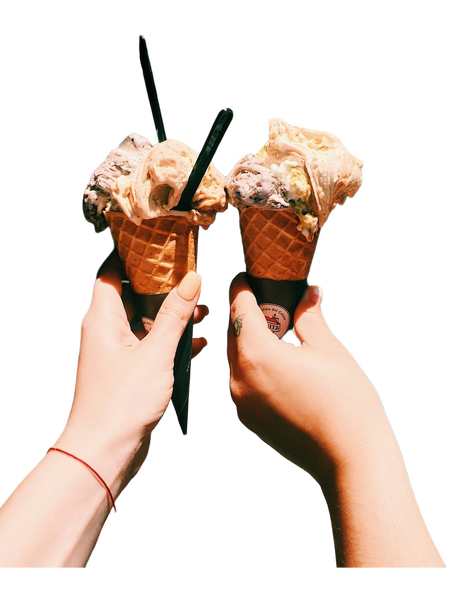

No fringe, no colour shift, gaps intact.
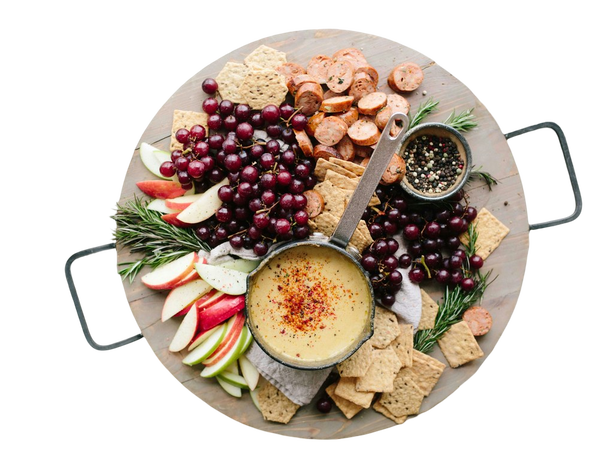
Fine strands simplified into a smooth outline.
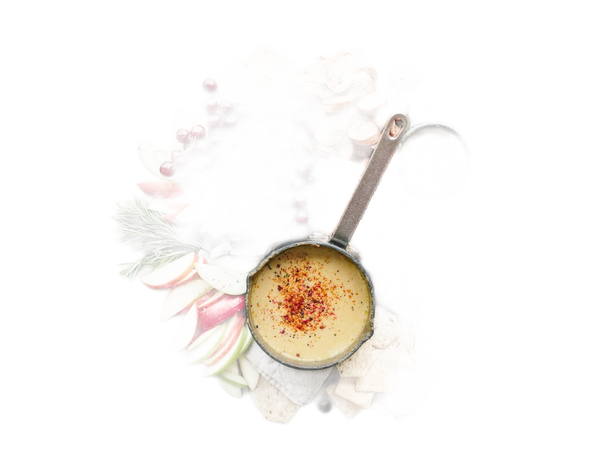
No fringe, no colour shift, gaps intact.

Fine strands simplified into a smooth outline.

No fringe, no colour shift, gaps intact.


No fringe, no colour shift, gaps intact.
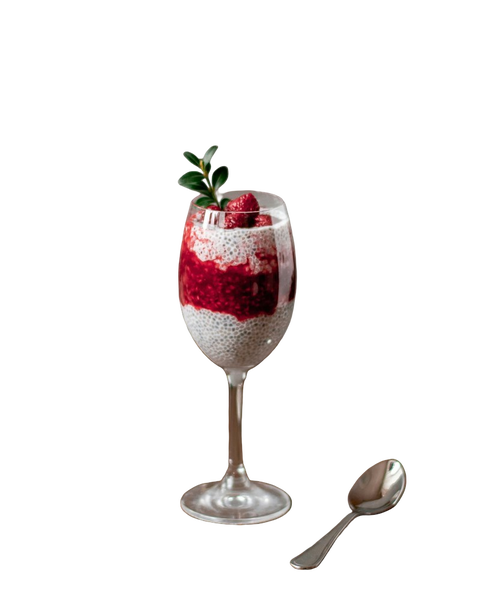
Fine strands simplified into a smooth outline.
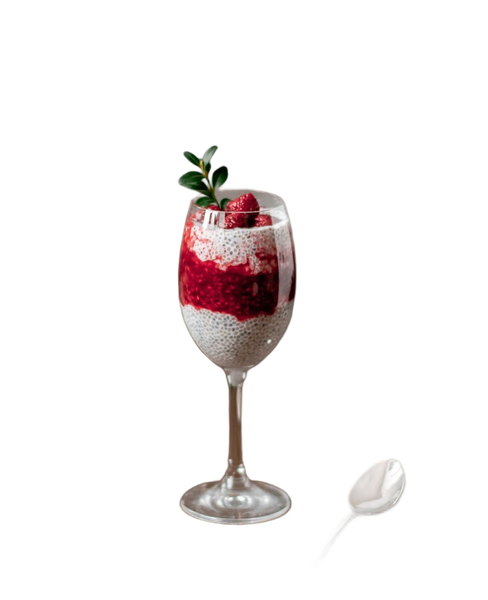
No fringe, no colour shift, gaps intact.
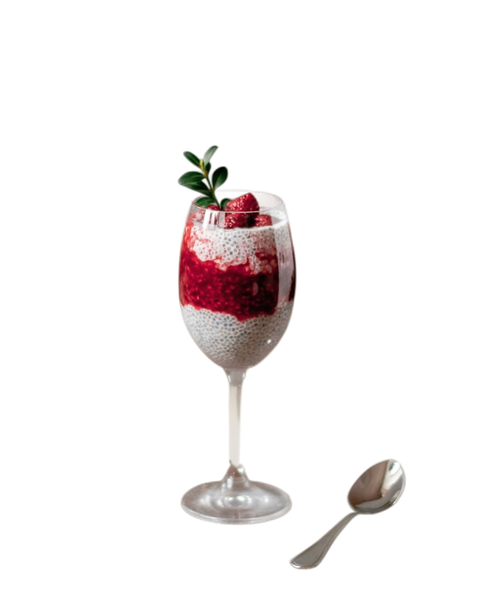
Fine strands simplified into a smooth outline.

No fringe, no colour shift, gaps intact.
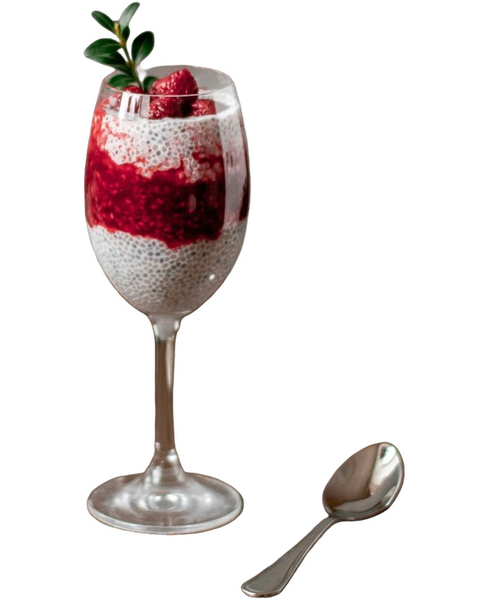
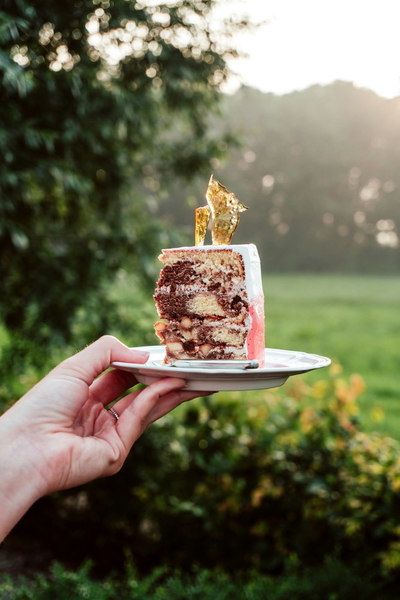
No fringe, no colour shift, gaps intact.
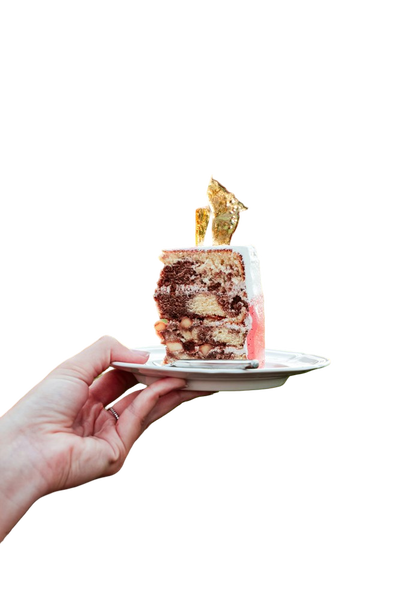
Fine strands simplified into a smooth outline.
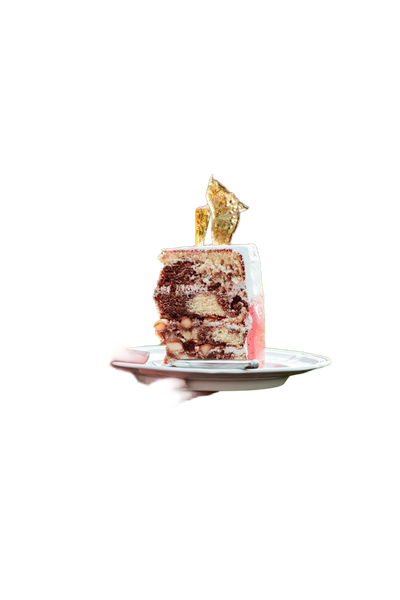
No fringe, no colour shift, gaps intact.
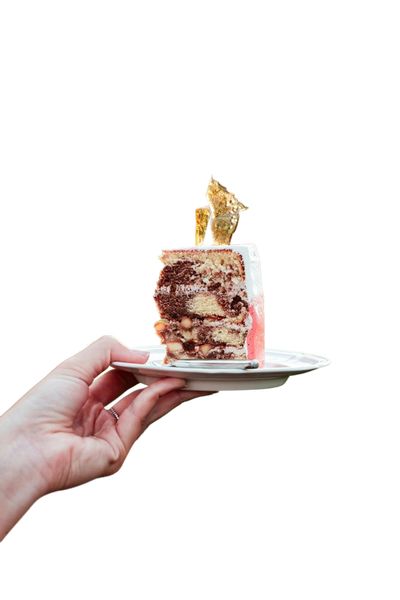
Fine strands simplified into a smooth outline.
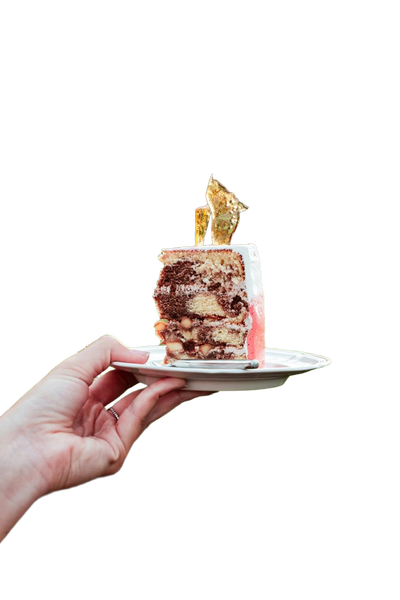
No fringe, no colour shift, gaps intact.
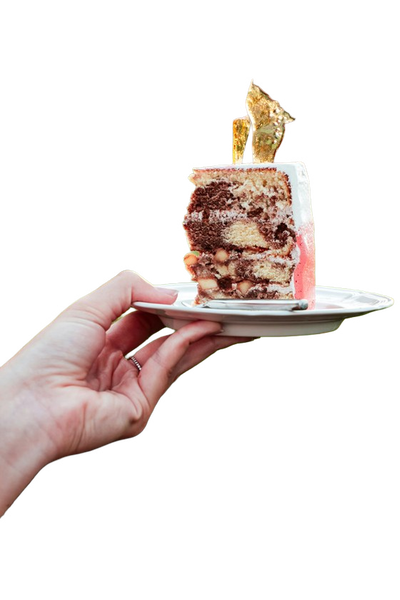
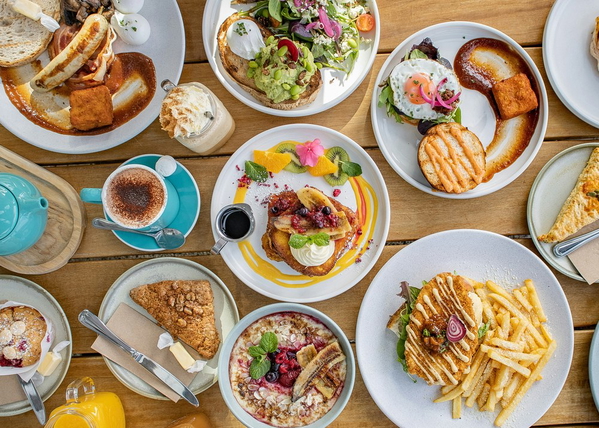
No fringe, no colour shift, gaps intact.

Fine strands simplified into a smooth outline.
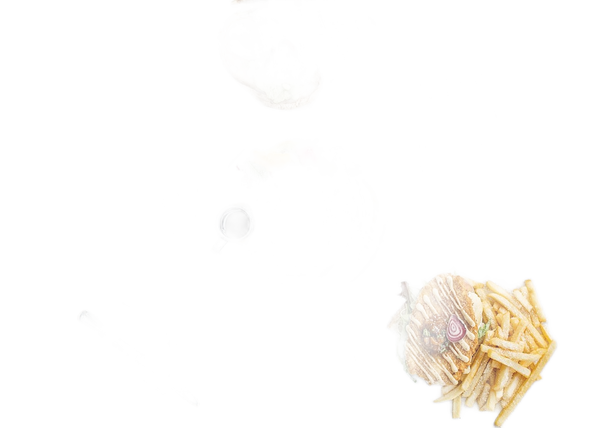
No fringe, no colour shift, gaps intact.

Fine strands simplified into a smooth outline.

No fringe, no colour shift, gaps intact.

What this one tests: Skin, cone texture and melting ice cream in one edge
Furniture
Legs, slats and upholstery. Furniture is mostly gaps, and the gaps are what tools fill in.
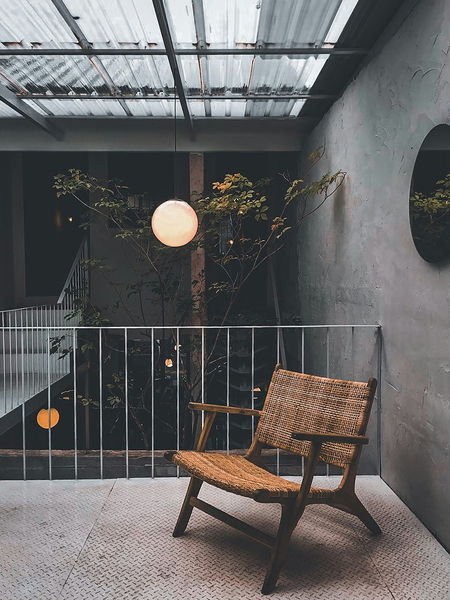
No fringe, no colour shift, gaps intact.
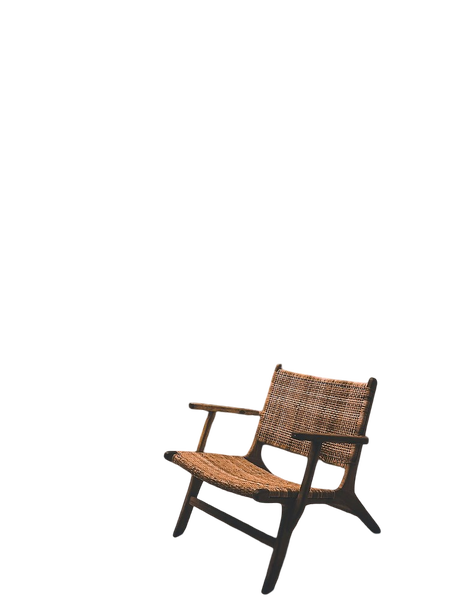
A light rim of the old background left at the edge.
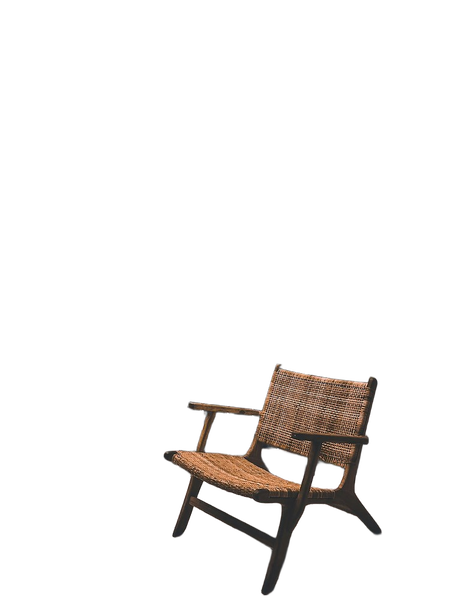
No fringe, no colour shift, gaps intact.
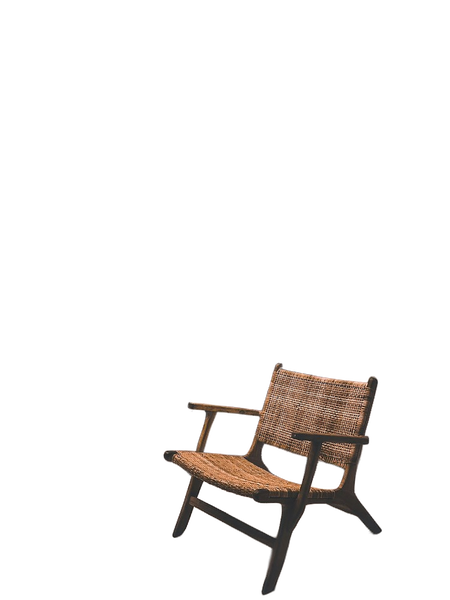
A light rim of the old background left at the edge.
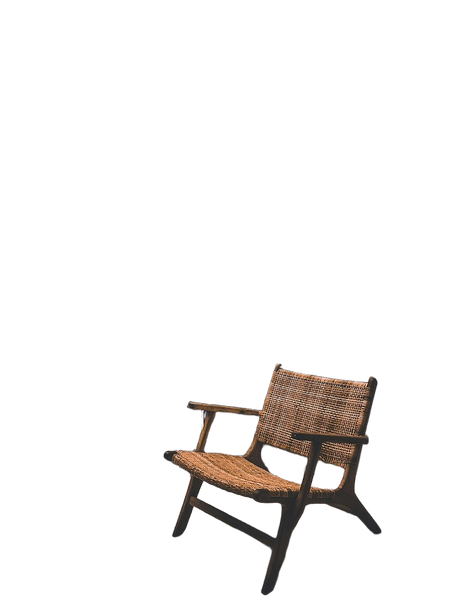
No fringe, no colour shift, gaps intact.
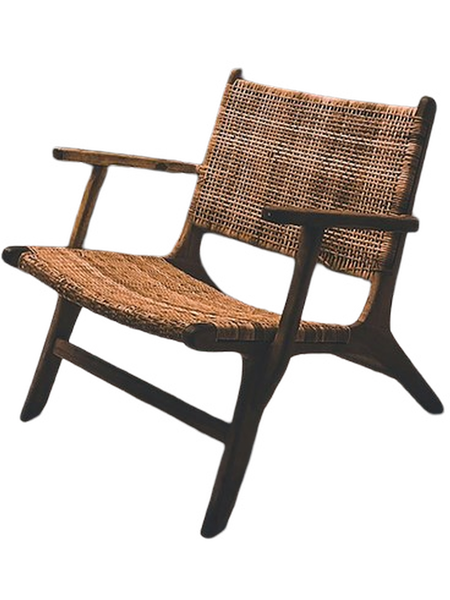
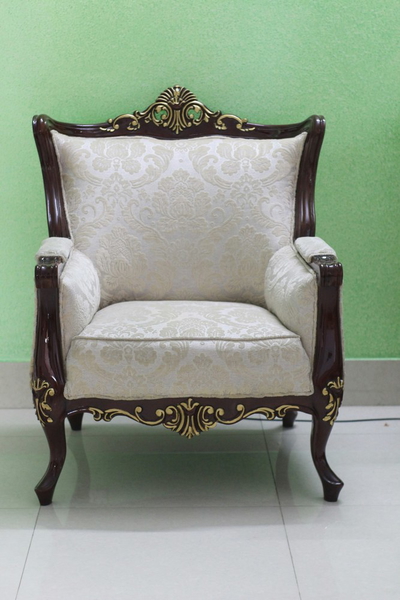
No fringe, no colour shift, gaps intact.
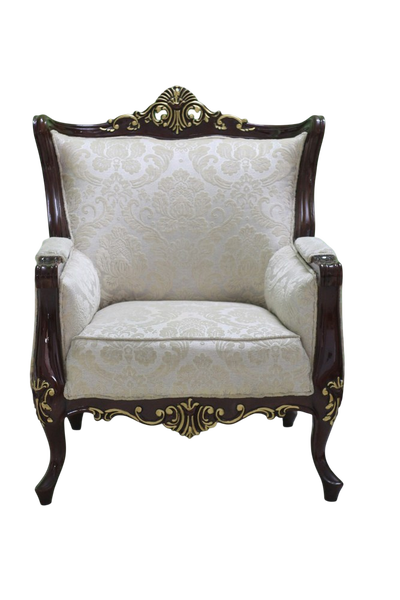
A light rim of the old background left at the edge.
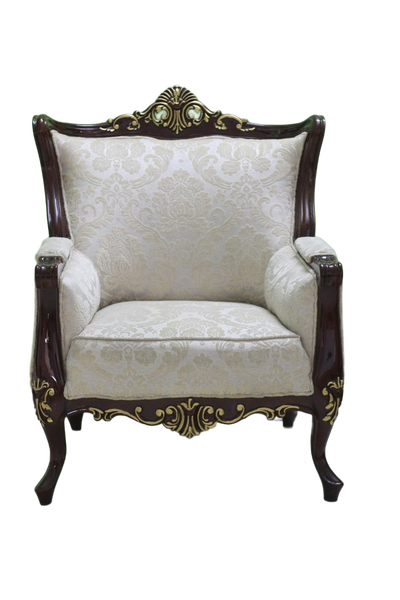
No fringe, no colour shift, gaps intact.
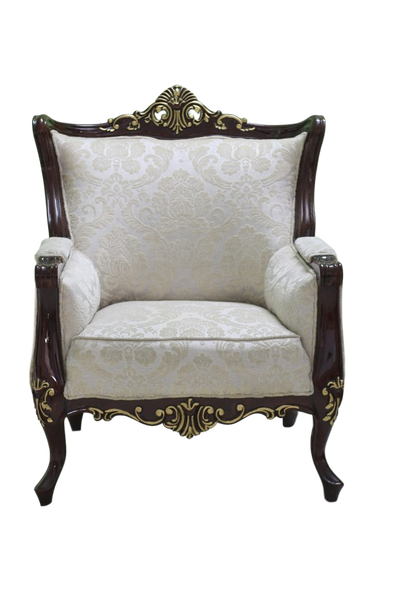
A light rim of the old background left at the edge.
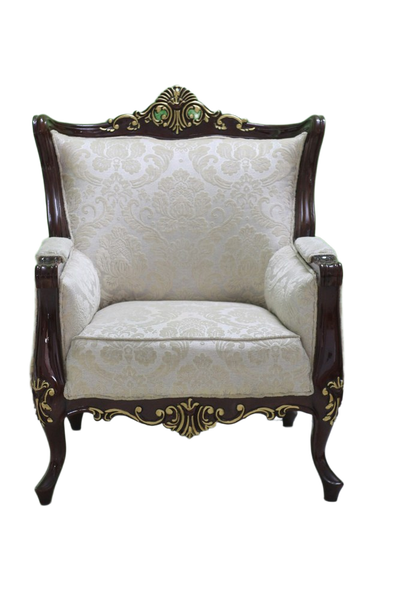
No fringe, no colour shift, gaps intact.
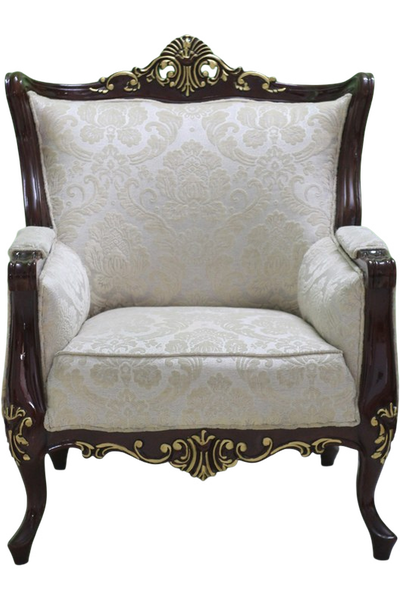
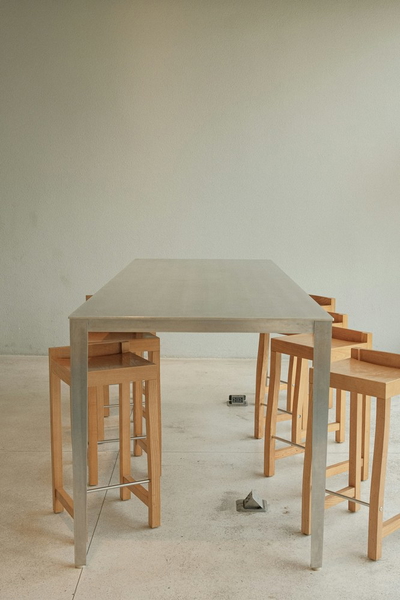
No fringe, no colour shift, gaps intact.
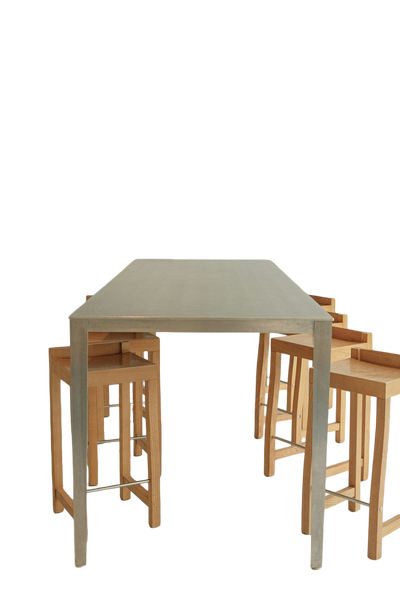
A light rim of the old background left at the edge.
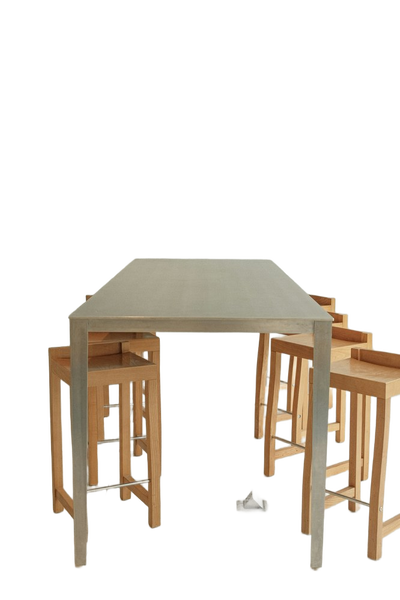
No fringe, no colour shift, gaps intact.
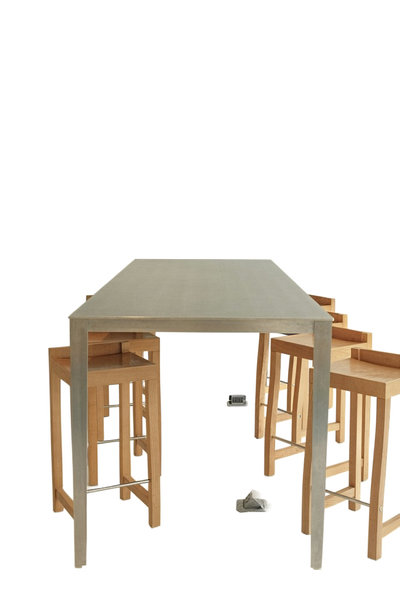
A light rim of the old background left at the edge.
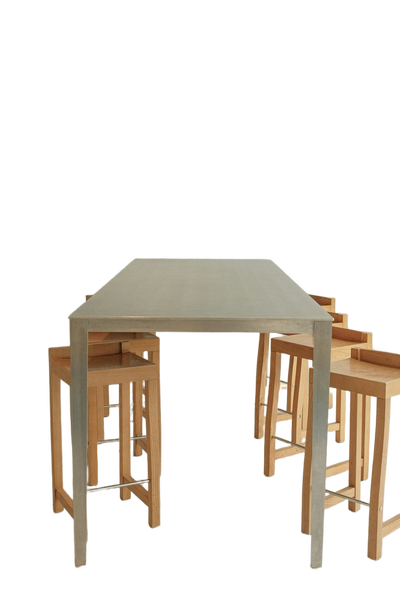
No fringe, no colour shift, gaps intact.
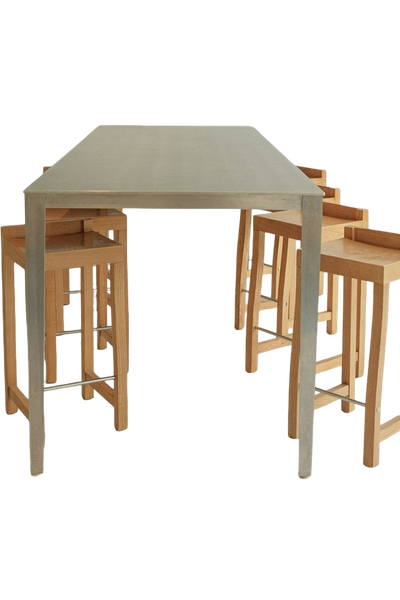
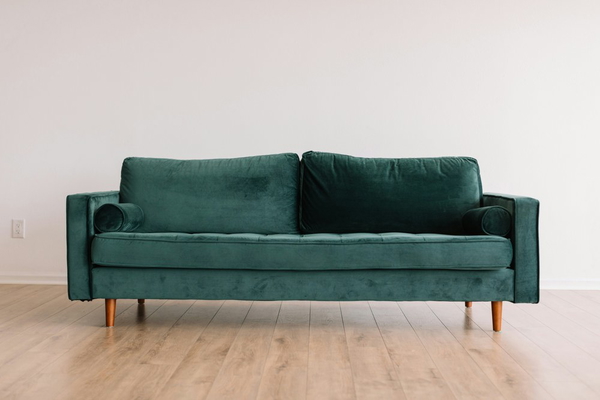
No fringe, no colour shift, gaps intact.
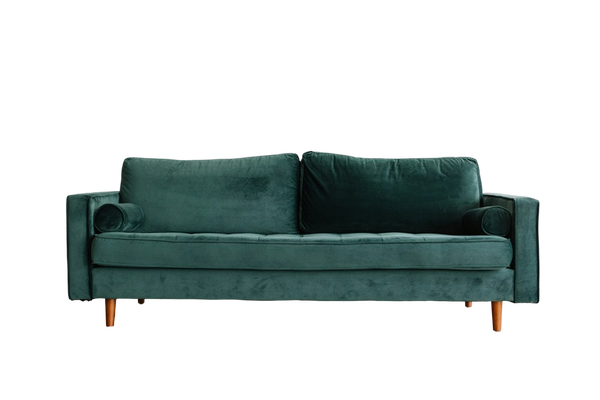
A light rim of the old background left at the edge.
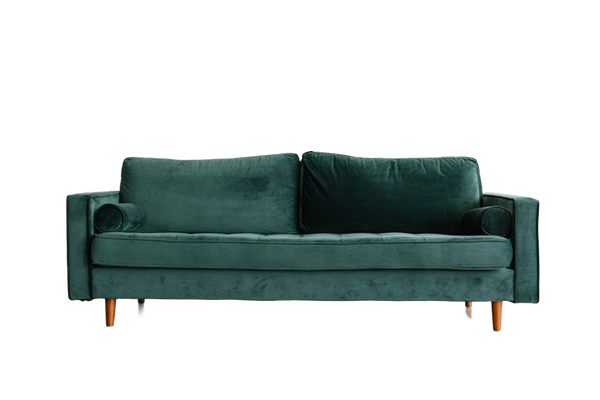
No fringe, no colour shift, gaps intact.
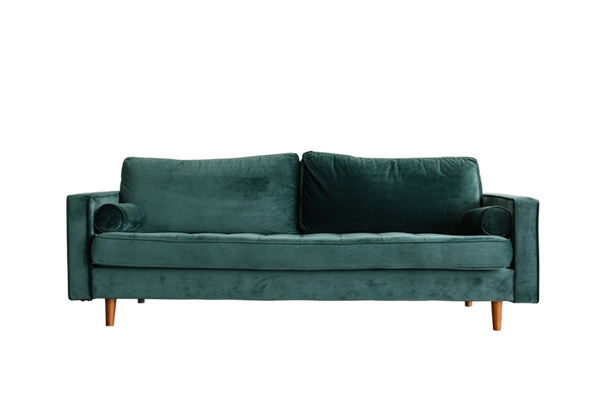
A light rim of the old background left at the edge.
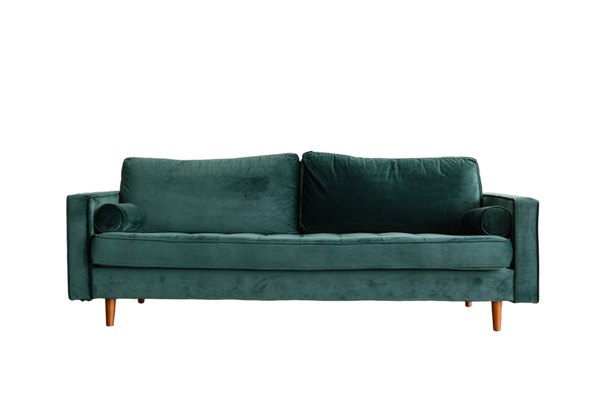
No fringe, no colour shift, gaps intact.
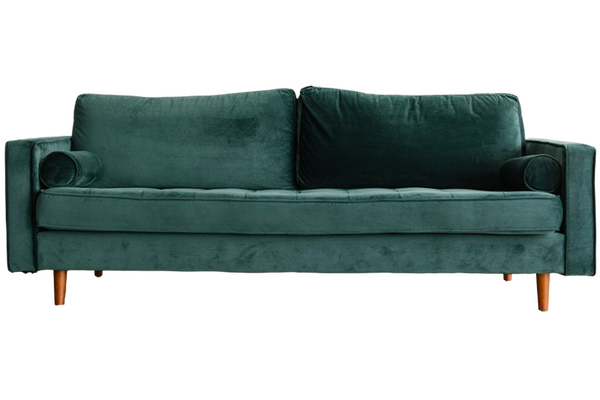
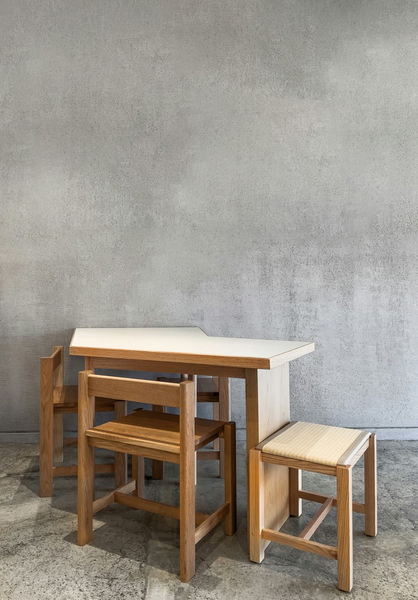
No fringe, no colour shift, gaps intact.
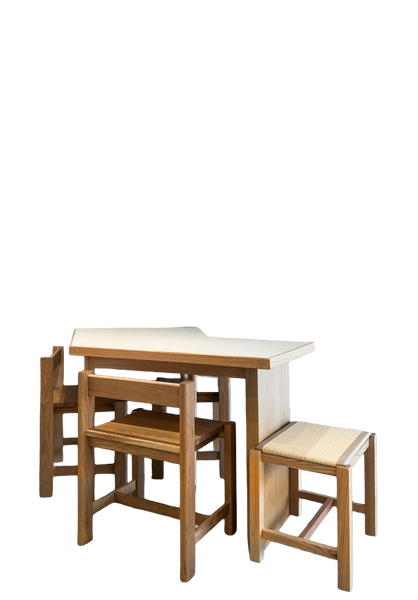
A light rim of the old background left at the edge.
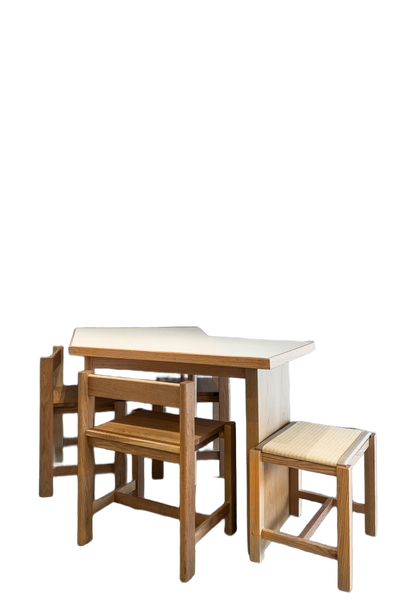
No fringe, no colour shift, gaps intact.
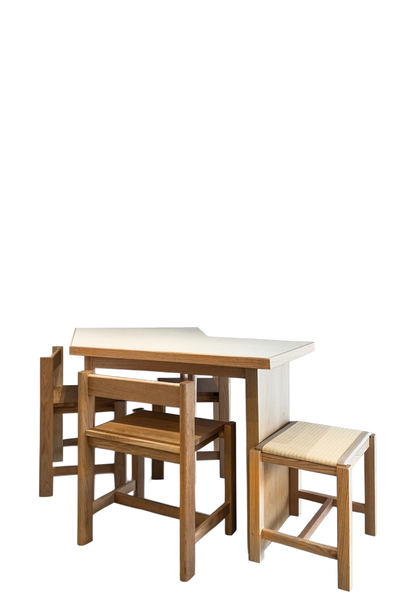
A light rim of the old background left at the edge.
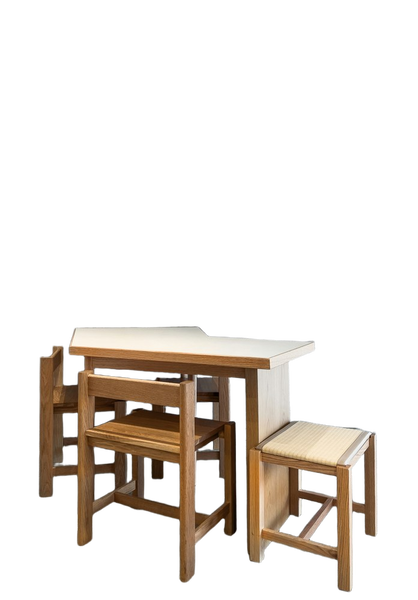
No fringe, no colour shift, gaps intact.
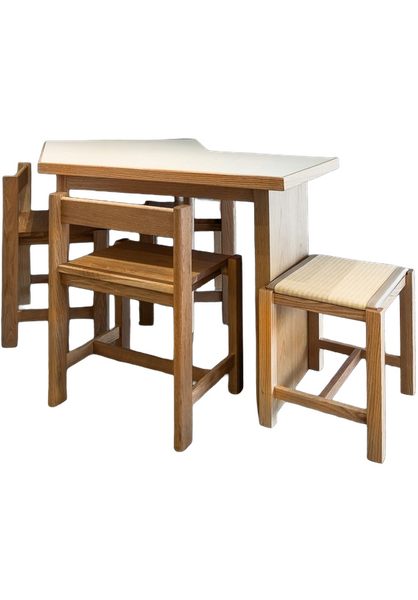
What this one tests: Slatted seat with daylight through every gap
Home decoration
Ornaments and wall pieces, often photographed where they hang. Fine spokes and feathers are the failure point.
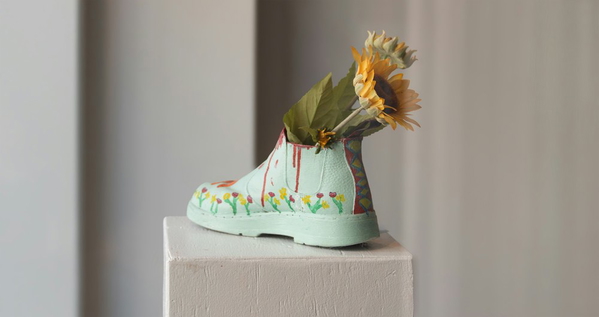
No fringe, no colour shift, gaps intact.
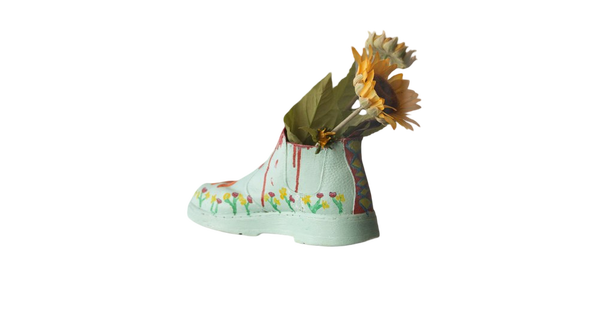
Background tint carried into the subject.
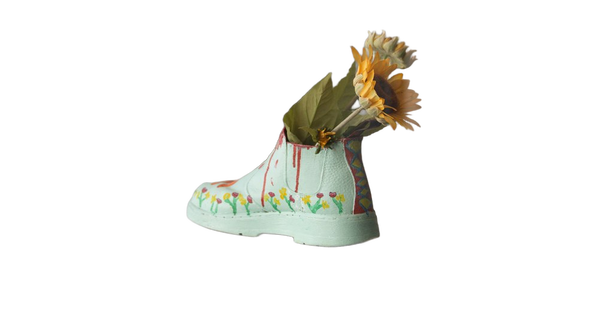
No fringe, no colour shift, gaps intact.
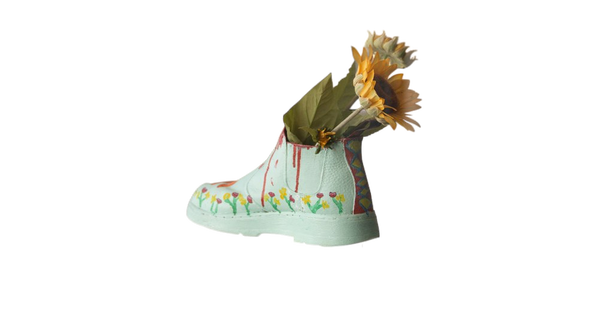
Background tint carried into the subject.
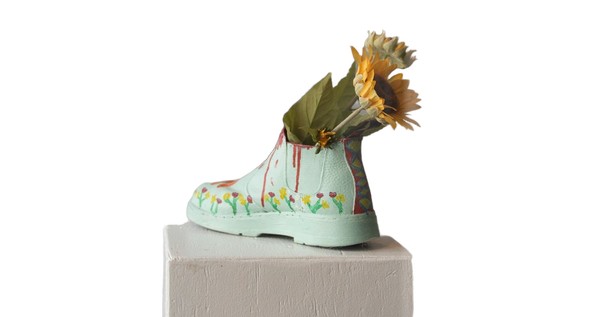
No fringe, no colour shift, gaps intact.
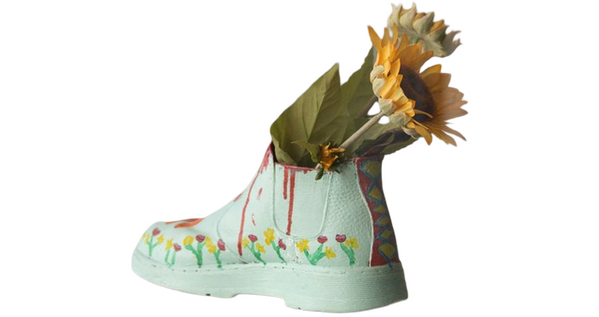
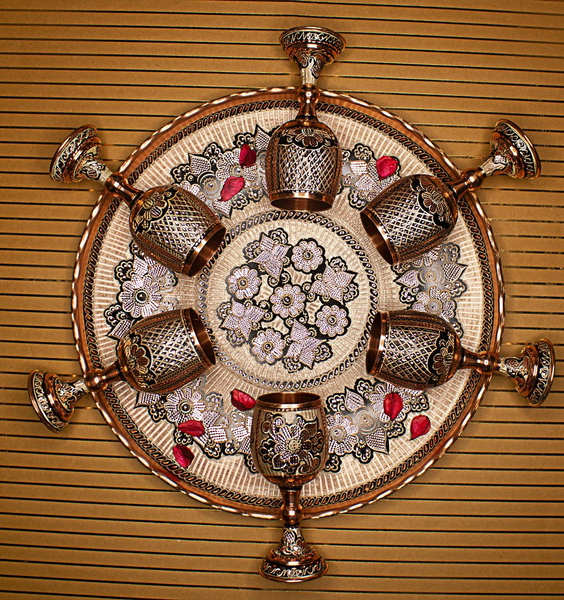
No fringe, no colour shift, gaps intact.
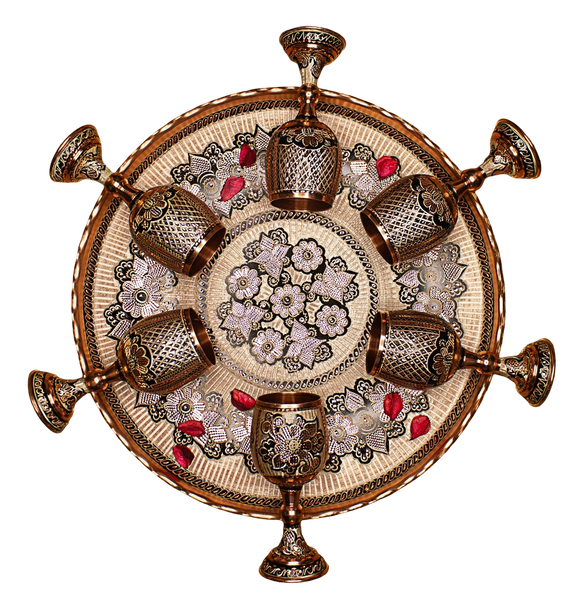
Background tint carried into the subject.
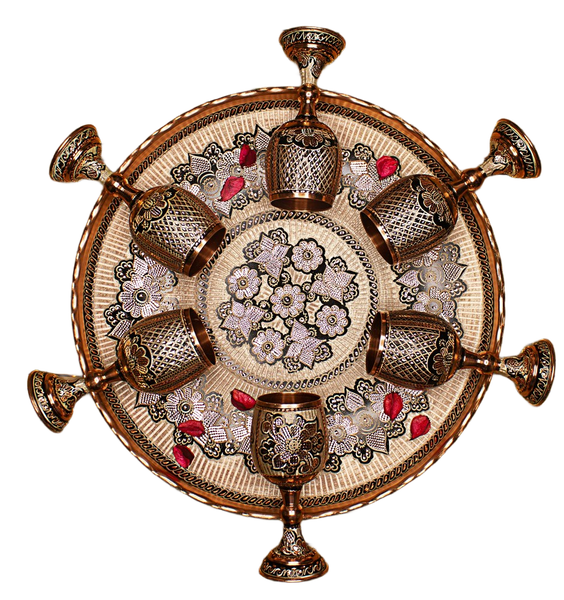
No fringe, no colour shift, gaps intact.
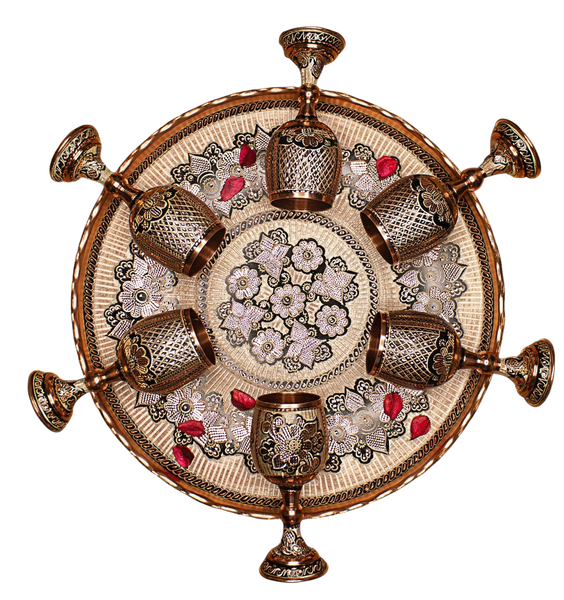
Background tint carried into the subject.
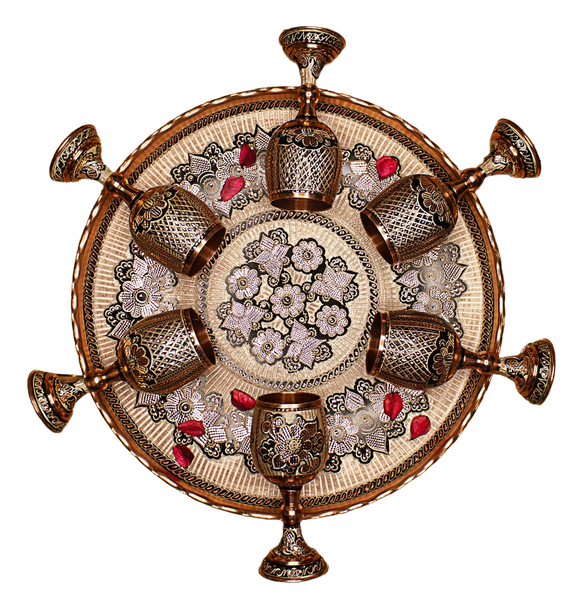
No fringe, no colour shift, gaps intact.
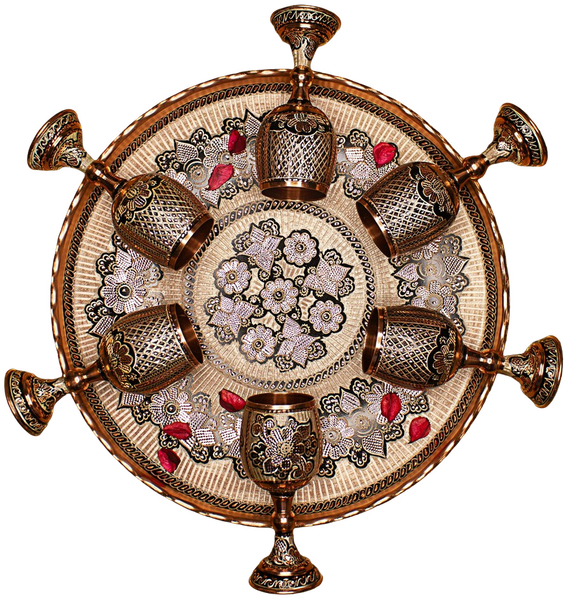
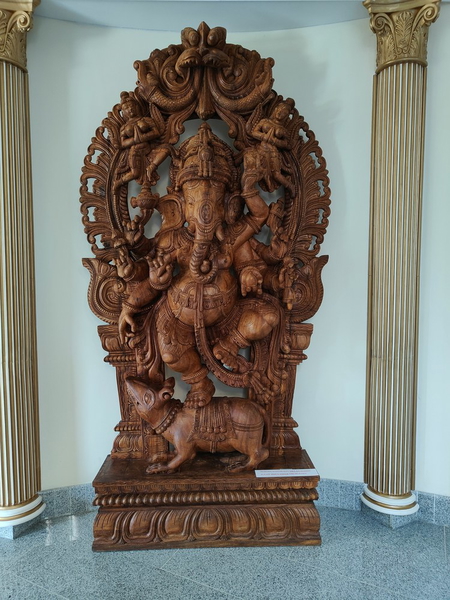
No fringe, no colour shift, gaps intact.
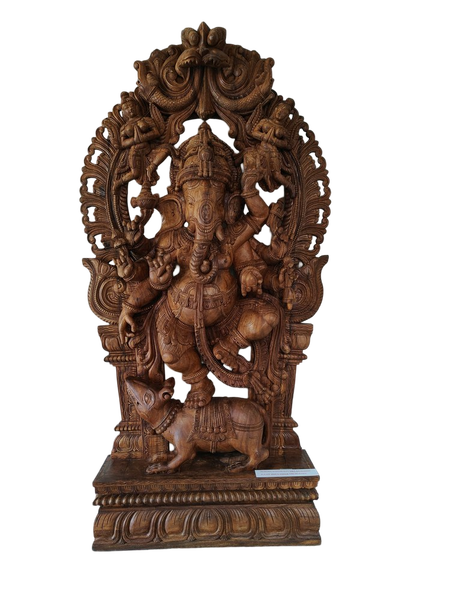
Background tint carried into the subject.
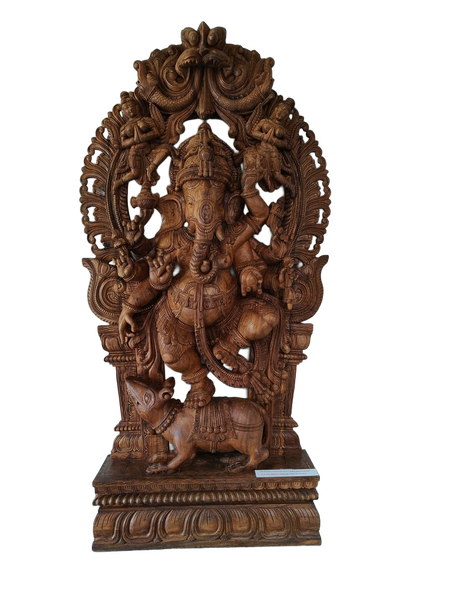
No fringe, no colour shift, gaps intact.
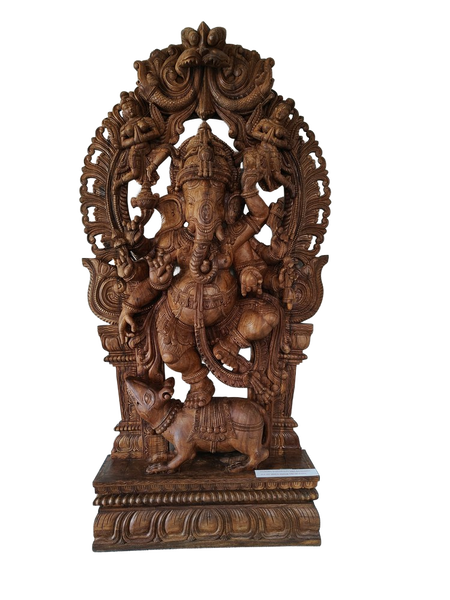
Background tint carried into the subject.
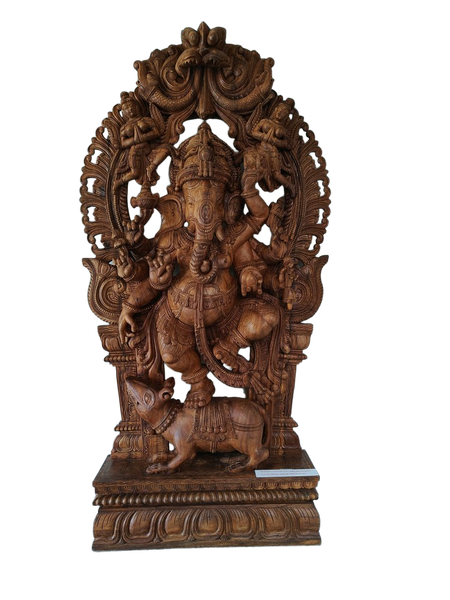
No fringe, no colour shift, gaps intact.
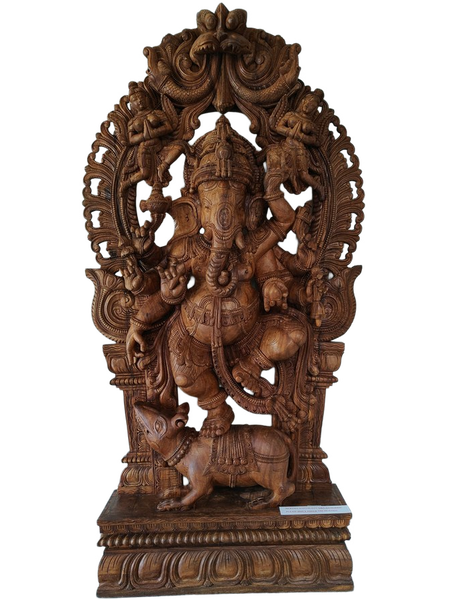
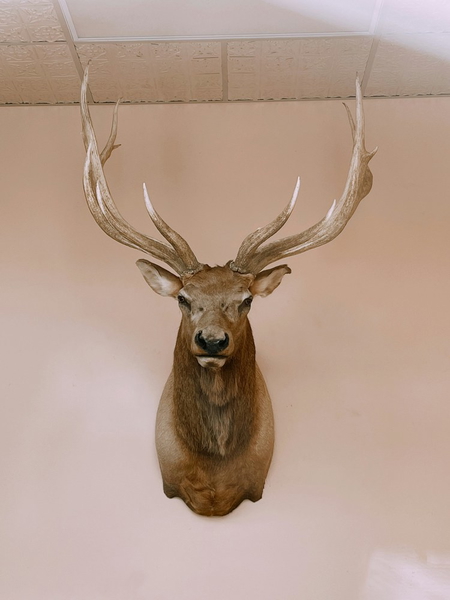
No fringe, no colour shift, gaps intact.
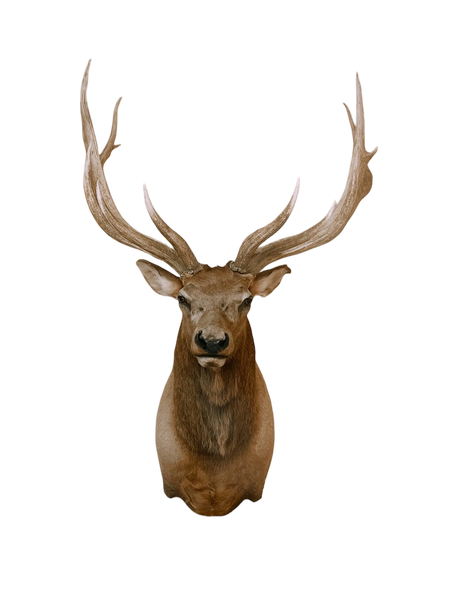
Background tint carried into the subject.
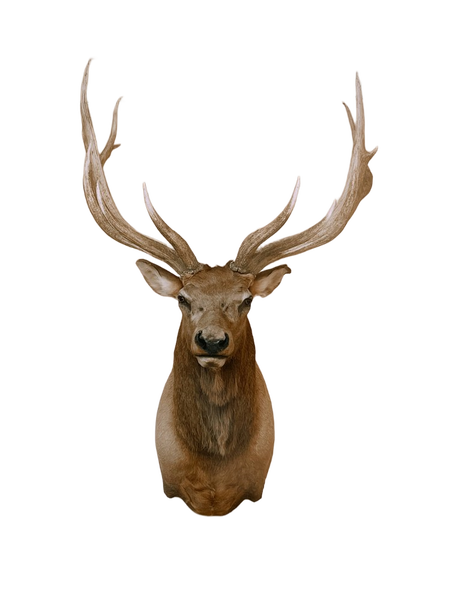
No fringe, no colour shift, gaps intact.
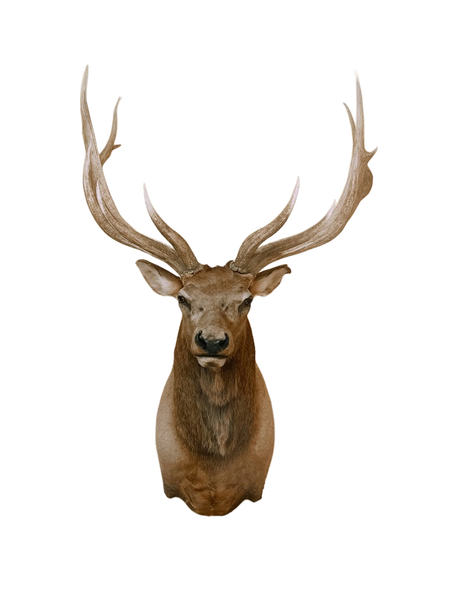
Background tint carried into the subject.
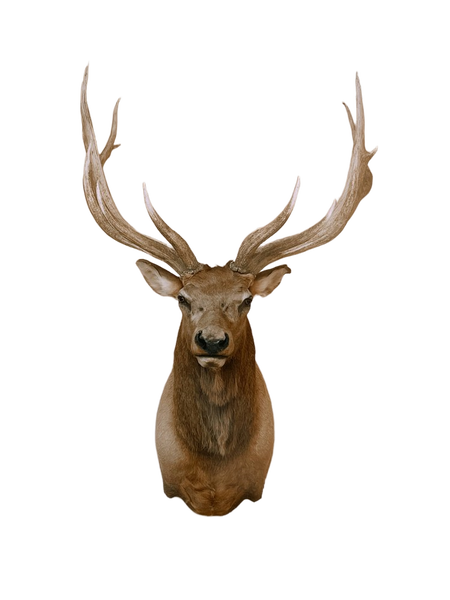
No fringe, no colour shift, gaps intact.
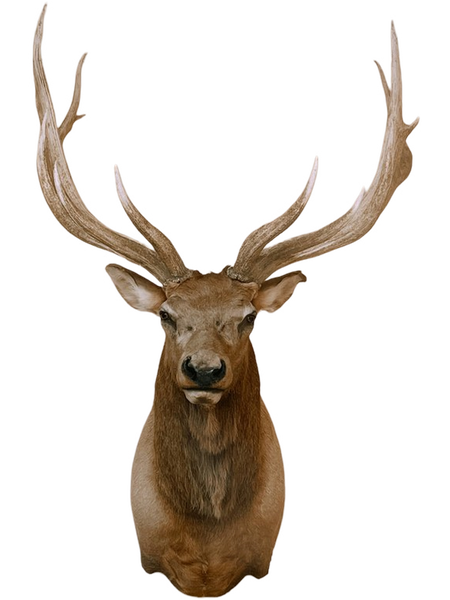
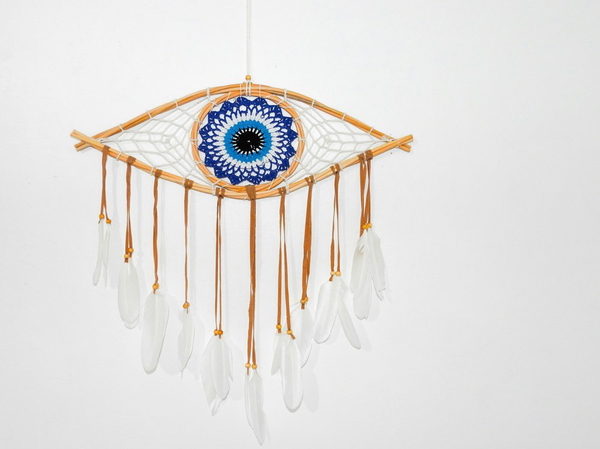
No fringe, no colour shift, gaps intact.
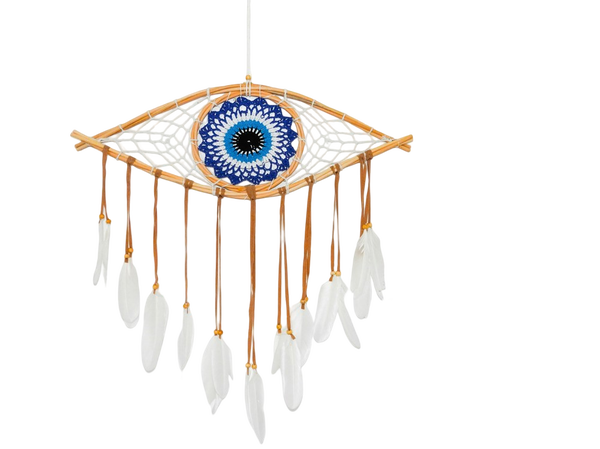
Background tint carried into the subject.
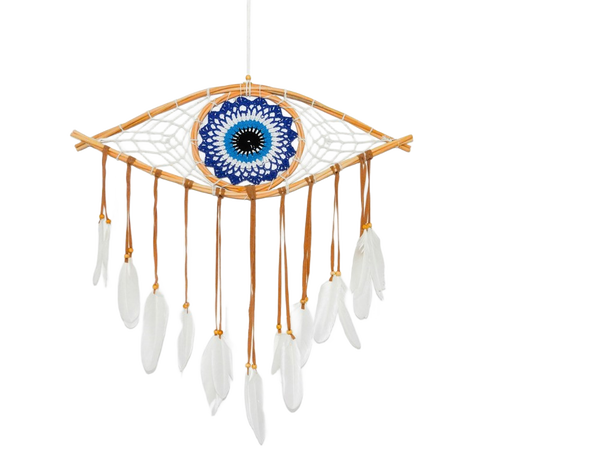
No fringe, no colour shift, gaps intact.
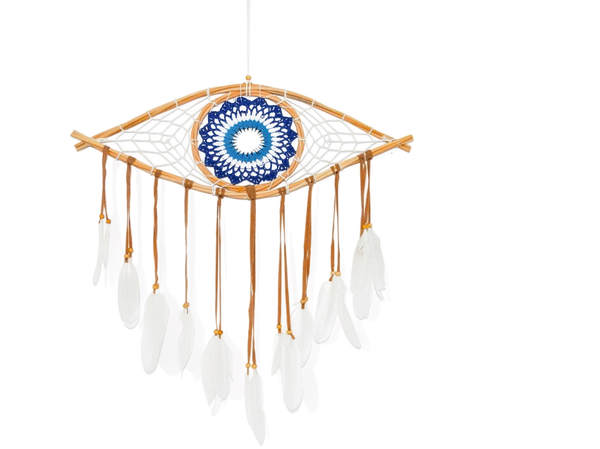
Background tint carried into the subject.
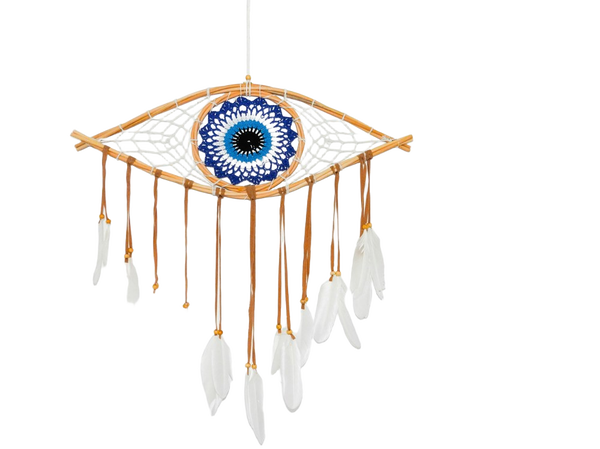
No fringe, no colour shift, gaps intact.
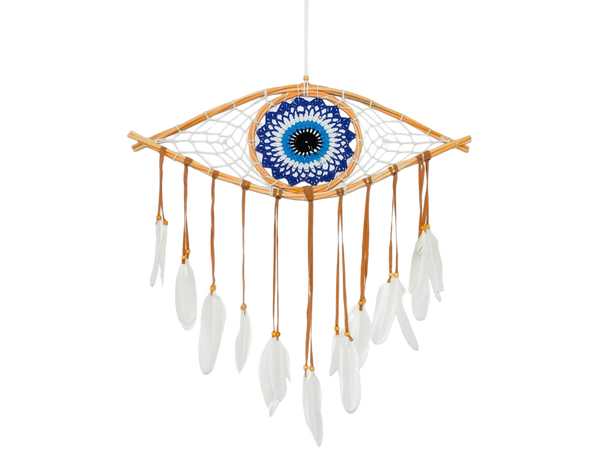
What this one tests: Petals and leaves breaking the silhouette
Industrial parts
Machined metal, flat lighting and lots of small components. Reflection is what breaks these.
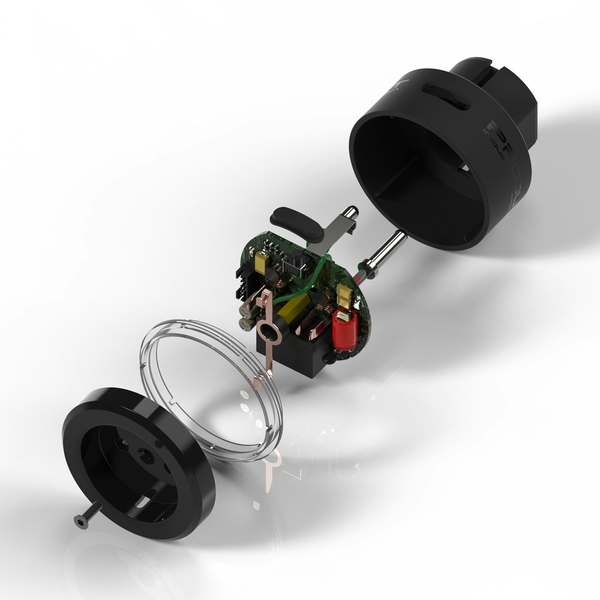
No fringe, no colour shift, gaps intact.
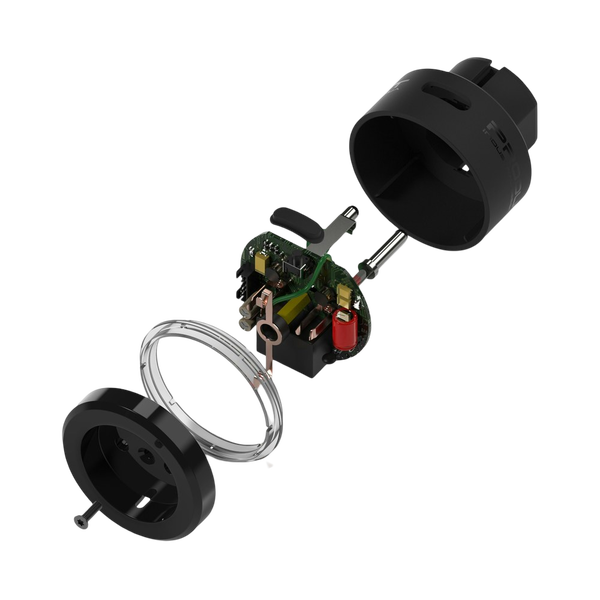
No fringe, no colour shift, gaps intact.
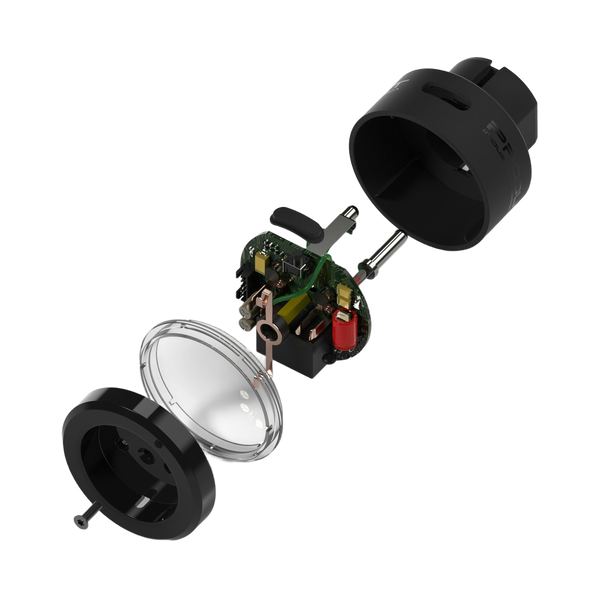
Fine strands simplified into a smooth outline.
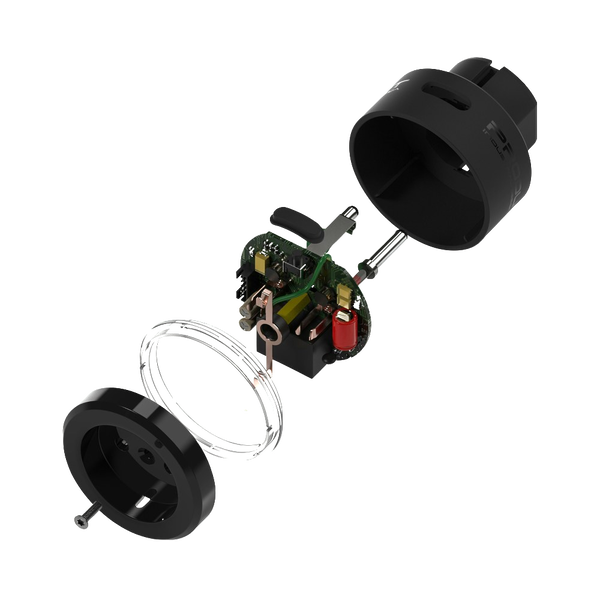
Fine strands simplified into a smooth outline.
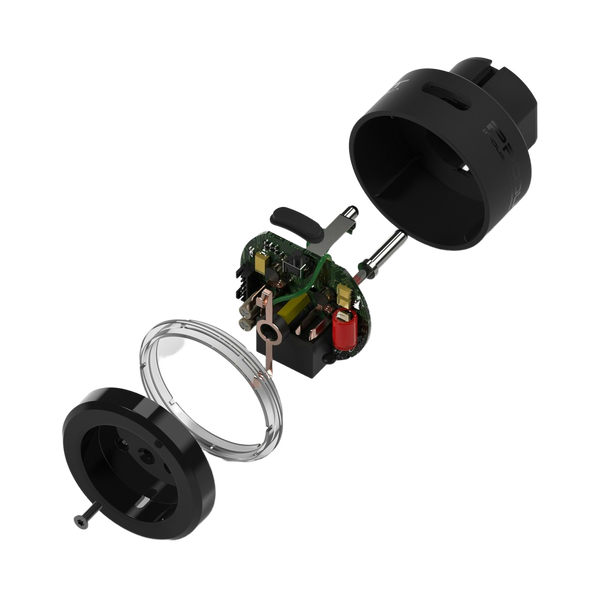
No fringe, no colour shift, gaps intact.
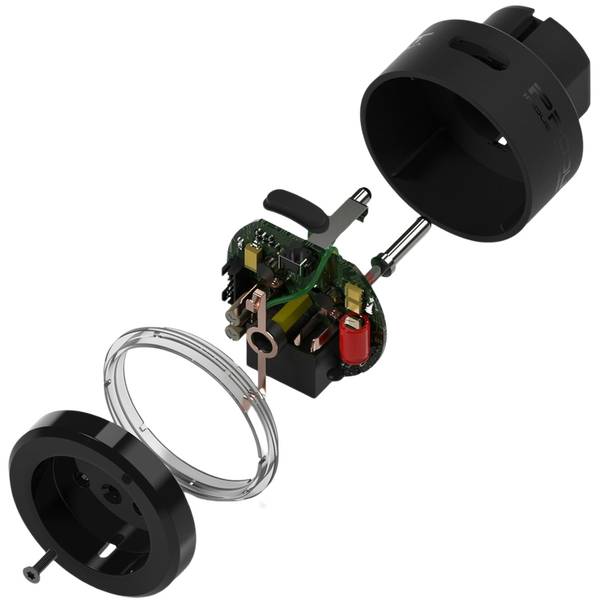
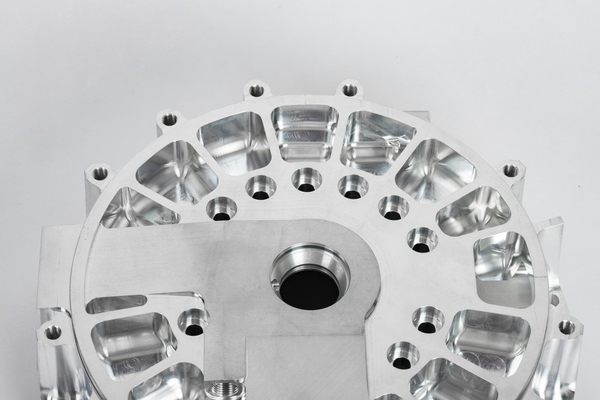
No fringe, no colour shift, gaps intact.
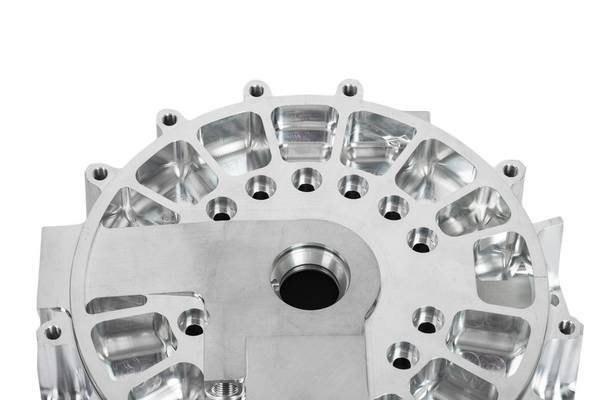
No fringe, no colour shift, gaps intact.
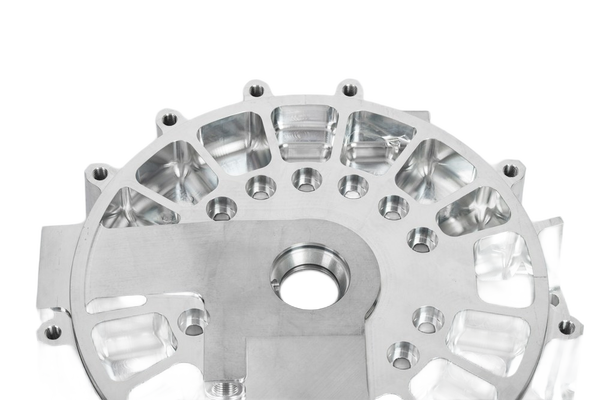
Fine strands simplified into a smooth outline.
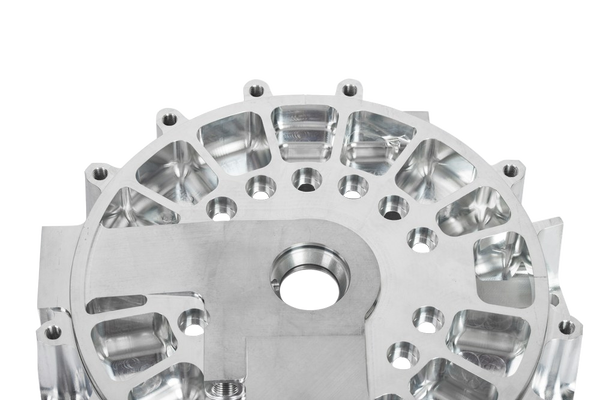
Fine strands simplified into a smooth outline.
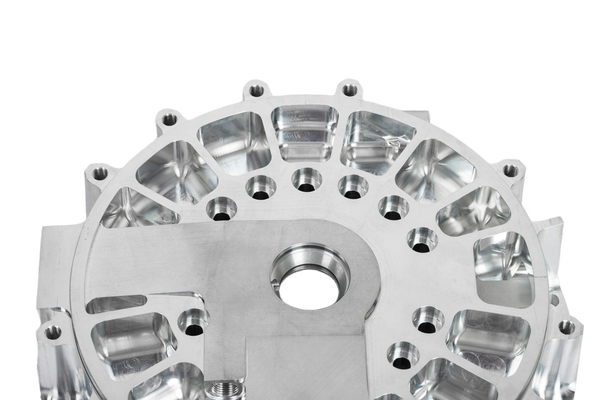
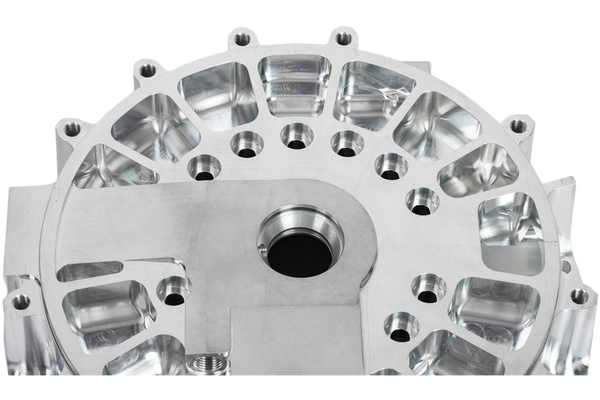
No fringe, no colour shift, gaps intact.
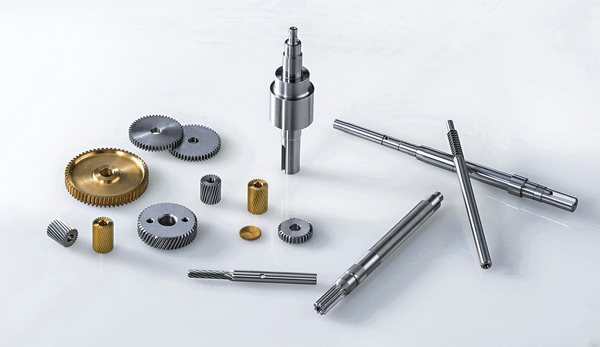
No fringe, no colour shift, gaps intact.
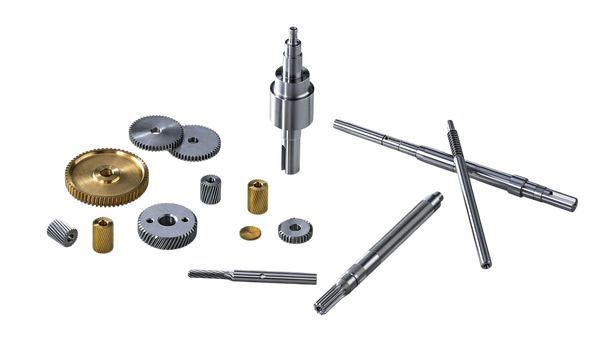
No fringe, no colour shift, gaps intact.
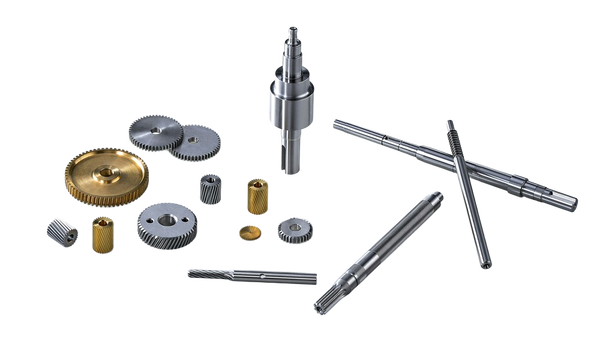
Fine strands simplified into a smooth outline.
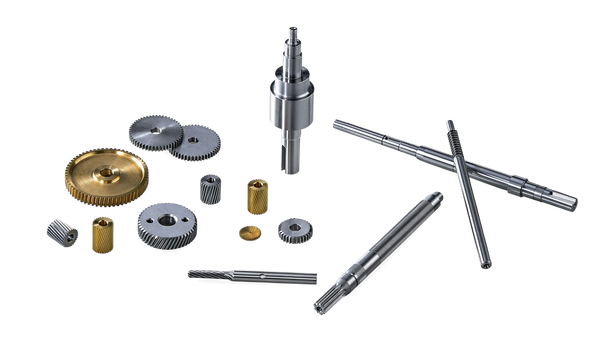
Fine strands simplified into a smooth outline.
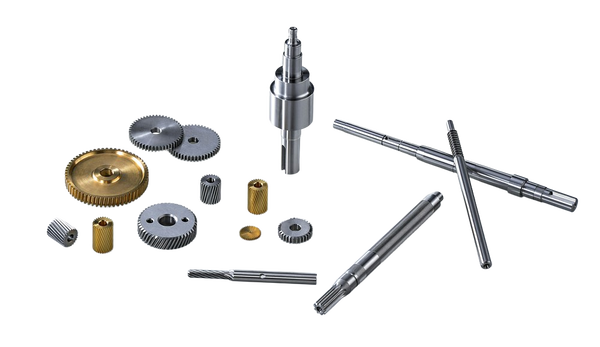
No fringe, no colour shift, gaps intact.
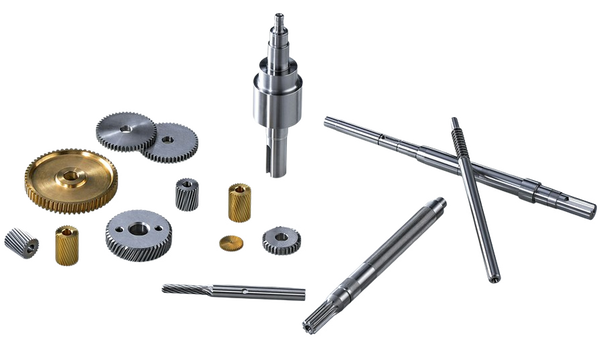
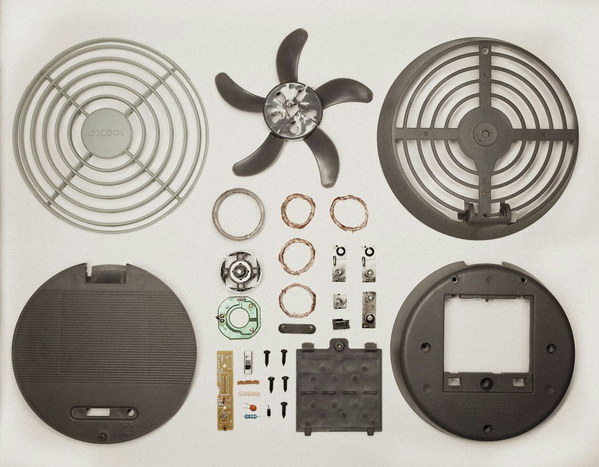
No fringe, no colour shift, gaps intact.
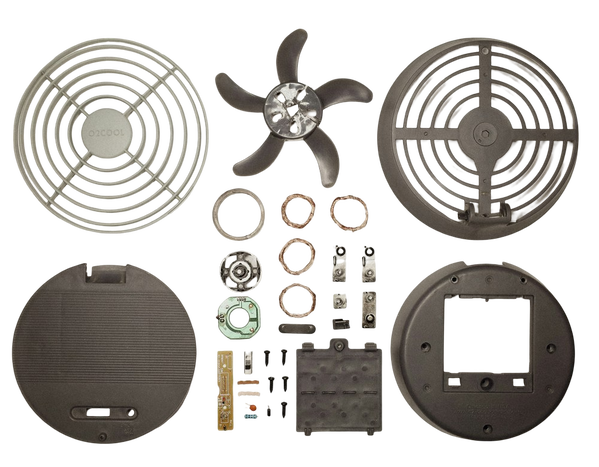
No fringe, no colour shift, gaps intact.
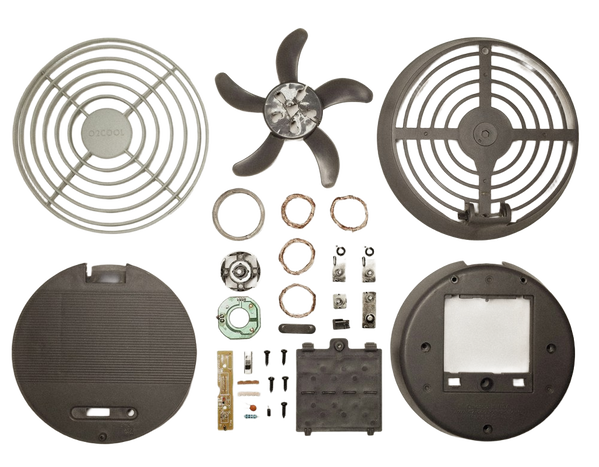
Fine strands simplified into a smooth outline.
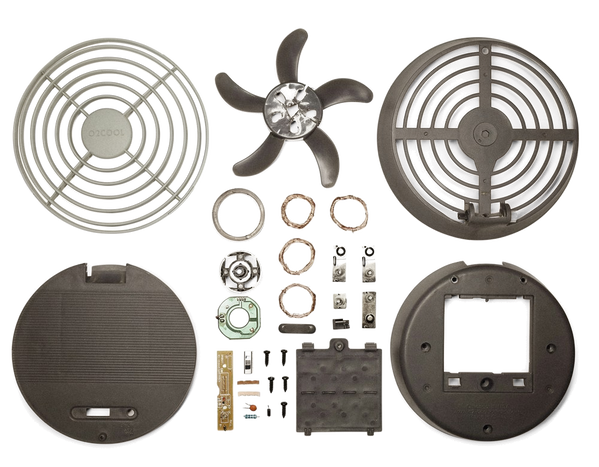
Fine strands simplified into a smooth outline.
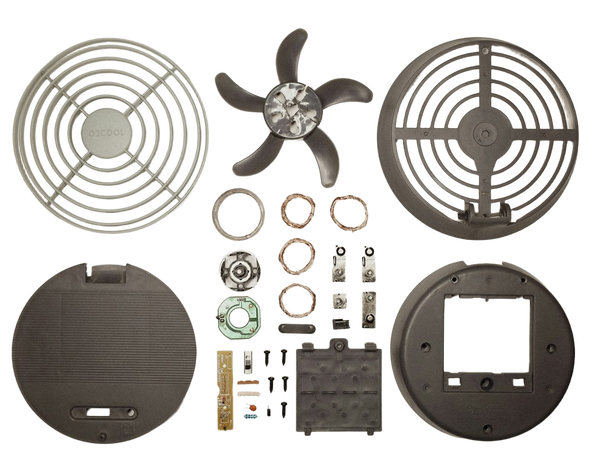
No fringe, no colour shift, gaps intact.
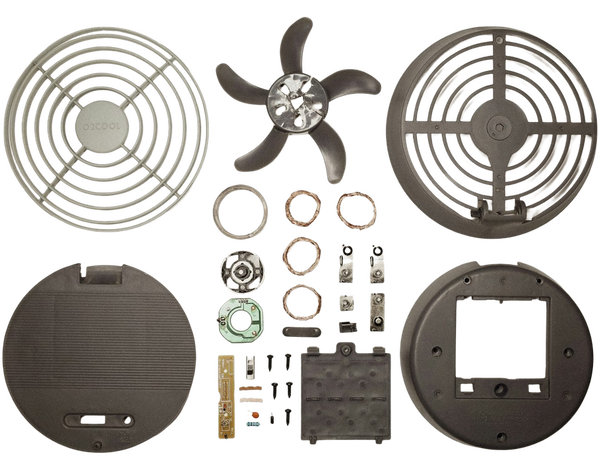
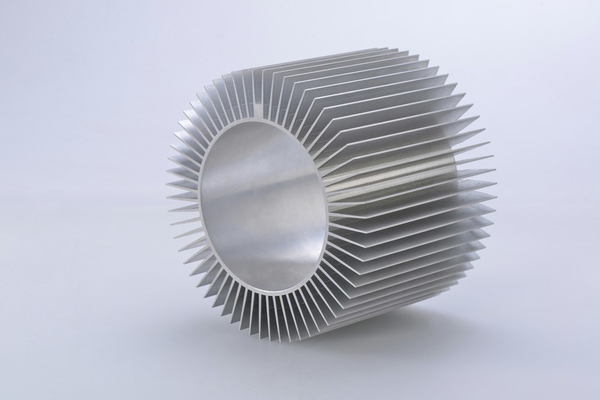
No fringe, no colour shift, gaps intact.
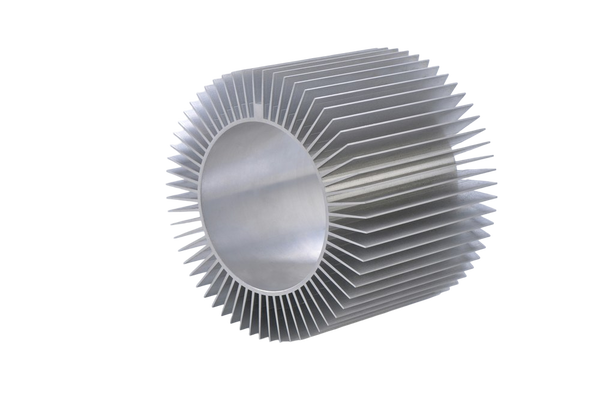
No fringe, no colour shift, gaps intact.
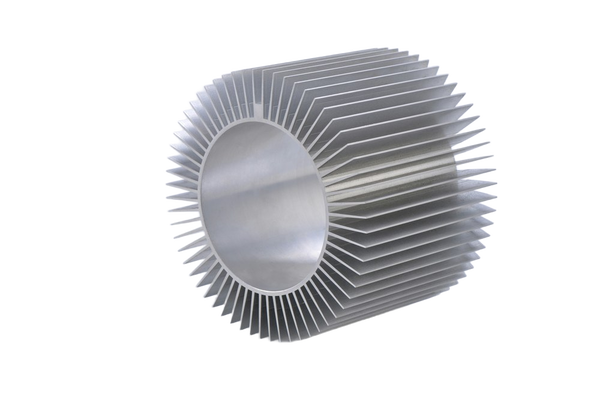
Fine strands simplified into a smooth outline.
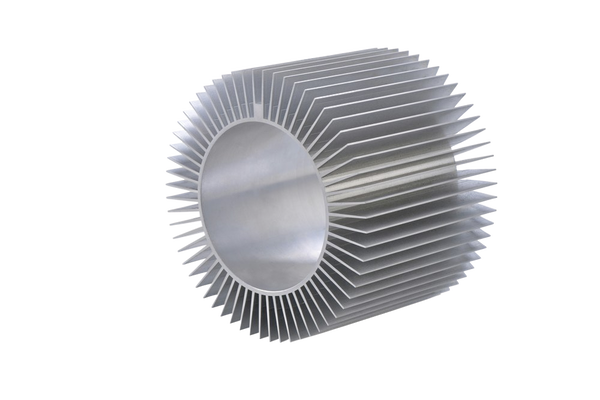
Fine strands simplified into a smooth outline.
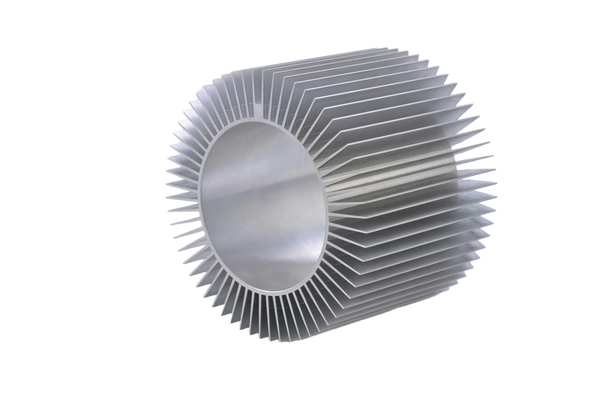
No fringe, no colour shift, gaps intact.
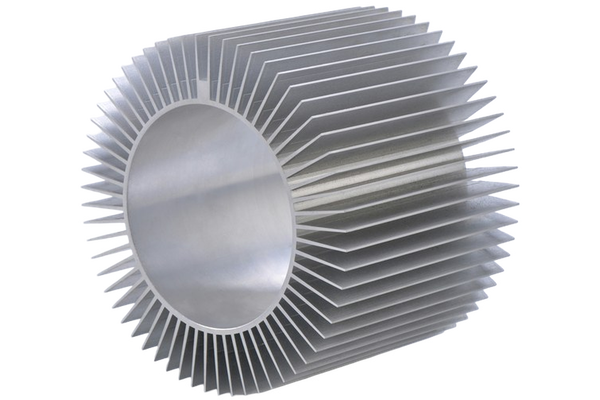
What this one tests: Separated parts floating with gaps between them
Vehicles
Large, glossy, and full of reflection. A car edge looks simple until the tool reaches the windows.

No fringe, no colour shift, gaps intact.

Fine strands simplified into a smooth outline.

Fine strands simplified into a smooth outline.

No fringe, no colour shift, gaps intact.

No fringe, no colour shift, gaps intact.


No fringe, no colour shift, gaps intact.
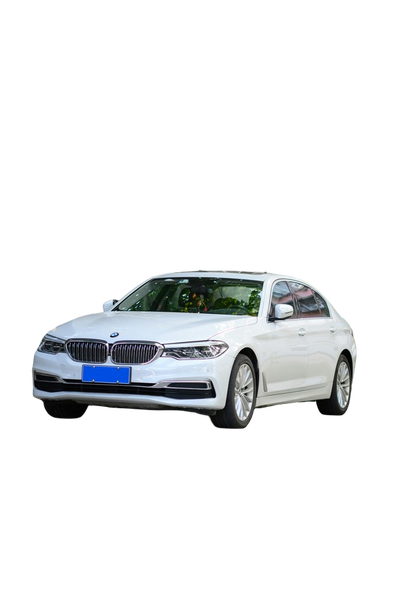
Fine strands simplified into a smooth outline.
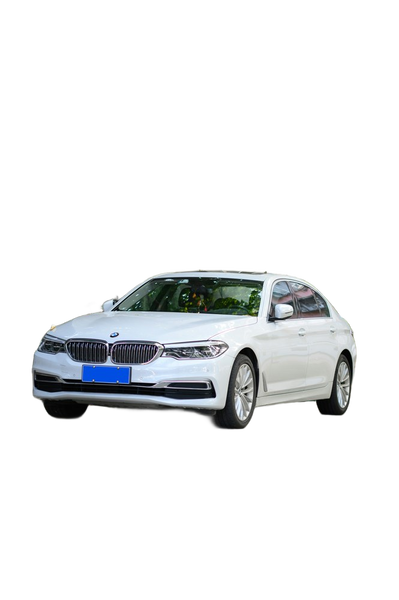
Fine strands simplified into a smooth outline.

No fringe, no colour shift, gaps intact.

No fringe, no colour shift, gaps intact.

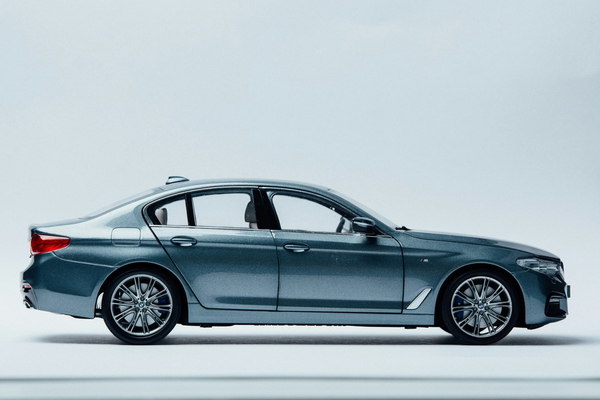
No fringe, no colour shift, gaps intact.
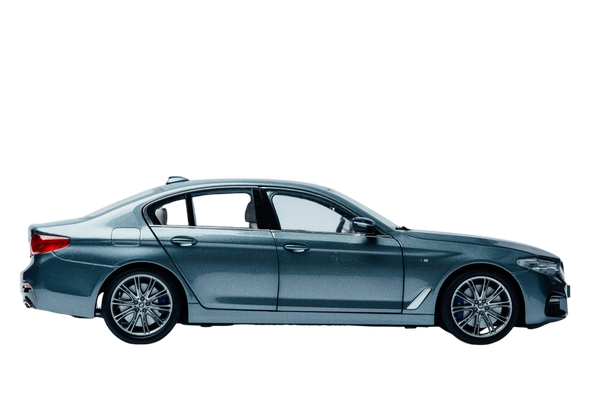
Fine strands simplified into a smooth outline.
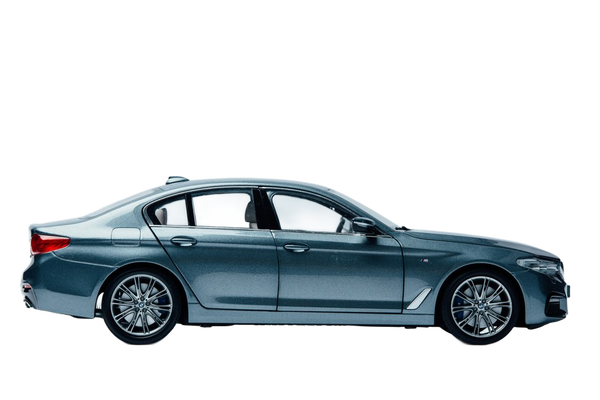
Fine strands simplified into a smooth outline.
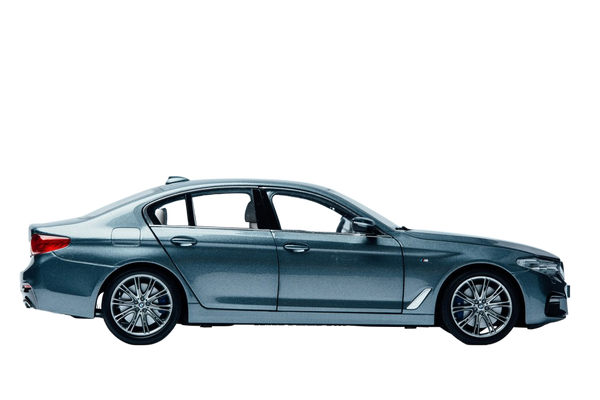
No fringe, no colour shift, gaps intact.
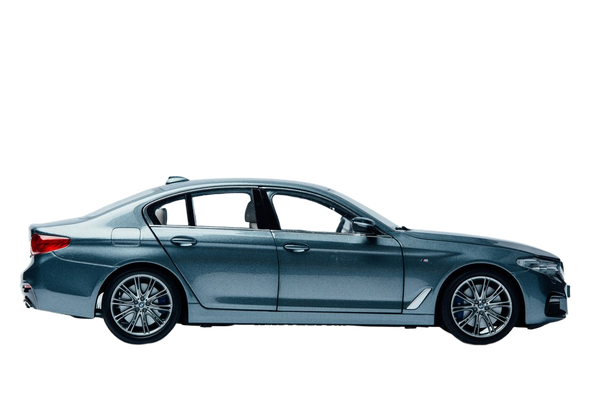
No fringe, no colour shift, gaps intact.
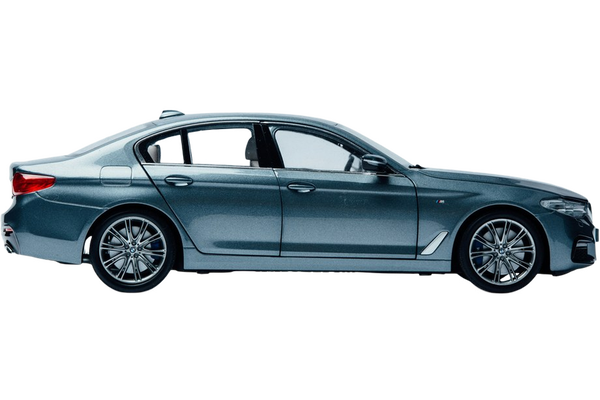

No fringe, no colour shift, gaps intact.
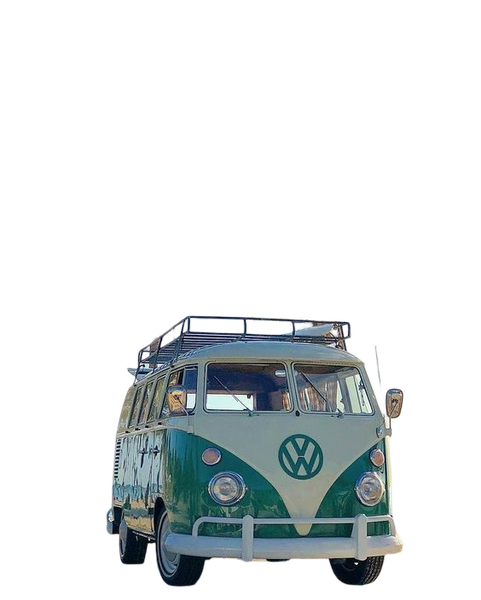
Fine strands simplified into a smooth outline.
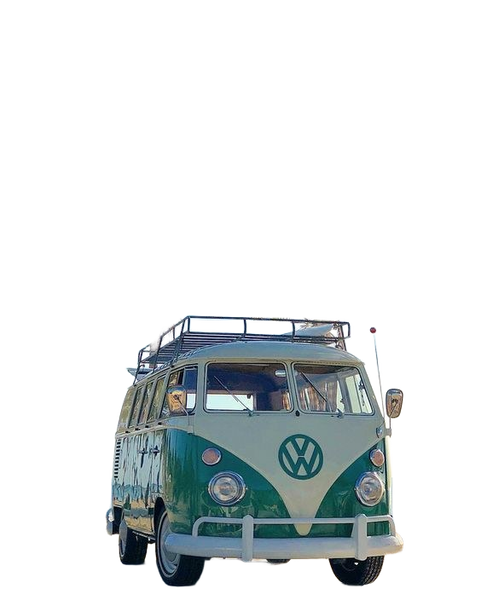
Fine strands simplified into a smooth outline.
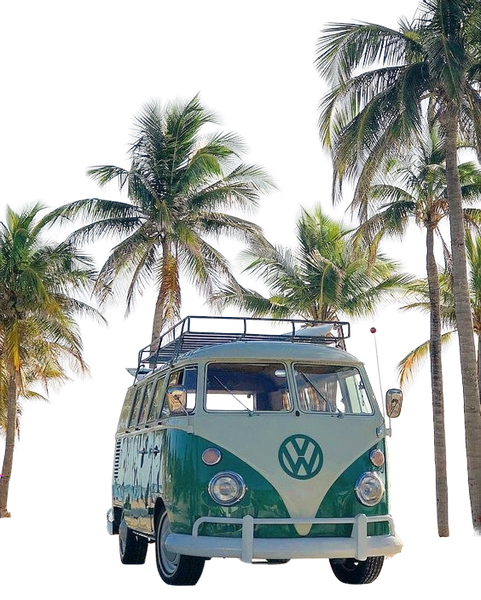
No fringe, no colour shift, gaps intact.
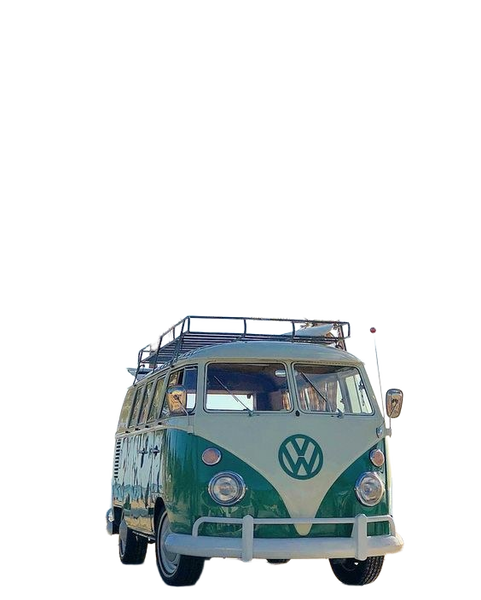
No fringe, no colour shift, gaps intact.
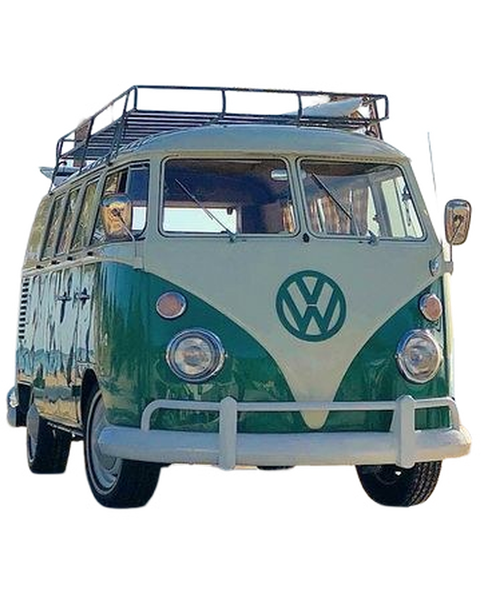
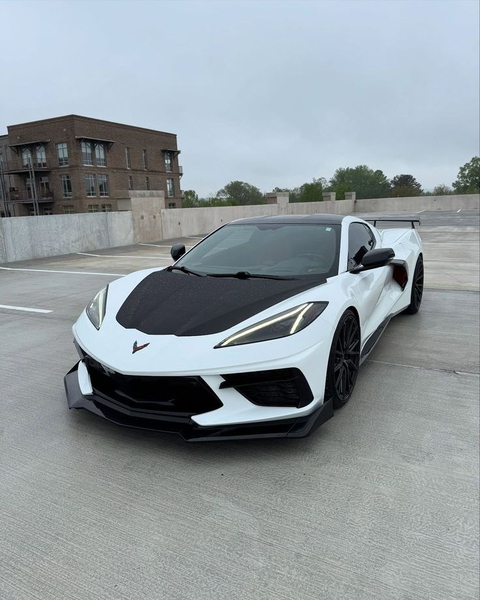
No fringe, no colour shift, gaps intact.
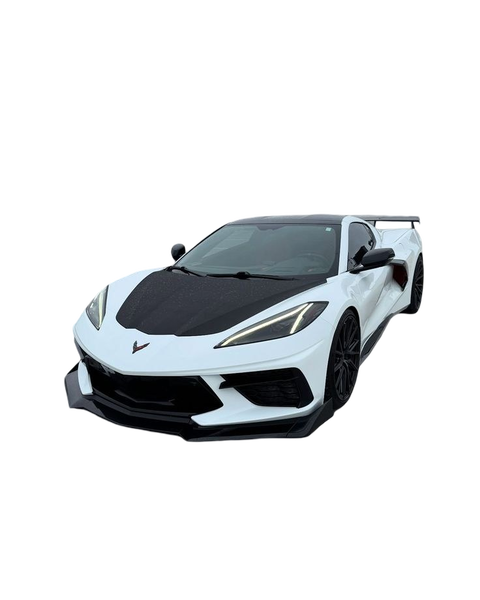
Fine strands simplified into a smooth outline.
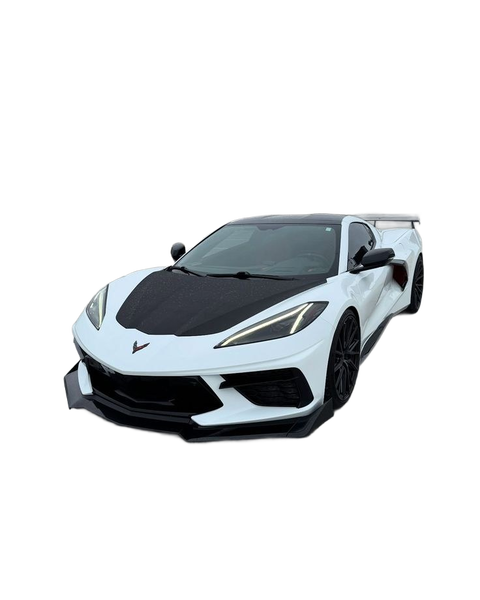
Fine strands simplified into a smooth outline.
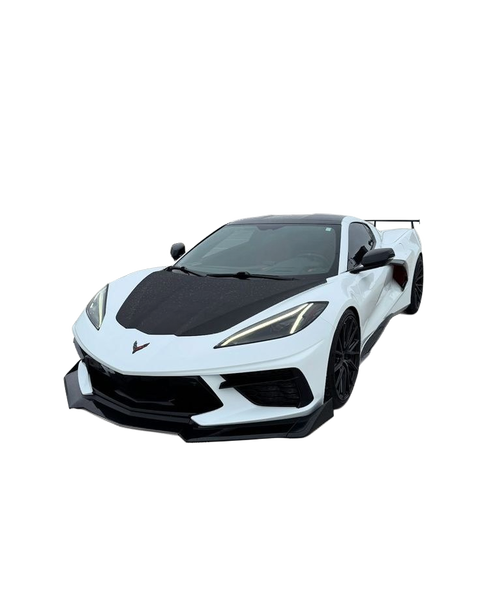
No fringe, no colour shift, gaps intact.
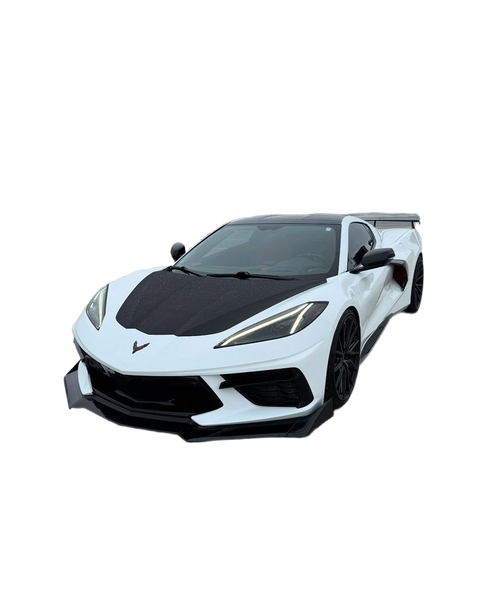
No fringe, no colour shift, gaps intact.
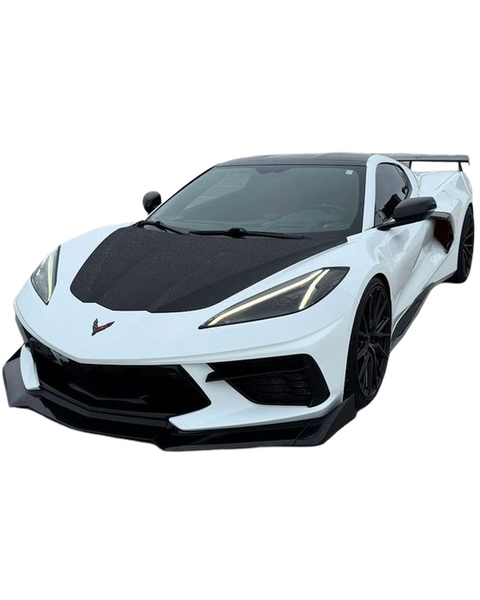
What this one tests: Reflective paint and tinted glass
That is the whole test set. If you would rather see finished work than test frames, you can see more before-and-after examples from the same tools.
What we found
| Category | GoStudio.ai (Free) | Erase.bg | Remove.bg | Photoroom | iLoveIMG |
|---|---|---|---|---|---|
| People | Clean | Lost detail | Clean | Lost detail | Halo |
| Pets and fur | Halo | Clean | Clean | Clean | Clean |
| Apparel and fabric | Clean | Clean | Clean | Clean | Clean |
| Jewelry | Clean | Clean | Clean | Filled hole | Clean |
| Cosmetics | Clean | Color bleed | Halo | Clean | Clean |
| Food | Clean | Lost detail | Clean | Lost detail | Clean |
| Furniture | Clean | Halo | Clean | Halo | Clean |
| Home decoration | Clean | Color bleed | Clean | Color bleed | Clean |
| Industrial parts | Clean | Clean | Lost detail | Lost detail | Clean |
| Vehicles | Clean | Lost detail | Lost detail | Clean | Clean |
The table is the result. What it does not say on its own:
- Erase.bg fails hardest — and on subjects rather than edges. Two of the five women came back half-transparent on People #03, and on Food #01 both hands were gone, leaving the cones floating.
- Photoroom and Remove.bg lose transparent parts — the clear ring vanished from Photoroom’s result on Industrial #01 and left barely a trace in Remove.bg’s; on Vehicle #02 Remove.bg punched straight through the windscreen.
- Remove.bg is otherwise the closest to GoStudio — but it leaves background behind: on Cosmetics #01 it returned the coconut and the blurred sphere that were sitting behind the bottle.
- GoStudio lost Pets — it leaves the contact shadow attached to the cut-out, and Photoroom is the one engine here that lifts that shadow without simplifying the fur. On Apparel #01 it also dropped the chrome rail the garments hang from, which the other four kept.
- iLoveIMG matches GoStudio on the cut — then rescales: every result comes back larger and more tightly cropped than the file that went in.
No engine failed outright: all five returned an image for all fifty photos, so nothing above is a timeout or a bad run. Read the table as a shortlist rather than a ranking — the failures are specific and repeatable, so pick by the kind of photo you actually shoot.
Check it yourself
A benchmark you cannot re-run is an opinion. The test images are ordinary photographs, every tool on this page is publicly available, and the only photos that matter are the ones you take — so put your own hardest frame through all five and see which edge you would ship.
Frequently Asked Questions
Is this benchmark biased? GoStudio published it.
We published it, we chose the photos and we scored them, so read it the way you would read any vendor benchmark: check the images, not the conclusions. The page is built for that. Every cut-out is shown at full size on a checkerboard, the method and the run date are stated, and our own losses are left in the table — GoStudio does not lead the Pets row, where it leaves the contact shadow attached to the cut-out and Photoroom does not, and iLoveIMG scores level with us across the set. If a claim here is not visible in an image above, it should not persuade you.
Which images were used?
Fifty ordinary photographs, five in each of ten categories: people and hair, pets and fur, apparel and fabric, jewelry, cosmetics, food, furniture, home decoration, industrial parts and vehicles. Each one was picked to stress the four places background removal breaks — loose hair and fur, transparency, enclosed holes, and low contrast between the subject and what is behind it. Easy frames are excluded on purpose: every tool passes those, so they tell you nothing about which to pick. The same file went to all five engines, unedited and unresized.
Why not just use accuracy scores?
A single accuracy number hides where a tool fails, and background removal fails in specific, visible ways. A tool that scores well on average can still be the wrong choice if it consistently loses hair detail and you photograph people. Side-by-side images let you weight the failure that matters to your work.
Do these results change over time?
Yes, and this one has a date on it for that reason. Every cut-out here was produced in a single pass on 25 August 2026. All five engines ship model updates, so a result you get today may come from a newer version than the one tested, and a tool that lost a category here may already have fixed it. Treat the table as a snapshot of that date rather than a standing ranking — and if it matters to your work, re-run your own photo rather than trusting a page that is months old. The "Last verified" date at the top moves whenever the matrix is re-run or a competitor claim is re-checked.
What does GoStudio charge for background removal?
Cutting the background out is free. You get a full-resolution PNG — the image format that can hold a see-through background — with no watermark. You need an account, but not a card. Putting your subject on a solid color costs 2 credits, and generating a whole new background from a text prompt costs 8.
Can I remove a background in full resolution for free?
On GoStudio, yes. The free cutout gives you the full-resolution PNG with no watermark. This is worth checking before you pick a tool — several free background removers give you a smaller preview and charge for the full-size file. Remove.bg, for example, charges one credit to download at high resolution, and gives you one free credit when you sign up.
Can I use this to edit photos of someone without their permission?
No. GoStudio is for photos you have the right to use. Our terms do not allow nude, sexual, or deepfake edits, or editing someone’s photo to mislead people about them. Accounts that break those rules are removed when we find them or when they are reported to us.