Product Updates

Every new AI tool, feature, and improvement shipping on GoStudio.ai — newest first. Page 1 of 9.

v4.5.0

New Feature — Eleven New Photo Tools, and We’re Hiring

New FeatureAI Tools

New Feature — Eleven New Photo Tools, and We’re Hiring

Eleven new photo tools are live, from a Hair Color Changer to a Realism Enhancer that makes AI photos look real. The AI Background Remover and Upscale do more on one page, and many tool pages now have a short video that shows how they work. We also opened a Careers page with two paid internships in Bengaluru.

What’s New

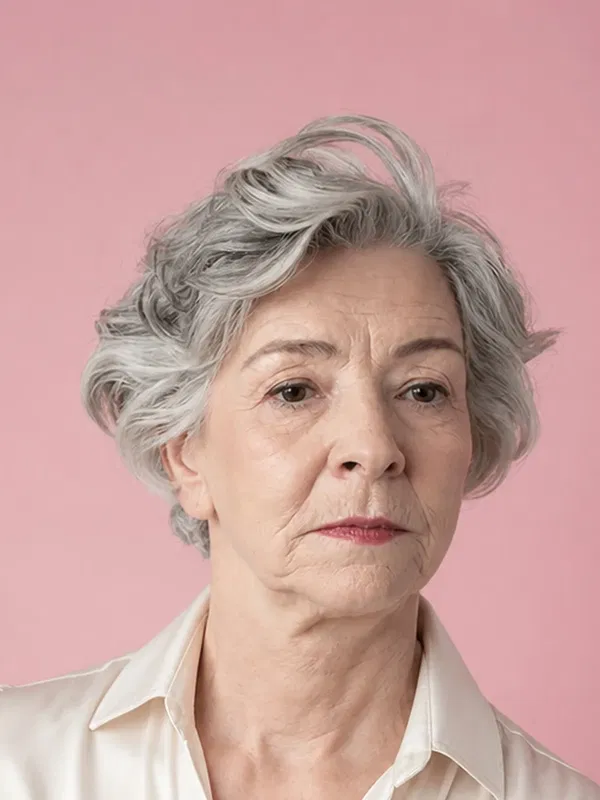
  • Eleven new photo tools — AI Image Replacer, AI Pose Changer, Beard Filter, Blemish Remover, Change Color of Object, Color Correction, Eye Color Changer, Hair Color Changer, Lens Distortion Correction, Motion Blur Effect and Realism Enhancer each have their own page.
  • Upload first on your phone — on the new tools and pages like Free Halloween Photos and the AI Baby Generator, the upload box is the first thing you see.
  • AI Background Remover, all in one place — choose Transparent for a clean PNG, Color to put your subject on a solid color, or AI Background to describe a new scene. Results come back at your photo’s full size, with no watermark.
  • Upscale up to 10x — pick a scale up to 10x, or a target size from 720p to 2160p (4K). If your photo is smaller than 512 pixels, the upload box tells you before you spend credits. Our new upscale benchmark on the blog shows how it compares, image by image.
  • Watch how it works — the AI Background Remover and its color and background pages now have a short YouTube walkthrough, and so do Age Modify, Watermark Remover, Photo Restoration, Image Deblur, Free Halloween Photos, Free Birthday Photoshoot and Free Hijab Headshot. The video plays right on the page.
  • We’re hiring — the new Careers page lists two paid internships at our Indiranagar, Bengaluru office: Digital Marketing Intern and Product Engineering Intern. Apply right on the page.
  • A fresh About Us and reviews — About Us now opens with a photo of our founder and the story of how GoStudio started, and the reviews section shows 46K+ users, 90K+ photos made, 180+ countries and 38+ AI tools, as of October 2026.
  • Ask AI and Copy page — the footer suggests questions about the page you are on to ask ChatGPT, Gemini or Perplexity, and six tool pages have a Copy page button.
  • Enhance tools at medium quality — Sharpener, Noise Remover, Creative Upscale, Image Deblur, Colorize Photo, Photo Restoration, Red Eye Remover and Blur Background now run at medium quality, which costs 8 credits a photo.
  • Smaller fixes — pricing cards on tool pages now list three clear points, the Halloween page has clearer steps and pricing, the Upscale scale menu opens upward so it stays on screen, and a new watermark remover benchmark is on the blog.

Every new tool works with the credits you already have. Old links to retired pages still take you to the right place.

Try the Hair Color Changer

New Feature — GoStudio.ai Recreate for Chrome: Put Yourself in Any Photo You See Online

Seen a photo online you wish you were in? With the new GoStudio.ai Recreate extension for Chrome, hover over any image on any website, click Recreate, and get yourself in that exact look in seconds. It works for one person, couples, families, whole teams, pets and products, and you never have to write a prompt.

GoStudio.ai Recreate turns photos found online into a YouTube thumbnail, couple photo, team headshot, family photo, wedding portrait and product photo starring you

What’s New

  • Works on any website — hover over an image on Pinterest, Instagram, a shop or anywhere else and a Recreate button appears.
  • Three clicks — add your photo, pick the look you love, and click Recreate photo.
  • No prompt needed — the photo you picked is the prompt. You can still add a note if you want to change something.
  • Couples and families — add a photo of each person and get everyone together in one picture, even if you were never in the same photo.
  • Your whole team — switch to Group, add each person once, and get a team headshot in the style of any group photo you find.
  • Pets too — add your dog or cat to the scene with you.
  • Any product in your hands — shopping or selling, recreate yourself holding a product for ads, Amazon listings or Instagram.
  • More accurate with a profile — choose one of your GoStudio profiles for results that look even more like you.
  • Keep going from a result — download it, rate it, or use it as your next input photo or reference.
  • Saved to your gallery — everything you make is in your GoStudio gallery, and the extension shows your credit balance as you go.

GoStudio.ai Recreate v2.0.3 is live on the Chrome Web Store. The extension uses your GoStudio account and credits. Connect your account once in the extension settings and you are ready to go.

Add GoStudio.ai Recreate to Chrome
v4.4.3

Improvement — AI Tools in the Side Panel and Fresh Prompt Ideas

ImprovementAI Tools

Improvement — AI Tools in the Side Panel and Fresh Prompt Ideas

Your AI tools are now one click away in the side panel, and AI Image gives you different prompt ideas depending on whether you are creating a new picture or editing one you already have.

  • AI Tools, one click away

    Every AI tool now opens from the side panel.

  • Ideas for creating

    Prompt suggestions for making a brand-new image.

  • Ideas for editing

    Different suggestions for changing a photo you already have.

What’s New

  • AI Tools in the side panel — open any AI tool straight from the side panel, wherever you are in the app.
  • Prompt ideas that fit what you are doing — in AI Image, Create and Edit now each suggest their own prompts, so you get ideas for making something new and for changing an existing photo.
  • About Us photos fixed — the pictures on the About Us page now load and display properly.
Try the new prompt ideas in AI Image
v4.4.1

Update — Search From the Side Panel, and One Place for Every Tool

UpdatePlatform

Update — Search From the Side Panel, and One Place for Every Tool

You can now search for any app right from the side panel. We also retired the older classic tools so there is just one place for each job, and every old link still takes you to the right spot.

  • Search

    Find any app from the side panel in a tap.

  • Fewer duplicates

    AI Tools opens Tools, and AI Editor opens AI Image.

  • Meet the team

    Social links and hover photos on the About Us page.

What’s New

  • Search in the side panel — tap Search in the side panel to find any app quickly.
  • One home for tools — the old AI Tools page now opens Tools, so you no longer have two lists to choose from.
  • AI Editor is now AI Image — links to the old AI Editor take you straight to AI Image, where creating and editing live together.
  • Playground removed — the Playground links are gone. Everything it did is in AI Image and Tools.
  • Old links still work — bookmarks to retired pages now send you to the page that replaced them.
  • A friendlier About Us page — find our team on social media, and hover over each person to see a photo of what drives them.
  • Credits and feedback — your credit balance and the feedback form now run on our updated system. Nothing changes for you.
Open the app and try Search
v4.4.0

Update — Nano Banana 2.1 Everywhere, and Clearer Privacy

UpdateTrust & Safety

Update — Nano Banana 2.1 Everywhere, and Clearer Privacy

Every place in GoStudio that used Nano Banana 2 now uses the newer Nano Banana 2.1. We also updated our privacy pages, and made sure that when you delete your data, it disappears from your account.

  • Nano Banana 2.1

    The newer model, in every tool that used Nano Banana 2.

  • Your data, your call

    Delete your data and it no longer shows in your account.

  • Clearer privacy

    Updated privacy pages that match how GoStudio works.

What’s New

  • Nano Banana 2.1 — the model is upgraded to Nano Banana 2.1 in every tool that used Nano Banana 2. You do not need to change any settings.
  • Updated privacy pages — our privacy pages were updated to match how GoStudio works today.
  • Deleted means gone from view — when you delete your data, it no longer shows up anywhere in your account.
  • Photos removed on request — when you ask us to remove your photos, we take them out of storage so they no longer appear for you.
  • App or website — we now note whether you are using the installed GoStudio app or the website, so we can improve each one.
  • Meet our mentors — the About Us page now has a card for the mentors who guide GoStudio.
Read our privacy policy
v4.3.0

Update — Six Photo Tools, Easier to Find and Easier to Understand

UpdateAI Tools

Update — Six Photo Tools, Easier to Find and Easier to Understand

We rebuilt the pages for six photo tools around the words people actually search for, so they are easier to find and quicker to understand. Each page now shows more examples and answers more of your questions before you upload a photo.

What’s New

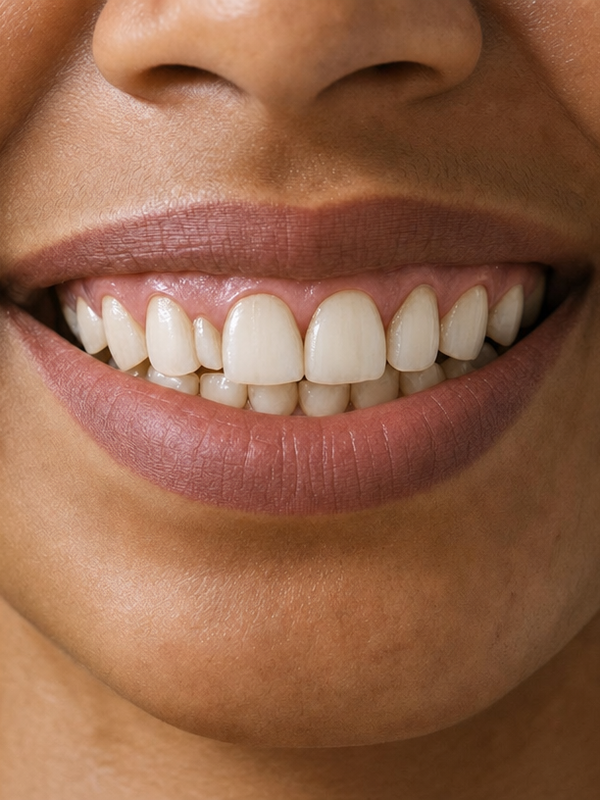
  • Whiten Teeth in Photo — new feature list, 8 real ways people use it, and 21 answers to common questions.
  • AI Baby Generator — a new newborn photo up top, and an answer to “What will my son look like?”.
  • Remove Glasses from Photo — new before and after examples for jewelry, sunglasses and caps, not just glasses.
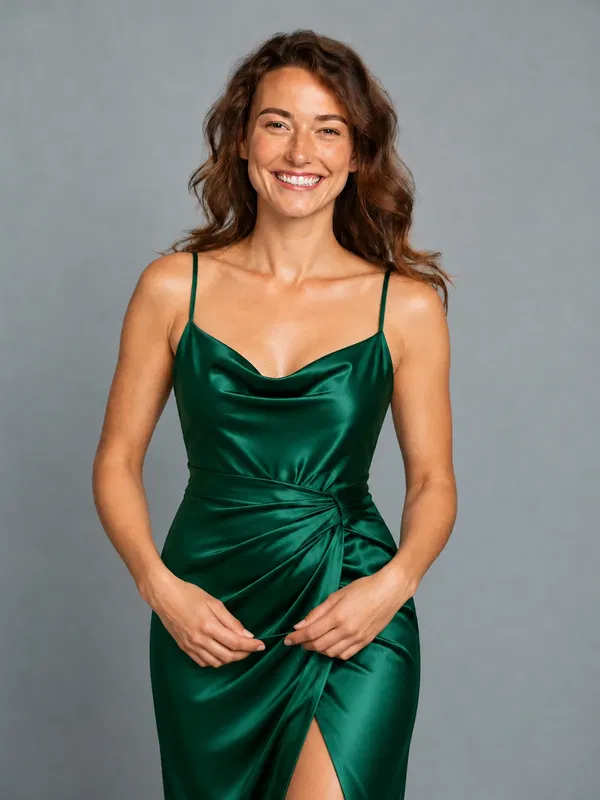
  • AI Clothes Changer — new examples for shops that want to show their clothes on a model without a photoshoot.
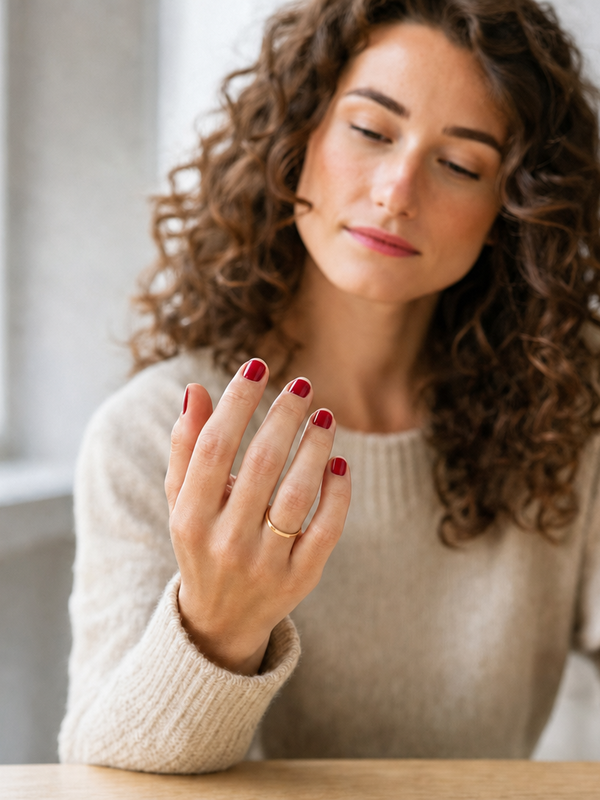
  • Nail Color Changer — help with “What color should I paint my nails?”, and new examples on deeper skin tones.
  • Remove People from Photos — the page now shows the correct price, $7.90, and our privacy wording now says only what we can promise.
Try Whiten Teeth in Photo

Showing updates 1–6 of 53